If your paper shredder suddenly stops mid-job, emits a burning smell, or slows to a crawl, you are likely hitting its thermal limit, not experiencing a mechanical failure. How long you can run a paper shredder depends on motor power, usage habits, and maintenance. Most standard office shredders can run continuously for about 15 minutes before overheating, while low-volume personal models may overheat in as little as 3.5 minutes. In this guide, you will learn exactly how long different shredders can run, how to prevent overheating, and how to extend your machine’s safe operating window.
Know Your Shredder’s Run Time Limit
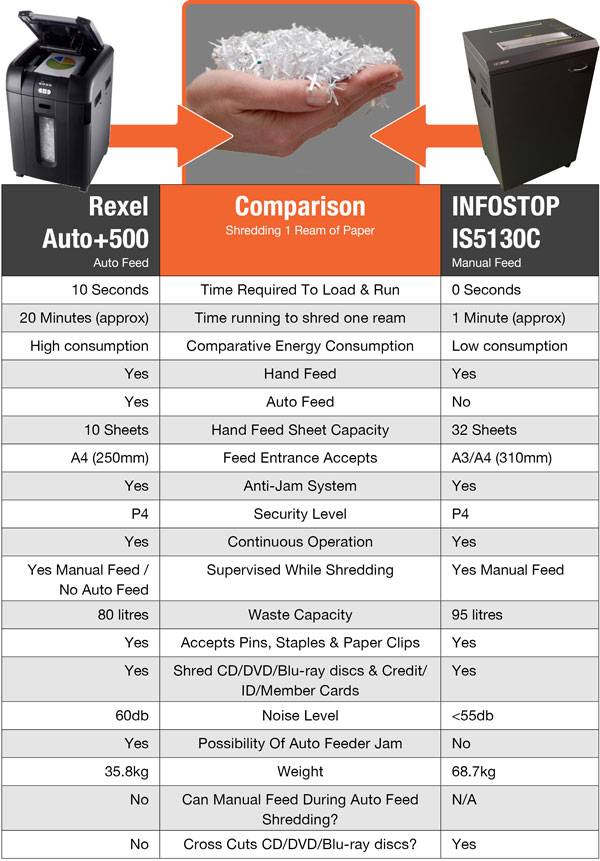
Run time varies significantly between shredder types. Personal or budget models max out at 3.5 to 7 minutes of continuous operation, while mid-range office shredders typically handle 10 to 20 minutes. Heavy-duty commercial units can run longer but still require breaks. The key is understanding your specific model is limitations and respecting them to avoid permanent motor damage.
Low-Volume Shredders Overheat Fast
Personal shredders built for occasional use overheat rapidly. These units often lack robust cooling systems and high-torque motors. One user reported a burning smell after shredding just three small stacks in succession. Another noted visible heat buildup after only five minutes. If your shredder costs under $100 or is labeled for home use, assume a short duty cycle of no more than 5 minutes of continuous shredding.
Mid-Range Office Models Last 10–20 Minutes
Standard office shredders handle moderate workloads. Most can run 10 to 20 minutes non-stop before heat becomes an issue. A 10-minute session with mixed media like documents and credit cards is often safe if the bin is not full and blades are clean. The 15-minute mark is widely accepted as the upper safe limit for continuous operation in mid-tier models. Beyond this, thermal stress increases sharply.
Heavy-Duty Units Can Run Hours—But With Caveats
Industrial or high-end commercial shredders are built for endurance. Some reports suggest 3 to 4 hours of continuous operation, though this likely reflects intermittent use or machines with advanced cooling systems. True non-stop shredding for hours is rare. Even heavy-duty models benefit from periodic breaks. Do not assume commercial-grade means run forever. Always check the manufacturer is duty cycle specifications.
Spot Overheating Before Damage Occurs
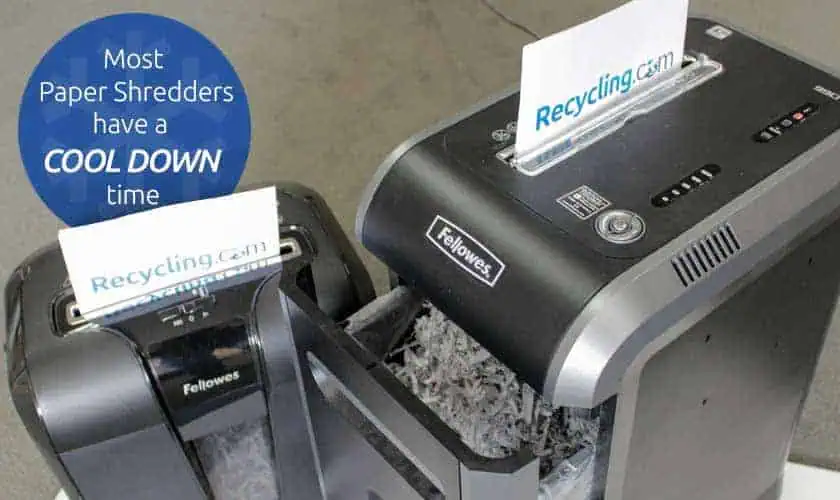
Recognizing overheating early prevents permanent motor damage. Watch for these three critical warning signs.
Burning Smell? Stop Immediately
A burning odor is your shredder is distress signal. It means the motor, wiring, or friction points have exceeded safe temperatures. This often happens after just two or three back-to-back stacks in low-volume models. If you smell smoke or plastic melting, shut off the machine and unplug it. Let it cool completely for at least 30 minutes before inspecting further. Continuing to run it risks permanent motor burnout.
Slowing Down? Heat Is Building
A sudden drop in shredding speed is a clear warning. If your machine starts chugging or struggles mid-feed, heat is reducing motor efficiency. This is not a paper jam. It is thermal resistance. Stop immediately and let the unit rest. Waiting until the motor stalls means you have already pushed it too far. Listen to the motor pitch. A lower hum means it is working harder and hotter.
Auto-Shutdown: Thermal or Full Bin?
Many shredders shut off automatically. But not all shutdowns are thermal. A full waste bin can block airflow and trigger a stop. Before assuming overheating, check the bin level. If it is full, empty it and see if the machine restarts. If it does not, or if the motor feels hot, overheating is likely the cause. Relying on auto-shutoff repeatedly wears out the thermal switch over time. Better to stop before the limit.
Prevent Overheating: 5 Proven Strategies
These five methodologies will maximize your shredder is lifespan and extend safe operating windows.
Follow the 15/30 Duty Cycle Rule
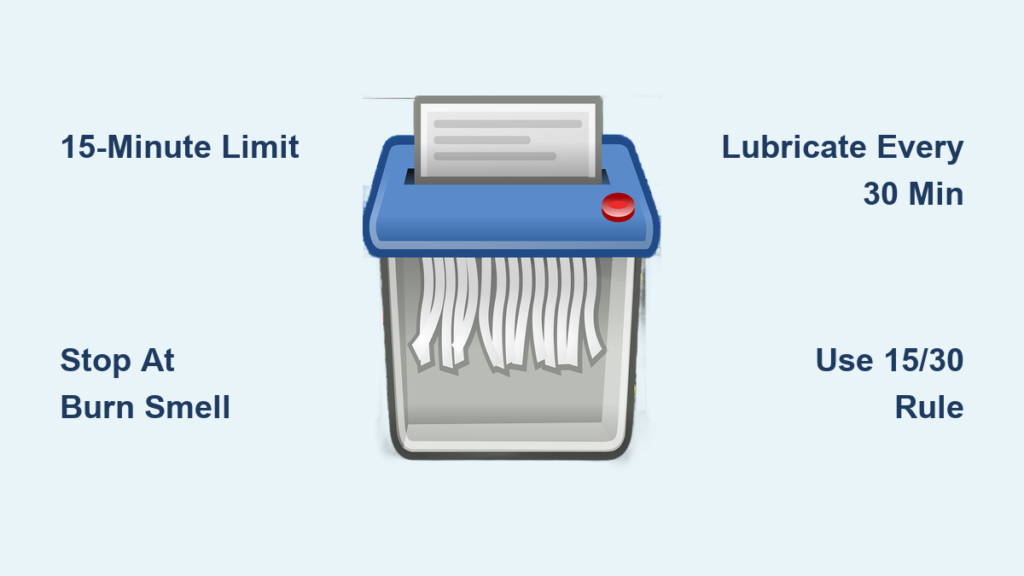
The golden rule: Run 15 minutes, rest 30 minutes. This allows heat to dissipate from the motor and cutting heads. For large jobs, split the work into multiple sessions. Shred for 10 to 12 minutes, then walk away for 30 minutes. Repeat. This keeps the motor within safe operating temperatures and extends the machine is life. Even if your shredder feels fine at 15 minutes, stop anyway. Residual heat builds up over repeated use.
Feed Paper in Small Batches
Instead of cramming in 10 sheets at once, shred 1 to 3 sheets at a time. This reduces torque load and prevents instant heat spikes. One user reported doubling their effective run time just by switching to single-sheet feeding. It is slower, but safer. For mixed loads like staples and cards, go even slower. Let the motor recover between feeds. Think rhythm, not speed.
Lubricate Blades Every 30 Minutes of Use
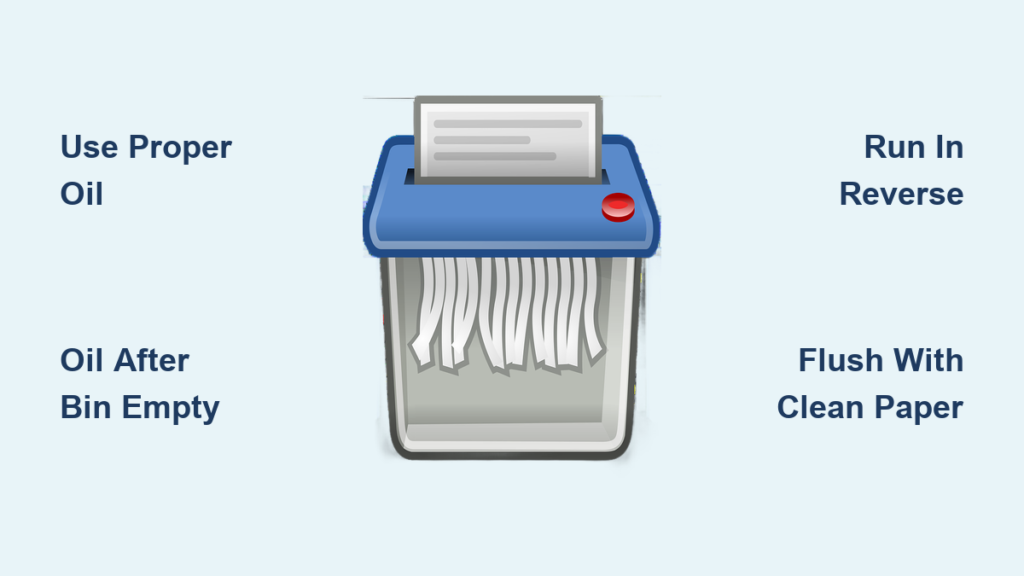
Dry blades create friction, which creates heat. Lubrication is critical for frequent users. Use only shredder-specific oil. Never use WD-40 or household oils. Apply using the indirect method. Drizzle oil on 2 to 3 sheets of paper. Feed them through in forward mode. Run in reverse for 5 seconds to coat all blade surfaces. Lubricate every 30 minutes of cumulative use or after every large job. A well-lubed shredder runs cooler, quieter, and lasts longer.
Clear Jams and Inspect Before Use
Jams are heat accelerators. A paper clip, staple, or folded corner can jam the cutters, forcing the motor to strain against a blockage. This generates intense, localized heat in seconds. Always remove staples and paper clips before shredding. Unfold creased paper. Inspect the feed slot for debris. If a jam occurs, unplug the machine and use reverse mode to clear it. Never force paper through.
Keep It in a Ventilated Space
Heat needs to escape. Never store your shredder in a cabinet, under a desk, or near a heater. These spots trap hot air, causing the motor to overheat faster. Place it in an open area with space on all sides. Allow at least 6 inches of clearance around the unit for airflow. If the room is hot, the shredder heats up faster. Consider timing heavy jobs for cooler parts of the day.
Maximize Run Time With Smart Habits

Smart usage habits can effectively double your shredder is operational window without risking damage.
Break Jobs Into Smaller Sessions
Got a year is worth of documents? Do not do it all at once. Split the work over a day or week. Ten minutes in the morning, 10 minutes after lunch, and 10 minutes in the evening keeps the motor cool and prevents cumulative heat buildup. You will finish the job safely and avoid a burnt-out shredder.
Monitor Sheet Count, Not Just Time
Run time correlates directly with how much paper you feed. Low-volume models often max out at 30 to 50 sheets per session, which is just 5 to 6 minutes of operation. Even if the machine seems fine, hitting this volume can trigger heat issues. Check your manual for maximum sheet capacity and never exceed it. When in doubt, shred fewer sheets.
Clean Dust and Paper Buildup Regularly
Paper dust acts like sandpaper on blades, increasing friction and heat. Wipe down the feed slot and vacuum the waste bin area weekly. For deep cleaning, unplug the shredder. Use a soft brush or compressed air to remove dust from cutting heads. Wipe exterior vents with a dry cloth. A clean machine runs cooler and more efficiently.
When to Replace vs. Repair
Knowing when to repair or replace saves money and frustration.
Signs of Permanent Damage
If your shredder smells burnt even after cooling, won’t restart after 1 hour, or shuts off after 1 to 2 sheets, it may have burnt motor windings. This is often irreparable. Small motors in budget shredders are not designed for replacement. In most cases, replacement is cheaper than repair.
When Maintenance Fixes the Problem
If the issue clears after cooling down for 30 or more minutes, lubricating the blades, or emptying a full bin, then the problem was preventable overheating, not failure. Resume use with better habits. A well-maintained shredder can last 5 to 10 years.
Key Takeaways for Extending Shredder Life
How long you can run a paper shredder is not fixed. It is controlled by you. Most models last 10 to 15 minutes continuously, but low-end units fail in under 5 minutes. Prevent overheating by following the 15/30 duty cycle, feeding small batches, and lubricating regularly. Avoid jams, ensure good ventilation, and split large jobs into sessions. By respecting your machine is limits, you will extend its life, avoid burnout, and keep your documents secure without a hitch.
Frequently Asked Questions About Paper Shredder Run Times
How long can a standard office shredder run continuously?
A standard office shredder can typically run continuously for about 15 minutes before overheating. After this point, thermal stress increases significantly, and you should allow a 20 to 30 minute cool-down period.
What happens if I run my shredder past its limit?
Running a shredder past its thermal limit causes the motor to overheat. This results in a burning smell, reduced speed, and potential automatic shutdown. Repeated overheating can permanently damage the motor windings, rendering the shredder unusable.
Can I extend my shredder is run time by taking breaks?
Yes. If you introduce pauses between batches, the total active shredding time before overheating can effectively double to around 30 minutes. The thermal mass of the motor and cutting heads dissipates some heat during brief pauses.
How do I know if my shredder overheated from a full bin or thermal protection?
Check the bin level first. A full bin restricts airflow and can trigger a shutdown. If the bin is not full but the motor feels hot and the machine won’t restart, overheating is the likely cause.
How often should I lubricate my shredder blades?
Lubricate shredder blades every 30 minutes of cumulative use or after every large job. Use only shredder-specific oil. Regular lubrication reduces friction, heat, and extends the machine is lifespan.
Can a shredded be repaired after motor burnout?
Motor burnout from overheating is usually irreparable, especially in budget models where motors are not designed for replacement. In most cases, replacement is more cost-effective than repair.