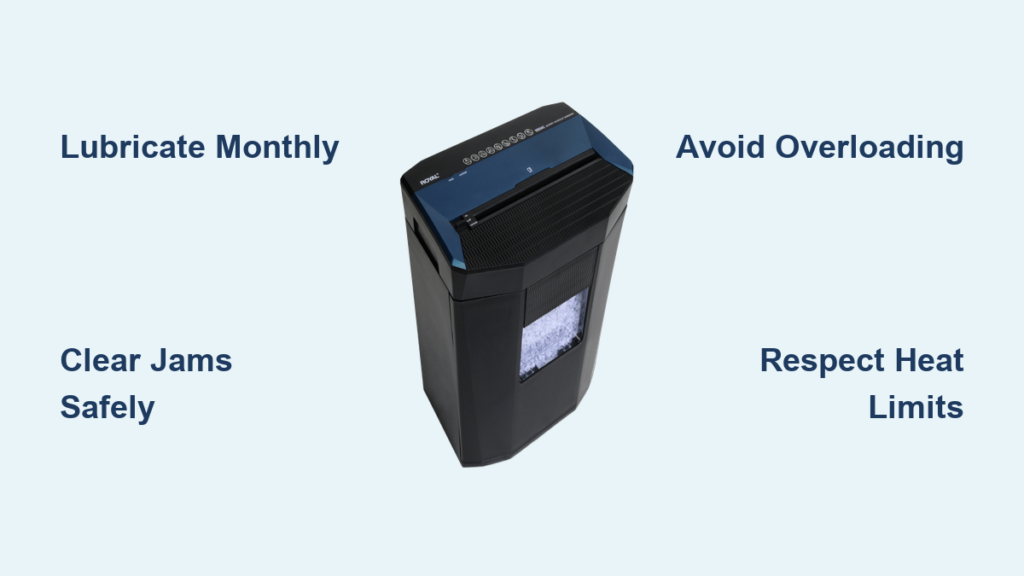
If your Royal paper shredder is jamming, overheating, or running slower than usual, the problem likely is not a broken machine. It is neglected maintenance. Like any precision tool, Royal shredders rely on consistent care to keep their cutting mechanisms sharp and motors strong. Without regular lubrication, debris buildup, and proper usage habits, even high-capacity models like the Royal 805MC or MC8 can fail prematurely. This guide delivers a step-by-step approach to royal paper shredder maintenance, covering lubrication best practices, jam removal, and preventative care. You will learn how to extend your shredder is life, avoid costly repairs, and keep it running smoothly for years.
Lubricate for Longevity
Why Lubrication Matters
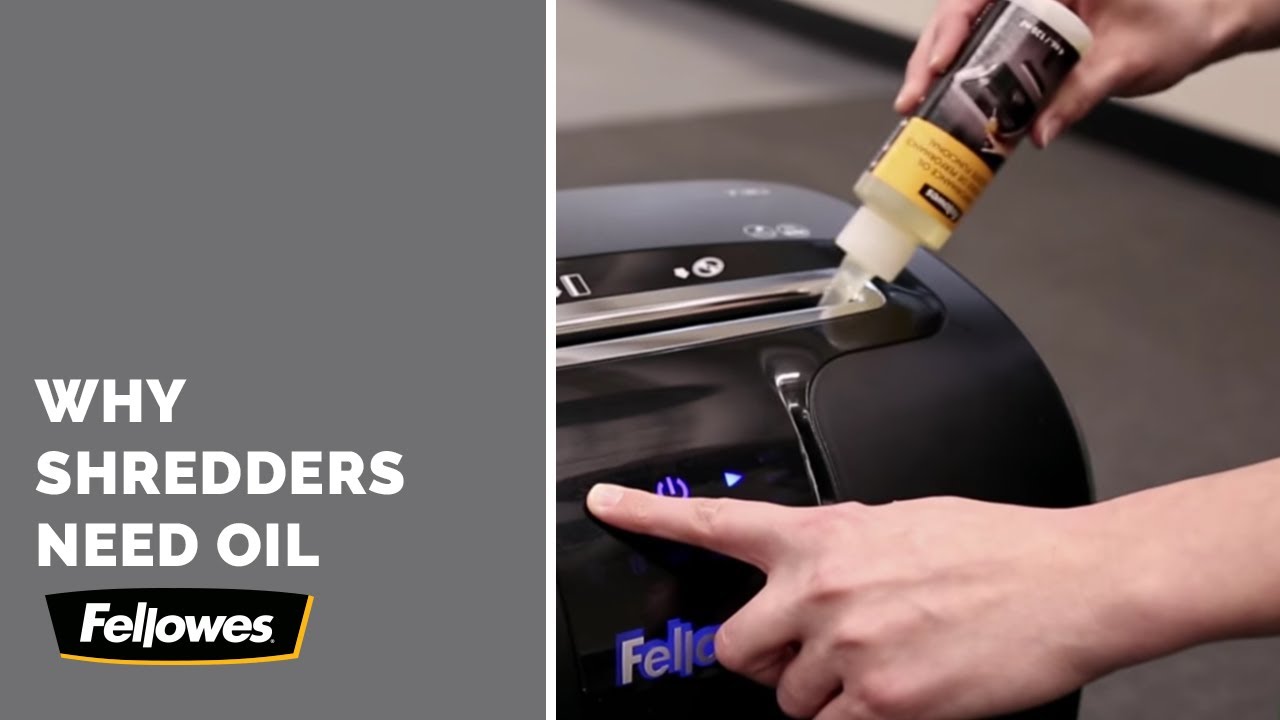
Even Royal models advertised as no oil required benefit from occasional lubrication. Over time, paper fibers create friction in the cutting head, leading to overheating, dull blades, and frequent jams. This is especially true for micro-cut models like the 805MC. Lubrication reduces resistance, cools moving parts, and protects against wear. While Royal Support confirms the MC8 and some 18-sheet units do not strictly require oiling, using approved vegetable-based or shredder-specific oil will not hurt and helps maintain peak performance under heavy use.
Use Approved Lubricants Only
Not all oils are safe for your shredder. Using the wrong type can gum up gears or damage plastic components.
Safe Options:
• Shredder-specific oil
• 100% food-grade mineral oil
• Vegetable-based shredder oil
• Pre-oiled lubrication sheets like Royal Sovereign RS-SLS
Avoid These:
• WD-40 is a solvent, not a lubricant, and swells paper
• Cooking oils go rancid and create sticky residue
• Household oils may degrade internal plastics
Stick to oils labeled specifically for shredders to avoid long-term damage.
Apply Oil Correctly
Oiled Paper Method (Recommended)
This mess-free technique ensures even distribution without over-lubricating.
- Drizzle a small amount of oil in an S or X pattern on a blank sheet.
- Optionally, place a second blank sheet on top as a sandwich.
- Insert into the shredder and run in reverse mode for 10 to 12 seconds.
- Follow with 2 to 3 plain sheets to absorb excess oil.
- Check cutting wheels. They should have a light, even sheen.
Use this method monthly for home use or after every bin empty for office settings.
Direct Oil Application (For Dry Units)
Best for older or heavily used shredders showing noise or sluggishness.
- Unplug the unit.
- Apply 2 to 3 drops of oil directly into the feed slot or onto cutting wheels using a dropper.
- Plug in and run in reverse for 10 to 15 seconds.
- Wipe down the exterior to prevent stains.
Warning: Over-lubrication causes leaks and paper sticking. Less is more.
When to Oil Your Shredder
Frequency depends on usage and model type.
| Shredder Type | Lubrication Interval |
|---|---|
| Micro-cut | Every 15 to 20 minutes of use or after each bin empty |
| Cross-cut | After each bin empty |
| Strip-cut | Monthly or every 5 to 10 reams |
| Light home use | Once per month |
Even no-oil-needed Royal models last longer with routine oiling. Treat it as preventive care, not a repair.
Clear Jams Safely and Quickly
Avoid Overloading
Most jams stem from overfeeding. Even if your Royal shredder claims an 18-sheet capacity, feed only 2 to 3 sheets at a time for reliable performance. Thicker paper, aged machines, or micro-cut models handle fewer sheets. Push paper down and away from the entry point to prevent curling and blockages.
Pro Tip: Fold sheets in half before feeding to reduce width and prevent end-packing.
Identify the Jam Type
Different jams require different fixes.
• Roller End Packing: Paper jams at roller ends, creating a dense block. You will hear a chattering noise as blades hit the jam.
• Head Tangling: Common in micro-cut units. Rectangular shreds tangle in the cutter head.
• Adhesive Buildup: Sticky residue from labels or envelopes glues blades together.
Diagnosing the type helps choose the right fix.
Remove Jams Step by Step
Safety First: Always unplug the shredder. Never insert fingers. Use tools only.
- Inspect with a flashlight to locate the jam.
- Use needle-nose pliers to pull out paper bit by bit. Avoid metal tools that can scratch blades.
- For hidden debris, use a plastic pick or tweezers.
- Reverse trick: If the machine will not reverse, insert one clean sheet to engage the mechanism. Run for 5 to 10 seconds, then try reverse mode.
- Vacuum leftover dust after clearing.
Never use WD-40. It swells paper and complicates removal.
Fix: Power On, Blades Not Moving
If your Royal 805MC powers on but blades stay still, the issue may be deeper than a jam.
Possible Causes:
• Motor jam from debris
• Faulty safety sensor (bin detection)
• Stripped gears or belts
• Circuit board failure
Troubleshooting Steps:
1. Unplug for 10 to 24 hours for a hard reset.
2. Clean the safety sensor near the bin with a dry cloth.
3. Vacuum internal components while unplugged.
4. Test again.
If the blades still do not move, the unit likely has internal damage. For 5-year-old models, replacement is often cheaper than repair.
Prevent Problems Before They Start
Shred Only Approved Materials
Protect your blades and motor by following strict material rules.
Do Not Shred:
• Staples, paper clips, binder clips. They dull blades and create burrs.
• Sticky notes, adhesive labels, glue-window envelopes. They gum up gears.
• CDs, DVDs, credit cards. Unless your model is rated for it.
Spend less than a minute removing staples. It saves hours of maintenance later.
Manage Heat and Duty Cycles
Royal shredders lack active cooling. Running continuously triggers thermal overload.
• Limit sessions to 10 to 15 minutes.
• If the motor strains or shuts off, stop immediately.
• Let cool for 15 minutes before resuming.
• Restart with a reverse run to free rollers.
After cooling, shred in 2 to 3 minute bursts with breaks. Ignoring heat limits risks permanent motor burnout.
Clean and Inspect Regularly
Build a simple maintenance habit.
| Task | Frequency | Action |
|---|---|---|
| Empty bin | When 3/4 full | Prevents back-pressure jams |
| Wipe exterior | After oiling or monthly | Removes oil stains |
| Vacuum interior | Every few months | Clears dust and paper fragments |
| Inspect blades | Periodically | Look for dulling, burrs, or uneven sheen |
Use compressed air or a small vacuum to clean the cutting head. Always keep the unit unplugged.
Choose the Right Maintenance Supplies

Lubricant Sheets vs. Bottled Oil
Pre-oiled sheets like Royal Sovereign RS-SLS offer convenience but have trade-offs.
Pros:
• Mess-free application
• Easy to store
• Good for occasional use
Cons:
• May contain wax that attracts dust
• Less effective for dry or jammed units
• Higher cost per use
Royal Sovereign RS-SLS (10-pack) costs approximately $15.99. Amazon Basics (12-pack) costs approximately $8.99 and has a 4.6-star rating.
For regular maintenance, bottled shredder oil or food-grade mineral oil is more effective and economical.
Buy What You Need
Keep these supplies on hand for quick fixes.
• Shredder-specific oil (best long-term choice)
• Food-grade mineral oil (affordable alternative)
• Needle-nose pliers (for jam removal)
• Plastic picks or tweezers (safe for debris)
• Flashlight (for inspection)
Know When to Replace, Not Repair
Evaluate Repair Costs
Most Royal shredders are not designed for user-repairable motors or gearboxes. If your unit fails after 4 to 5 years, especially with motor or gear damage, replacement is usually more cost-effective.
Service Options:
• Authorized Royal service centers
• Local electronics repair shops
• Retailers like Staples or Office Depot (some offer diagnostics)
But repairs often cost $50 to $100, close to the price of a new mid-range shredder.
Upgrade to a Better Model
Newer Royal models often include improved jam protection, auto-oil systems, and longer warranties.
If you are replacing, consider models with:
• Overheat protection
• Bin-full sensors
• Micro-cut security (P-4 or higher)
Investing in a better unit reduces long-term maintenance stress.
Follow Safety Rules Every Time
Unplug Before Maintenance
Always disconnect power before clearing jams, applying oil directly, or vacuuming internals. This prevents accidental startups and serious injury.
Keep Fingers Clear
The cutting force can sever fingers to the knuckle. Never reach into the feed slot. Use tools only.
Handle with Care
When flipping the unit to access the bottom, ensure a stable surface and support the weight evenly. Avoid dropping the shredder. Plastic casings can crack.
And never operate with wet hands or in damp areas.
Frequently Asked Questions About Royal Paper Shredder Maintenance
How often should I lubricate my Royal paper shredder?
Lubrication frequency depends on your shredder type and usage. Micro-cut models need oiling every 15 to 20 minutes during heavy use or after each bin empty. Cross-cut shredders need oiling after each bin empty. Strip-cut and light home use models need monthly oiling or every 5 to 10 reams.
Can I use WD-40 on my Royal shredder?
No. WD-40 is a solvent, not a lubricant. It swells paper, making jams harder to clear, and attracts dust and debris. Stick to shredder-specific oil, food-grade mineral oil, or vegetable-based oils approved by Royal.
Why does my Royal shredder power on but the blades will not move?
This could indicate a motor jam from debris, a faulty safety sensor, stripped gears or belts, or circuit board failure. Try unplugging the unit for 10 to 24 hours, cleaning the safety sensor near the bin, and vacuuming internal components. If blades still do not move, the unit likely has internal damage.
What materials should I never put in my Royal shredder?
Avoid staples, paper clips, binder clips, sticky notes, adhesive labels, envelopes with glue windows, and rigid plastics like CDs or credit cards (unless your model is specifically rated for them). These materials dull blades, create burrs, and gum up gears.
How do I clear a jam from my Royal shredder safely?
Always unplug the shredder first. Use a flashlight to locate the jam, then use needle-nose pliers to pull out paper bit by bit. Use plastic picks or tweezers for hidden debris. If the machine will not reverse, insert one clean sheet to engage the mechanism, then try reverse mode. Vacuum leftover dust after clearing.
When should I replace my Royal shredder instead of repairing it?
If your unit is 4 to 5 years old and has motor or gear damage, replacement is usually more cost-effective than repair. Repairs often cost $50 to $100, nearly the price of a new mid-range shredder. Consider upgrading to a model with better jam protection and longer warranty coverage.
Key Takeaways for Royal Paper Shredder Maintenance
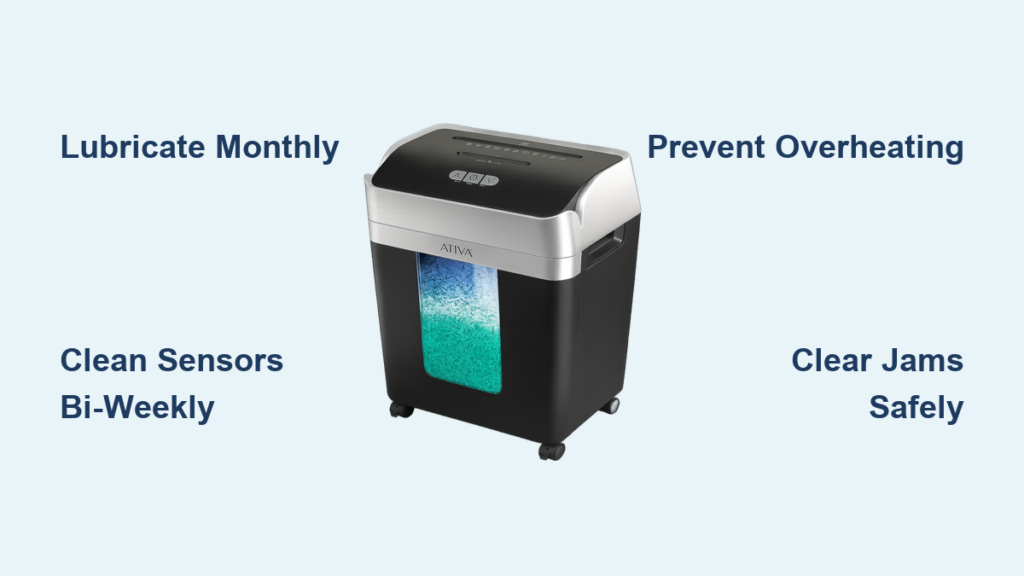
Proper royal paper shredder maintenance is not complicated. It is consistent. Lubricate monthly, clear jams safely, avoid overloading, and respect heat limits. Even models marketed as no-oil benefit from routine oiling. By following these steps, you will prevent 90% of common failures, keep your shredder quiet and efficient, and extend its life well beyond the average 5-year mark. Treat your shredder like a precision tool, not a trash can, and it will serve you reliably for years.