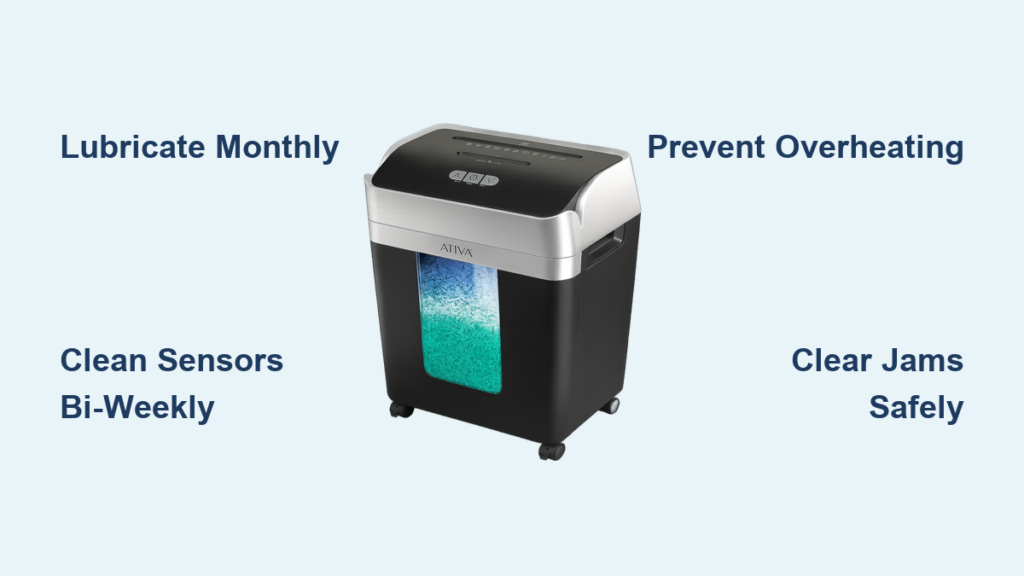
If your Ativa shredder has started making strange noises, jamming frequently, or refusing to start, the culprit is likely poor maintenance, not mechanical failure. Regular Ativa shredder maintenance is essential for smooth operation, longevity, and reliable document security. Without consistent care, paper dust builds up, blades overheat, and motors strain, leading to avoidable breakdowns. This guide delivers a clear, step-by-step maintenance plan using only manufacturer-approved methods. You will learn how to lubricate correctly, clean safely, prevent jams, and troubleshoot common issues, ensuring your shredder performs like new for years.
Lubricate Blades Properly
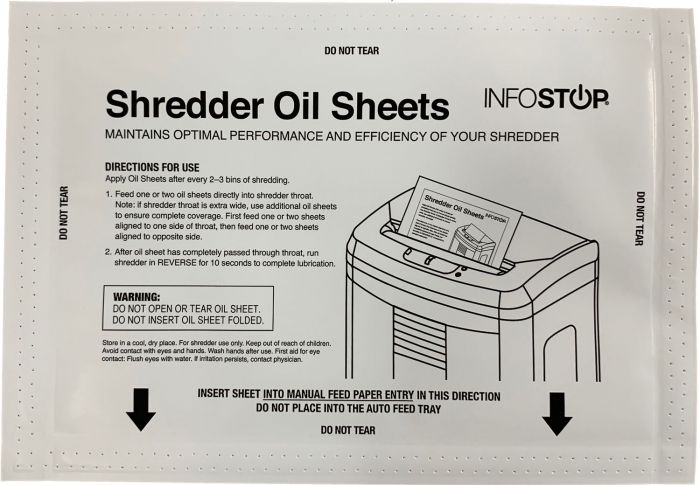
Proper lubrication keeps your Ativa shredder running quietly, efficiently, and free of overheating. It reduces friction, prevents heat damage, and extends blade life. Skipping this step is the leading cause of premature failure.
Use Shredder Lubricant Sheets
The safest and cleanest method is using Ativa Shredder Lubricant Sheets (Item #778012). These pre-treated sheets are designed to work with any shredder that accepts paper wider than 8.625 inches.
• Insert one sheet into the feed slot like regular paper.
• Let it pass completely through the machine.
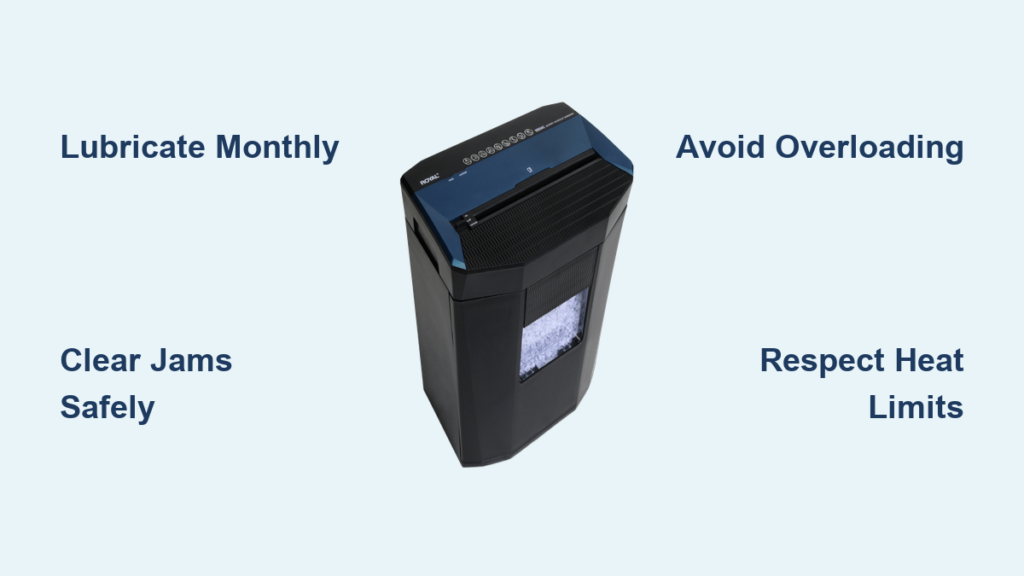
• Repeat every 15 to 20 minutes of continuous use or monthly for light users.
These sheets eliminate mess, ensure even coating, and reduce paper dust buildup, making them ideal for office and home use.
Apply Liquid Oil Correctly
If you prefer liquid oil, use Ativa Shredder Oil (4 Oz., #ODFN285661). Never pour oil directly onto the blades because it causes clumping and attracts debris.
Instead, follow these steps:
- Lay a standard sheet of paper flat.
- Spray or drizzle oil in a zigzag pattern across the surface.
- Feed the oiled paper through the shredder.
This indirect method delivers lubricant evenly without oversaturation. For heavy use, oil after every hour of shredding. For personal use, once a month is sufficient.
Avoid Dangerous Lubricants
Using the wrong oil can destroy your shredder.
• Vegetable oil thickens over time, gums up blades, and attracts dust.
• WD-40 is not a lubricant and is too thin, evaporating quickly and harming long-term performance.
• Baby oil or machine oil lacks heat resistance and evaporates under friction.
• Household oils or sprays may damage plastic gears or void your warranty.
Stick to manufacturer-approved products only.
Know When to Lubricate
Do not wait for problems to appear. Lubricate when you notice squeaking or grinding sounds, slower shredding speed, or excessive heat from the motor housing. These are early signs of dry, stressed components, and immediate lubrication can prevent irreversible damage.
Clean Dust and Debris Regularly
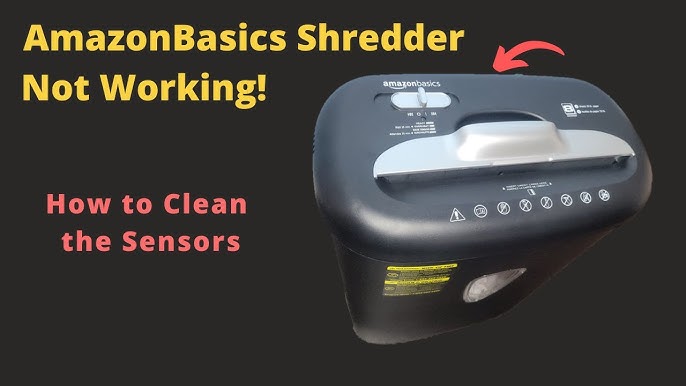
Paper dust clogs sensors, dulls blades, and causes jams. A clean shredder runs cooler, starts reliably, and avoids false bin full alerts.
Set a Cleaning Schedule
Frequency depends on your usage level.
• Heavy office use: clean monthly.
• Home or light use: clean every three to six months.
• Sensors: blow out dust every two weeks.
Regular cleaning prevents buildup that leads to sensor failure and motor strain.
Follow Safe Cleaning Steps
Always start with safety.
- Turn off and unplug the shredder.
- Wipe the exterior with a slightly damp cloth. Never spray liquid directly on the machine.
For internal cleaning, open the shredder head or remove it if your model allows. Remove large debris by hand, avoiding contact with blades. Use canned compressed air to blow dust from cutting cylinders and sensor areas, holding the can upright to prevent moisture release. Vacuum the feed slot, bin compartment, and around blades using a narrow nozzle. Gently brush blades with a soft, dry brush. Ensure all parts are completely dry before reassembly.
Never Use Moisture Inside
Moisture causes rust and electrical damage.
• Do not blow into the machine with your mouth because saliva introduces water.
• Do not use wet cloths or cleaning sprays inside the unit.
• Do not touch blades with wet hands.
Keep internal components dry at all times.
Control Airborne Dust
In shared spaces, paper particles can affect air quality. Place a small air purifier near the shredder to capture airborne fibers and reduce dust settling back into the machine.
Prevent Overloads and Jams

Most shredder failures stem from overuse, not wear. Managing capacity protects the motor and cutting mechanism.
Respect Sheet Limits
The max sheet count listed on your Ativa shredder is for thin paper under ideal conditions, not daily use. For best results, feed only two to three sheets at a time on a 12-sheet model. This reduces strain, prevents jams, and extends motor life.
Feed Paper Correctly
• Push paper down and away from the feed head to avoid binding.
• Fold paper in half widthwise to prevent packing at roller ends.
• Avoid crumpled or wrinkled paper because it feeds unevenly.
Know What Not to Shred
• Staples and paper clips can bend or chip blades.
• Plastic cards should only be shredded if your model is rated for them.
• Envelopes with heavy glue cause jams. If shredding them, ensure they are empty and flat.
• Thick cardboard or binders exceed capacity and stall motors.
Stick to standard paper for daily use.
Manage Heat and Duty Cycles
Ativa shredders have built-in thermal protection. Ignoring cool-down periods triggers shutdowns and shortens motor life.
Limit Continuous Use
Most models handle 10 to 30 minutes of continuous shredding. After that, allow a 30-minute cool-down. Heavy-duty models may run longer, so check your manual. If the shredder shuts off automatically, it is overheated. Do not force restart.
Ensure Proper Ventilation
Place the shredder on a flat, stable surface away from walls or furniture in an area with good airflow. Avoid enclosing it in cabinets or tight spaces where heat cannot escape.
Unplug When Idle
When not in use, unplug the shredder. This prevents vampire power drain, reduces motor wear over time, and eliminates the risk of accidental activation by pets or children.
Fix Common Shredder Problems
Even well-maintained units can develop issues. Use this troubleshooting guide to resolve them fast.
Clear a Paper Jam Safely
Symptoms include motor running but paper not moving, grinding noise, or complete stoppage.
Never use fingers because blades can sever skin to the bone.
- Turn off and unplug immediately.
- Flip the unit on its side if your model supports it.
- Switch to reverse mode and power on briefly to back out paper.
- Use needle-nose pliers to gently pull stuck fragments.
- Clear debris with a dry cloth or brush.
- Test with a single sheet.
Pro tip: Insert a clean sheet and run in reverse. This often frees tangled paper without tools.
Handle Overheating
Symptoms include sudden shutdown, hot casing, or thermal light on. Causes are long runtime, poor ventilation, or overloading.
- Unplug and wait 30 minutes.
- Move to a cooler, well-ventilated area.
- Resume with shorter shredding sessions.
Do not bypass the cool-down period because repeated overheating kills motors.
Restore Power When It Will Not Start
Symptoms include no response when switched on.
Check these items:
• Power cord is fully plugged in.
• Outlet is working. Test with another device.
• Waste bin is fully seated. Most models have a safety switch.
• Bin Full light is not on. Empty if needed.
• Unit has not overheated. Allow cooling time.
If none work, reset by unplugging for one minute, then retry.
Reduce Noisy Operation
Symptoms include grinding, squeaking, or rattling. Likely causes are lack of lubrication, foreign object, or worn internal parts.
- Stop immediately.
- Inspect feed slot for metal objects. Remove with pliers.
- Lubricate using approved oil or sheet.
- If noise continues, internal wear may require service.
Reset a Stuck Bin Full Light
Symptoms include light staying on with an empty bin or preventing startup. Cause is dust-covered sensor or misaligned bin.
- Remove and empty the bin completely.
- Use compressed air or a dry cloth to clean the sensor, usually near bin rim or head.
- Reinsert the bin firmly until it clicks.
- Some models have a reset button. Press if available.
Fix Shredder That Only Runs in Reverse
Symptoms include forward mode dead while reverse works. Cause is debris blocking auto-sensor or electronic fault.
- Unplug the unit.
- Clean sensor eyes and feed area with air and a dry cloth.
- Check for paper fragments near the switch mechanism.
- If still not working, contact support. This is likely a circuit issue.
Address Mid-Use Stoppage
Symptoms include stopping mid-job without jam signs. Causes are overheating, hidden blockage, or loose power cord.
- Let cool for 30 minutes.
- Check for partial jams using reverse mode.
- Ensure cord is secure in outlet.
- Test with one sheet after cooling.
Maintain the Waste Bin
A clean bin prevents jams, sensor errors, and messy spills.
Use Shredder Bags
Line the bin with dedicated shredder bags. They make disposal easy, prevent paper dust from sticking, and reduce static buildup.
Empty Before Full
Replace the bag when it is three-quarters full. Overfilling creates back-pressure that strains the cutting head. Never ignore the Bin Full indicator. Prompt action prevents jams and motor stress.
Clean the Bin Interior
Monthly, remove the bin, vacuum out fine dust, wipe with a dry cloth, and reinstall firmly. This prevents dust from being pulled back into the shredder head.
Follow a Maintenance Schedule

Consistency is key. Stick to this timeline to maximize lifespan.
| Frequency | Task | Details |
|---|---|---|
| Every Use | Check bin level | Empty at three-quarters full or when light activates |
| Every 15 to 20 Minutes (Heavy Use) | Lubricate | Run lubricant sheet or oiled paper |
| Every 2 Weeks | Clean sensors | Use compressed air on sensor areas |
| Monthly | Deep clean | Vacuum interior, wipe down, inspect |
| After Overheating | Cool down | Wait 30 minutes before reuse |
| Annually | Full inspection | Check blades, cord, and motor function |
Choose the Right Model for Your Needs
While all Ativa shredders benefit from the same care, performance varies by model.
| Feature | Typical Ativa Model | Notes |
|---|---|---|
| Shred Type | Cross-cut or micro-cut | Small elliptical or rectangular particles |
| Capacity | Up to 12 sheets | Optimal at two to three sheets for longevity |
| Jam Risk | High at roller ends | Caused by dry paper clumping |
| Bin Design | Easy removal | May stick if dusty. Clean rails regularly |
| Reverse Function | Side switch or selector | Essential for clearing jams |
| Maintenance Need | Moderate | Lubricant sheets greatly reduce issues |
Pro tip: If your model jams in the head, insert a clean sheet and run in reverse. This often clears the blockage without tools.
Prioritize Safety at All Times
Your safety is more important than a quick fix.
• Always unplug before cleaning or clearing jams.
• Never use fingers. Use pliers or tweezers.
• Avoid flammable materials. No aerosols, solvents, or liquids.
• Store properly. If unused for months, clean, lubricate, and store unplugged in a dry place.
Frequently Asked Questions About Ativa Shredder Maintenance
How often should I lubricate my Ativa shredder?
Lubricate every 15 to 20 minutes during heavy continuous use. For light personal use, once a month is sufficient. Use only manufacturer-approved lubricant sheets or Ativa Shredder Oil applied to paper before feeding.
Can I use vegetable oil to lubricate my shredder?
No. Vegetable oil gums up blades, attracts dust, and causes severe blockages. Stick to dedicated shredder lubricant sheets or approved Ativa Shredder Oil to avoid damaging your machine.
Why does my shredder keep overheating?
Overheating occurs from continuous use beyond the duty cycle, poor ventilation, or overloading. Allow 30-minute cool-down periods, place the shredder in a well-ventilated area, and feed only two to three sheets at a time.
How do I fix a paper jam safely?
Turn off and unplug the shredder. Use reverse mode to back out paper. If that fails, use needle-nose pliers to gently pull stuck fragments. Never insert fingers into the feed slot.
Why is the Bin Full light on when the bin is empty?
The sensor is likely blocked by paper dust. Clean the sensor area with compressed air or a dry cloth. Ensure the bin is properly seated and clicked into place.
Can I leave my shredder plugged in when not in use?
No. Unplug when idle to prevent vampire power drain, reduce motor wear, and eliminate accidental activation risks from children or pets.
Final Thoughts on Ativa Shredder Maintenance
Proper Ativa shredder maintenance is not complicated. It is consistent. Lubricate monthly or more with heavy use, clean sensors every two weeks, and never overload the machine. Follow the maintenance schedule, use only approved lubricants, and respect the machine is operational limits. By doing so, you will avoid 90 percent of common failures, keep your documents secure, and extend your shredder is life for years. A few minutes of care saves hours of frustration and costly replacements.