Every year, hundreds of people suffer preventable injuries from paper shredders, including lacerations, amputations, and entanglements that often occur during routine tasks like clearing jams or feeding paper. The Consumer Product Safety Commission reports that paper shredders are responsible for a significant number of office machine injuries, with children under 12 accounting for over 70% of home-related incidents. These accidents are not random; they stem from operator error, complacency, and lack of awareness about how quickly a momentary lapse can lead to permanent damage.
Modern shredders feature safety mechanisms like auto-start sensors and reverse functions, yet they still pose serious risks if misused. A finger placed too close to the feed slot, a child left unsupervised near an idle machine, or a metal staple hitting high-speed blades can all trigger dangerous situations. The good news is that nearly all shredder injuries are preventable with proper knowledge and adherence to safety protocols. This guide delivers essential paper shredder safety tips based on real injury data, mechanical design principles, and manufacturer best practices.
Inspect Before Use
Check for Damage and Wear
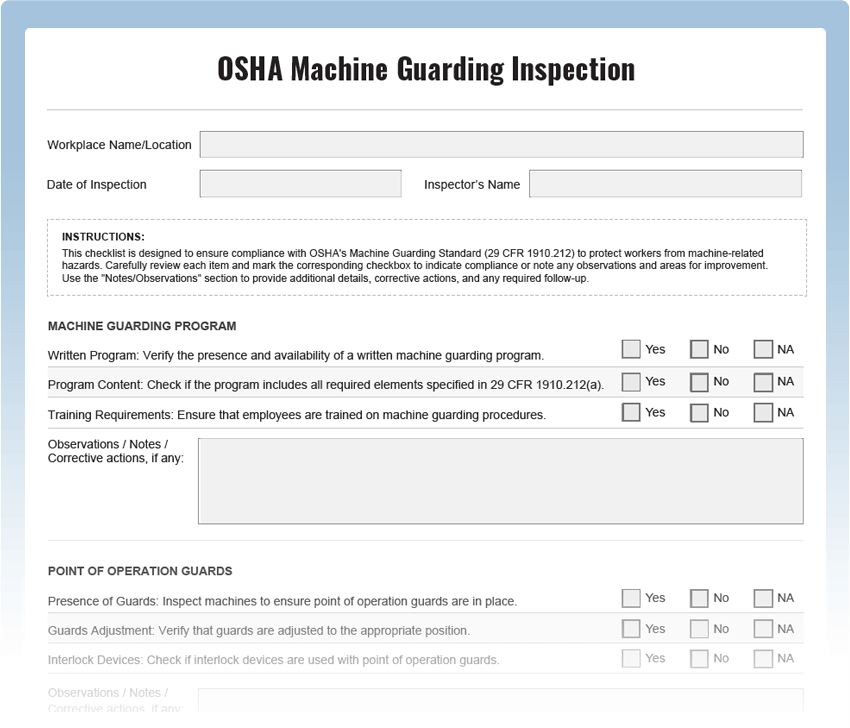
Before powering on your shredder, conduct a quick visual and physical inspection. Examine the power cord for fraying, cuts, or exposed wires. Test the plug for looseness or discoloration, which may indicate overheating. Inspect the feed slot and housing for cracks or misalignment. If any component appears damaged, do not use the machine. Label it “UNSAFE – DO NOT USE” and notify maintenance or replace it immediately.
Verify Safety Features Are Active
Ensure built-in protections are functional. Test the bin interlock by removing the waste bin while the unit is in Auto mode. No paper should activate the blades. Confirm the auto-stop feature works by placing a non-paper item near the slot. The machine should halt or reject it. If any safety mechanism fails, unplug the unit and schedule service before further use.
Position Your Shredder Safely
Choose the Right Location
Place the shredder in a dedicated, low-traffic area. Position it at least 4 inches from walls and furniture to allow ventilation and prevent overheating. Avoid high-traffic walkways where people might trip over cords or accidentally bump the machine, especially when children or pets are present. The location should be dry and away from flammable materials.
Secure Loose Cords
Use cord clips or ties to secure the power cord against baseboards or desks. Never let it dangle where it can be pulled or chewed. In shared spaces, consider using a surge protector with a short, fixed cord to reduce slack and eliminate tripping hazards.
Power Down Strategically
Turn Off When Idle
Always switch the shredder to Off when not in active use. Do not rely solely on auto-shutoff timers. This prevents accidental activation from dust, debris, or a curious hand brushing the sensor. The auto-start feature detects any object in the feed path, including hands, so treat the machine as live at all times.
Unplug Around Kids and Pets
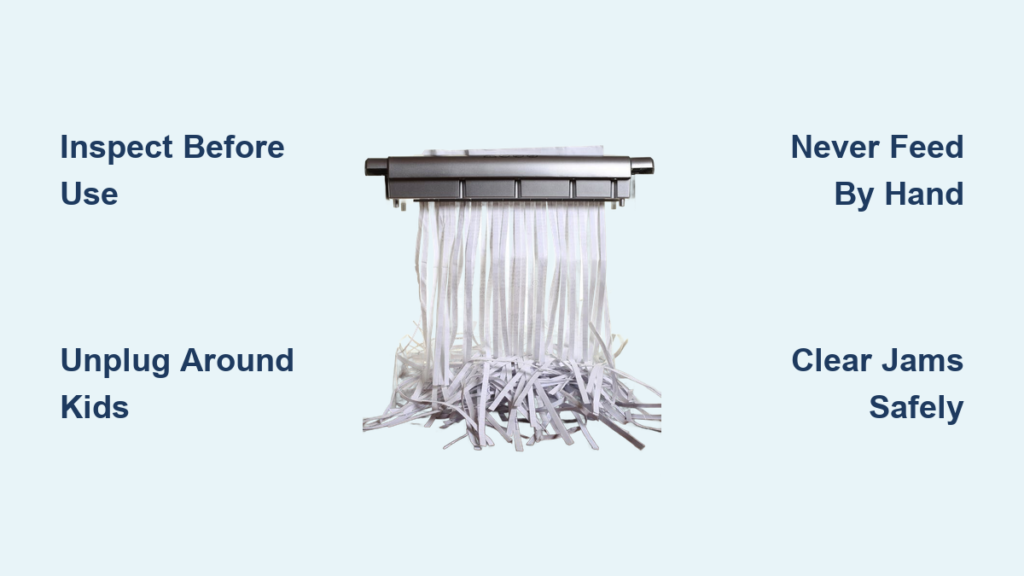
When children or pets are in the area, unplug the shredder entirely. Even in Off mode, a malfunctioning sensor could trigger the blades. Unplugging eliminates all risk and is the only foolproof way to ensure safety in homes with young ones.
Never Feed by Hand
Follow the 6-Inch Rule
Keep fingers, hands, and wrists at least 6 inches away from the feed slot at all times. Use the flat of your hand to guide paper in from the top, never inserting fingers into the opening. The auto-start sensor cannot distinguish between paper and skin. Your hand will be pulled in just like a sheet, and the cutting mechanisms operate with forces capable of slicing through credit cards and staples.
Avoid Gloves as Protection
Latex or nitrile gloves do not protect against shredder blades and may increase risk by creating a false sense of security. They can also snag and pull your hand toward the mechanism. The only real protection is distance and awareness.
Load Paper Within Limits
Respect Sheet Capacity
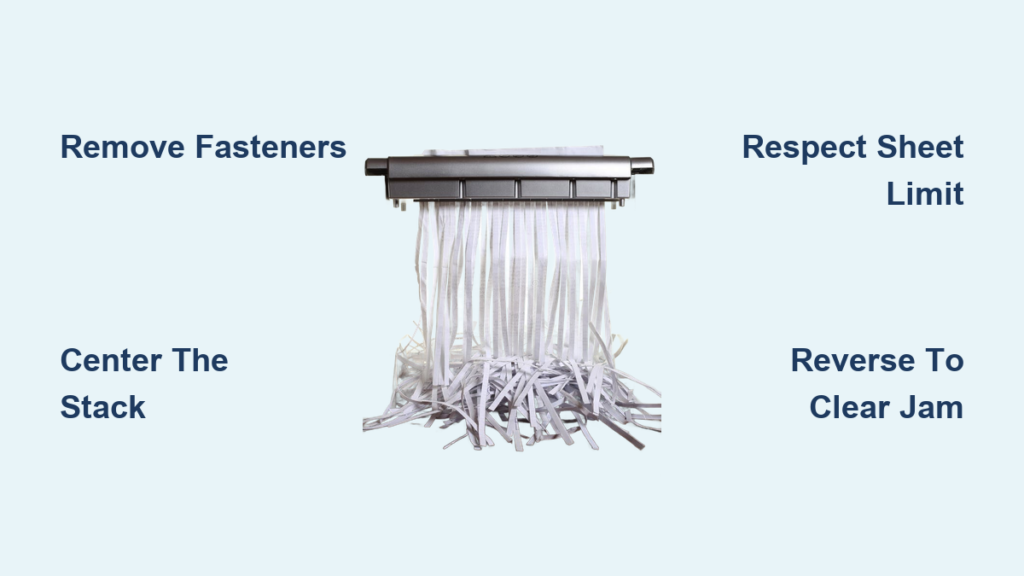
Never exceed the manufacturer’s rated sheet capacity. Overloading causes uneven feeding, increases jam frequency, and creates strong pulling forces that can yank paper and fingers into the blades. When in doubt, shred in smaller batches. This simple step prevents the majority of accidents that occur during overload situations.
Feed Full-Width Sheets
Always feed paper evenly across the full width of the slot. Feeding narrow strips or single envelopes increases the chance of misfeeds and jams. Center the stack and push gently but firmly from the top.
Know What Not to Shred
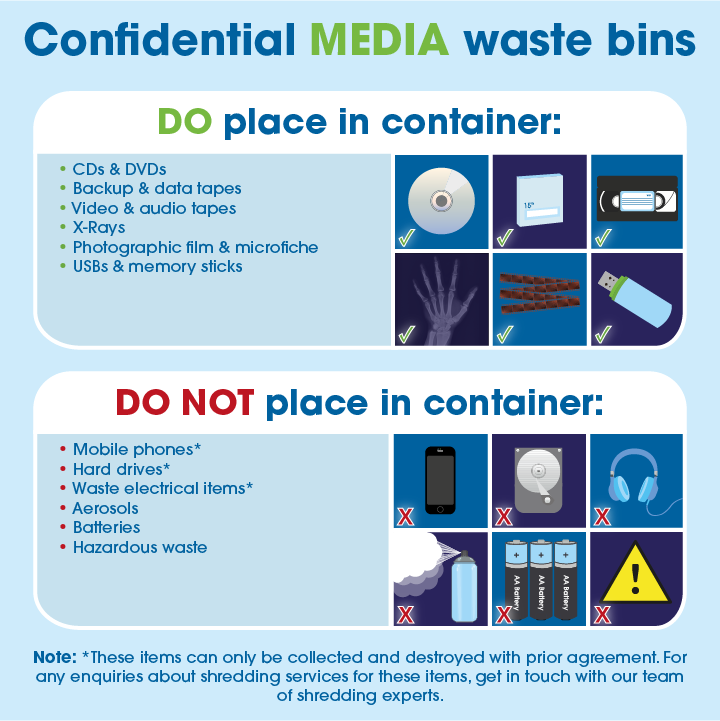
Avoid Metal and Staples
While some models handle staples, heavy or thick metal fasteners can damage blades or cause fragments to eject at high speed. Remove large staples, paper clips, binder clips, and rubber bands before shredding. Never feed in pens, keys, or tools.
Never Shred Electronics or Batteries
Do not shred plastic cards, CDs, diskettes, or electronic devices. Never feed musical greeting cards. They often contain lithium batteries that can ignite or explode when cut, causing fire or chemical burns. Lithium batteries must be recycled separately through appropriate channels.
Skip Non-Paper Items
Avoid shredding cardboard, thick binders, fabric, or food-contaminated paper. These materials strain the motor, increase jam risk, and may introduce foreign debris into the cutting assembly.
Dress for Safety
Tie Back Long Hair
Loose hair can easily be caught and pulled into the feed slot, especially when leaning over the machine. Always tie long hair back securely before operating. This applies to both adults and children who may be nearby.
Remove Dangling Jewelry
Necklaces, bracelets, and rings with chains can snag on the feed mechanism. Remove or tuck in any accessories that could become entangled. This includes watches and any loose-fitting items.
Avoid Loose Clothing
Baggy sleeves, scarves, or untucked shirts pose entanglement risks. Wear fitted clothing and roll up sleeves if necessary. Stay alert and avoid operating the shredder when distracted or fatigued.
Clear Jams Safely
Power Down First
At the first sign of a jam, switch the unit to Off. Do not attempt to clear it while the machine is in Auto or On mode. The sensor may activate the blades the moment you reach near the feed slot.
Unplug for Severe Jams
For deep or stubborn jams, unplug the shredder completely. This ensures zero risk of accidental restart during clearing. Wait for all moving parts to stop before proceeding.
Use Only Approved Tools
Use the manufacturer-provided jam-clearing tool, anti-static brush, or a wooden dowel. Never use metal objects like scissors, letter openers, or screwdrivers. They can chip blades, create dangerous fragments, or conduct electricity if the machine is live.
Never Reach Inside
Under no circumstances should you insert your hand into the cutter head or feed mechanism. Use tools to gently pull or push paper from the top or reverse opening. If the jam persists, consult the manual or seek professional service.
Maintain to Prevent Failure
Oil Blades Monthly
Lubricate cutting blades every 30 minutes of cumulative use or monthly, whichever comes first. Use shredder-specific oil applied to a folded sheet of paper. Feed it through to distribute oil evenly. Proper lubrication reduces friction, prevents jams, and extends blade life.
Clean Dust Weekly
Unplug the machine and use a soft brush or compressed air to remove paper dust from blades, sensors, and vents. Buildup causes overheating and erratic operation. Wipe down the exterior with a dry cloth.
Empty Bin Regularly
Empty the waste bin before it reaches 80% capacity. Overfilling stresses the motor and can cause paper to back up into the cutting mechanism. Use shredder-safe bags to avoid direct contact with sharp shred edges.
Replace Worn Blades
If your shredder pulls paper unevenly, makes grinding noises, or requires excessive force, the blades may be dull or damaged. Contact the manufacturer for servicing. Do not continue using a malfunctioning unit.
Use Safety Features Correctly

Understand Auto-Start Risks
Auto-start sensors activate the blades the moment they detect an object in the feed path. While convenient, this feature makes the No Hands rule non-negotiable. Never assume the machine is idle. Treat the feed slot as live at all times.
Rely on Auto-Reverse
If your model has anti-jam or auto-reverse, let it work. When resistance is detected, the machine will reverse briefly to release the paper. This reduces the need for manual intervention and helps prevent injury.
Monitor Thermal Lockouts
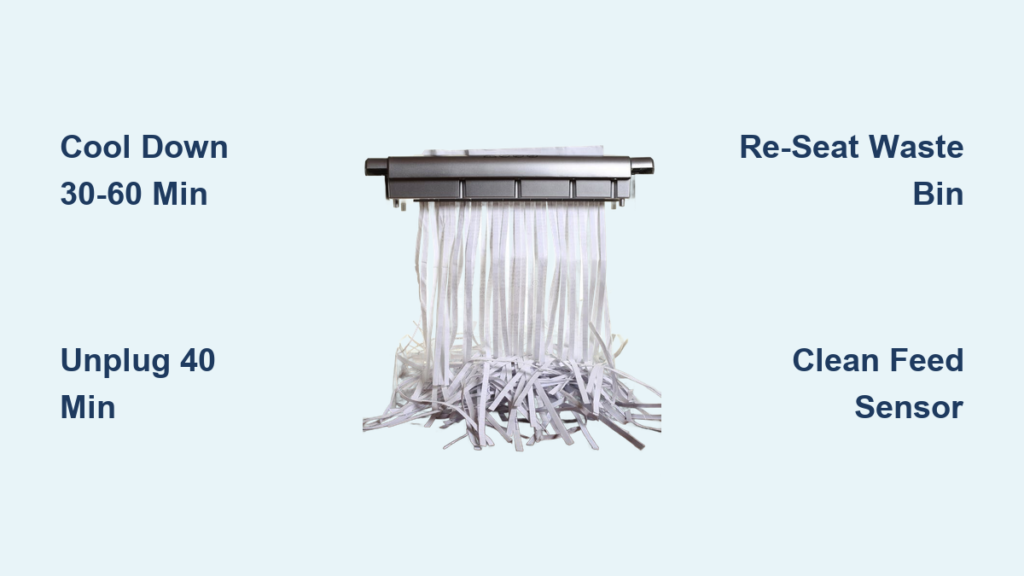
Shredders have built-in thermal protection that shuts down the motor when overheated. Allow 30 to 60 minutes of cooldown time before resuming heavy use. To avoid lockouts, shred in 15 to 20 minute intervals with breaks in between.
Protect Children and Pets

Store Out of Reach
In homes with children, store the shredder in a locked cabinet or on a high shelf when not in use. Even unplugged, curious kids may insert toys, fingers, or small objects into the slot. Small fingers can fit through openings designed to exclude adult hands.
Never Allow Child Operation
Children should never operate or play near a shredder, even under supervision. Their small fingers can fit into slots designed to exclude adult hands, and they lack the reflexes to react quickly. Over half of childhood injuries occur in children under 3 years old.
Supervise Pet Access
Pets may chew cords or paw at the feed slot. Place the shredder in a closed room or use cord protectors to deter chewing. Unplug and stow when pets are loose.
Respond to Emergencies

Shut Off Immediately
If skin, hair, or clothing contacts the blades, turn the machine off at the power switch immediately. Do not wait for it to finish a cycle.
Unplug to Lock Out Power
After switching off, unplug the unit to ensure it cannot restart. This is critical before attempting any intervention.
Do Not Reach In
Never try to pull out a hand or retrieve an object while the machine is plugged in. Wait until it is fully powered down.
Apply Pressure and Seek Help
For cuts or lacerations, apply firm pressure with a clean cloth to control bleeding. Seek medical attention immediately, especially for deep wounds, partial amputations, or embedded debris.
Train and Reinforce Safety
Conduct Regular Safety Briefings
In offices or shared environments, hold brief training sessions on shredder safety. Cover capacity limits, jam response, and prohibited materials. Make sure all users understand that common sense is not enough. Specific rules save fingers.
Post Warning Signs
Place a laminated safety checklist near the shredder. Include maximum sheet capacity, unplug before clearing jams, and no batteries, metal, or plastic warnings.
Lead by Example
Managers and frequent users should model safe behavior. Never rush, skip steps, or override safety features, even for just one sheet. Culture starts at the top.
Frequently Asked Questions About Paper Shredder Safety
How do most shredder injuries occur?
Most shredder injuries occur during three high-risk activities: clearing paper jams, cleaning the machine, and attempting to feed non-standard materials. Operator inattention and failing to unplug before maintenance are primary causes.
Can gloves protect hands when using a shredder?
No. Gloves do not protect against shredder blades and may increase risk by creating a false sense of security. They can snag and pull your hand toward the mechanism. The only protection is maintaining a 6-inch distance from the feed slot.
Why are children at higher risk from paper shredders?
Children under 12 account for over 70% of home-related shredder injuries. Young children’s fingers are small enough to fit through feed slot openings designed for adult hands. They also lack the risk awareness and reflexes to release paper quickly enough to avoid being pulled in.
What should never go into a paper shredder?
Never shred metal objects, staples, paper clips, lithium batteries, musical greeting cards, plastic cards, CDs, electronics, cardboard, or food-contaminated paper. These materials can damage blades, cause fires, or eject dangerous fragments.
How often should a shredder be maintained?
Clean dust from blades, sensors, and vents weekly. Oil the blades monthly or every 30 minutes of cumulative use. Empty the bin before it reaches 80% capacity. Replace worn blades when pulling becomes uneven or grinding noises occur.
What should I do if a finger gets caught in a shredder?
Turn the machine off immediately, then unplug it. Do not attempt to retrieve anything while the machine is plugged in. Apply firm pressure with a clean cloth to control bleeding and seek immediate medical attention.
Key Takeaways for Paper Shredder Safety
Paper shredders are essential for privacy protection, but they demand respect and discipline. The forces capable of slicing through credit cards and staples can cause serious injury in fractions of a second. Nearly all shredder injuries are preventable through proper knowledge and adherence to safety protocols.
Following these paper shredder safety tips insulates you, your family, and your team from preventable harm. Inspect equipment before use, maintain distance from the feed slot, unplug around children and pets, and never bypass safeguards. Store shredders securely, post warning signs, and train all users on proper procedures. Stay alert, stay informed, and shred smart.