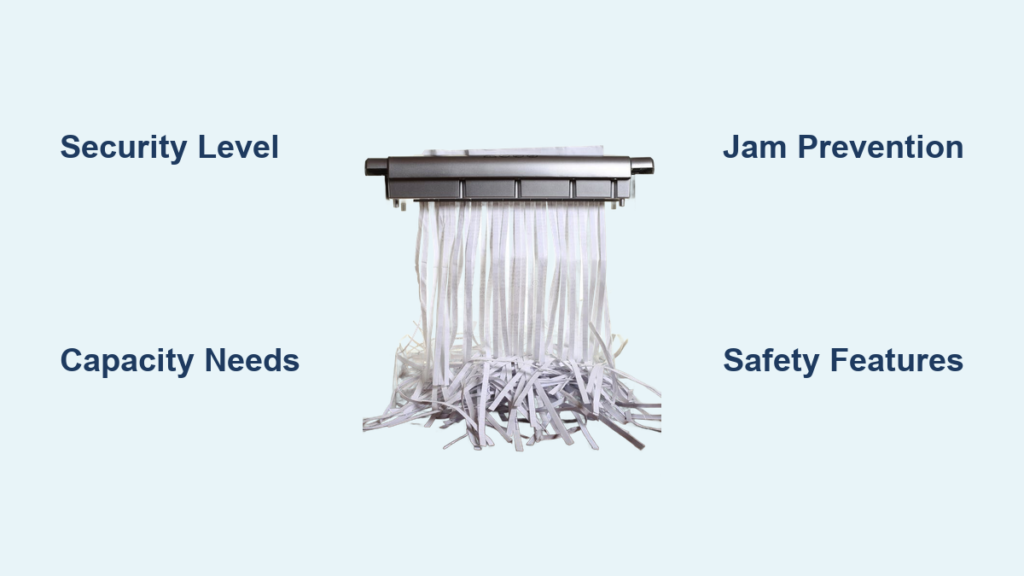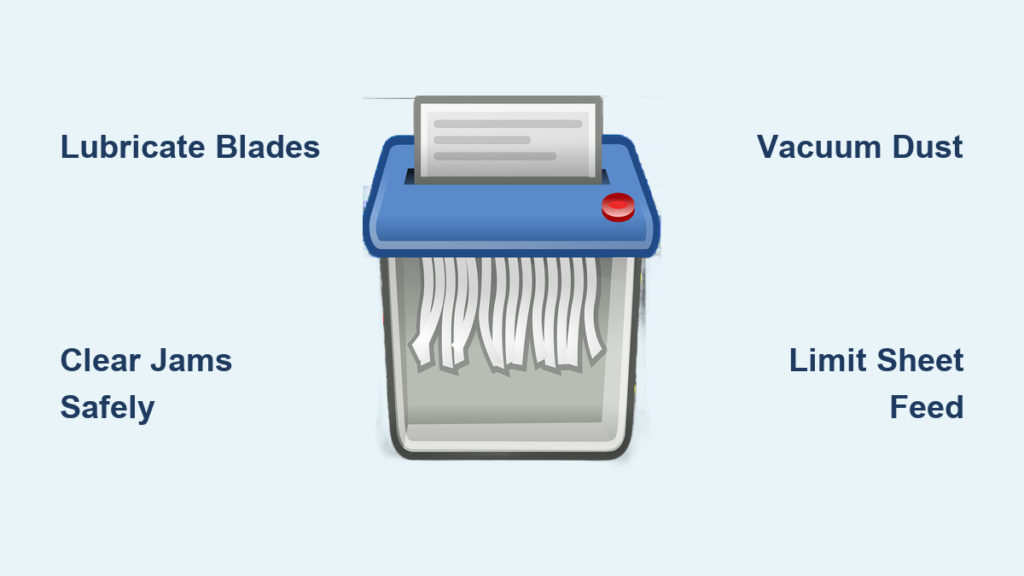
Is your paper shredder struggling to chew through documents? Jamming frequently, making loud noises, or overheating? These are classic signs it is time to clean and maintain your machine. Regular care is not just about tidiness, it is critical for performance, safety, and extending your shredder lifespan. Built-up paper dust, adhesive residue, and dry blades increase friction, strain the motor, and lead to breakdowns. The good news? Cleaning a paper shredder is quick, easy, and takes just minutes when done right. In this guide, you will learn how to safely remove jams, eliminate debris, lubricate blades properly, and avoid common mistakes that damage your device. Whether you are using a basic strip-cut model or a high-security micro-cut shredder, these proven steps will keep it running smoothly for years.
Lubricate Blades Correctly
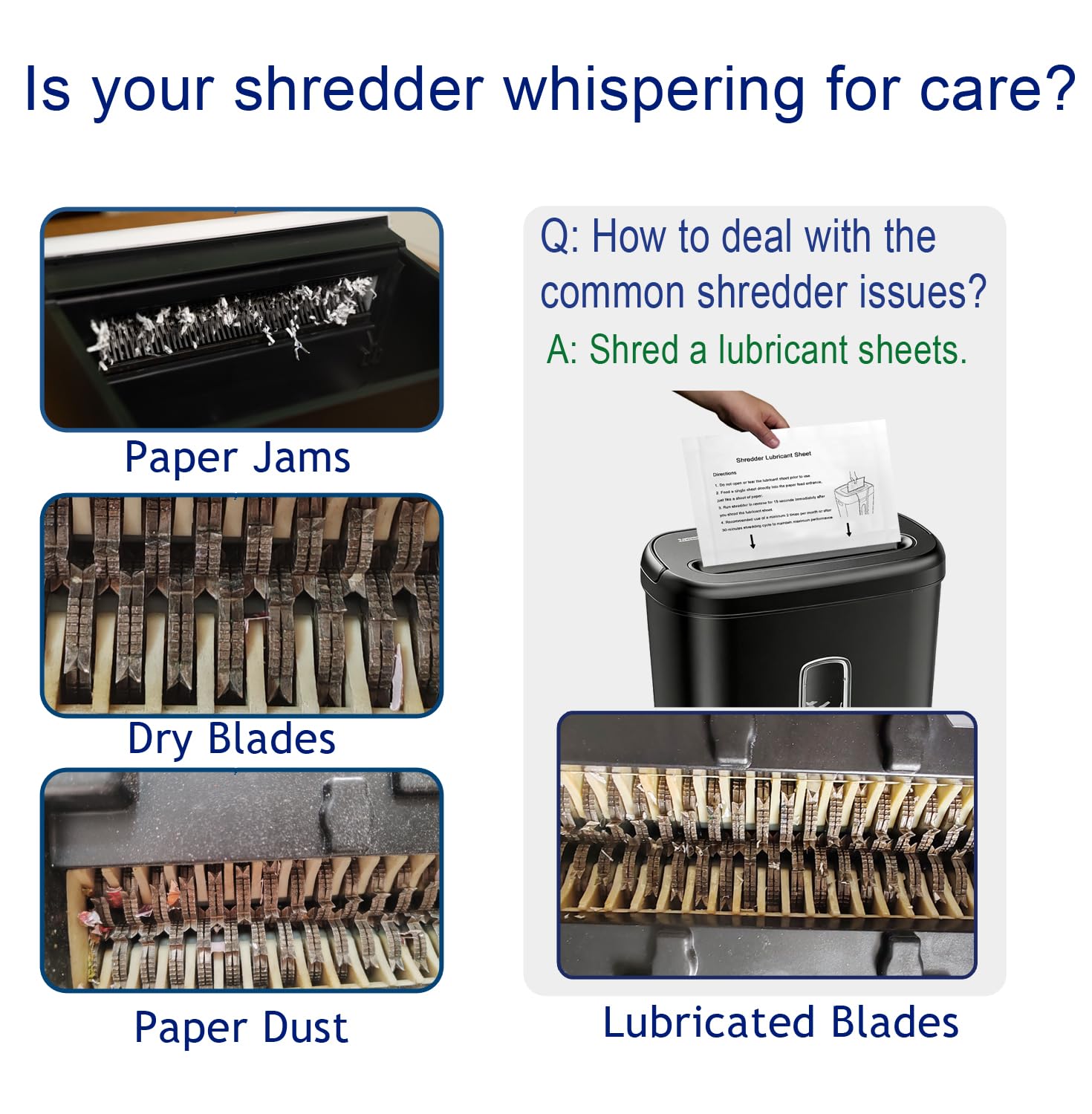
Proper lubrication keeps your shredder quiet, cool, and efficient by reducing heat and friction on the cutting cylinders. Skipping this step is the top reason for premature wear and jams. Use the right oil, apply it correctly, and stick to a routine.
Choose the Right Lubricant
Only use oils designed for shredders or safe alternatives. Food-grade mineral oil is ideal because it is affordable, non-gumming, and safe for internal parts. Shredder-specific oil sheets work well for quick maintenance. Some models, like Fellows, perform better with gun oil containing Teflon for superior slip resistance. You can also run wax paper strips through the machine as a temporary solution.
Never use vegetable oil, WD-40, baby oil, or aerosol sprays. These attract dust, degrade rubber rollers, create gummy buildup, or pose fire risks. Household greases can damage components and shorten motor life.
Oil Every 10 to 15 Hours of Use
Lubricate after every bin emptying, or every third time if usage is light. High-security micro-cut models need more frequent oiling due to intricate blade patterns. Strip-cut shredders may require less. If you hear grinding, notice slow feeding, or feel excess heat, it is time to oil. Do not wait.
For large jobs like shredding 25 reams, oil before starting and every 5 to 10 reams during the session. This prevents overheating and ensures smooth operation.
Apply Oil With Scrap Paper
Turn the shredder off. Drizzle a small amount of mineral oil onto a sheet of scrap paper, just enough to lightly coat the surface. Fold the paper in half lengthwise to reduce resistance, then feed it through. Run 1 to 2 dry sheets afterward to absorb excess oil.
Avoid over-lubricating. Too much oil creates sludge that traps paper fibers and attracts dust. A little goes a long way.
Use Shredder Lubricant Sheets
Insert a commercial oil sheet into the feed slot and let it fully shred. These pre-treated sheets clean and condition blades in one step. Afterward, switch to reverse mode and run for 10 seconds to distribute the lubricant evenly across all cutting wheels.
This method is clean, consistent, and ideal for office environments where precision matters.
Clear Jams Safely and Quickly
Jams happen, especially when overloading or feeding sticky labels. Knowing how to clear them without damaging the motor or blades saves time and prevents costly repairs.
Stop Immediately and Unplug
At the first sign of a jam, unusual noise, paper not feeding, or resistance, turn the machine off and unplug it. Never attempt to remove jammed paper while powered. This protects both you and the motor from damage.
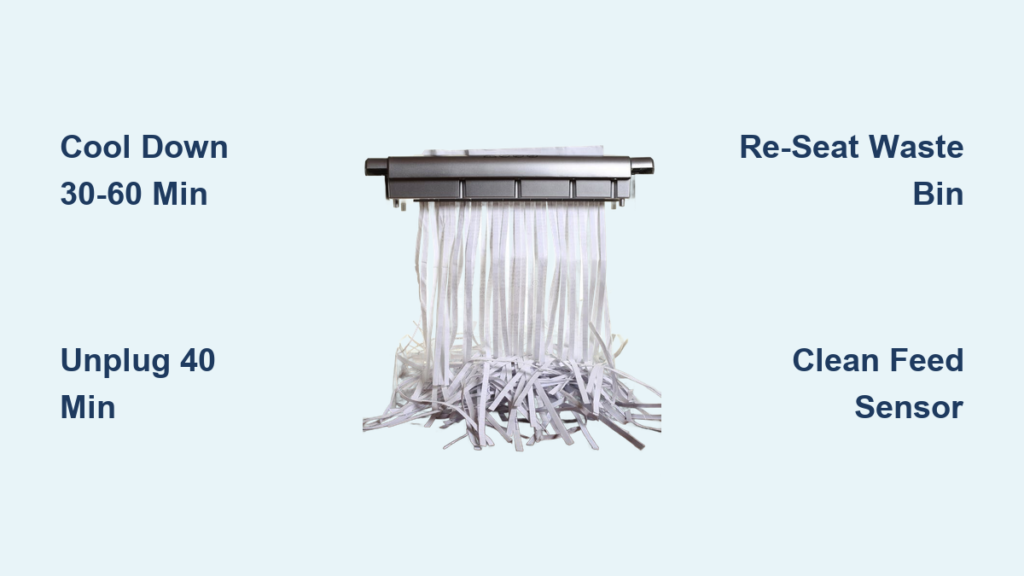
Wait 30 minutes if the unit feels hot. Overheating can trip the thermal fuse, requiring a cooldown before any action.
Use Reverse Mode Carefully
If your shredder has a reverse function, use it wisely. Press and hold reverse for 2 seconds, then forward for 2 seconds. Repeat slowly. Rapid switching between directions stresses the motor and may cause failure.
Do not reverse if the head is completely bound. This can overload the circuit. Instead, proceed to manual removal.
Pull Paper With Pliers
Use needle-nose pliers to gently pull out jammed paper from the feed opening. Work slowly. Yanking too hard risks tearing the paper deeper inside. For stubborn clumps, apply a few drops of shredder oil to the jam site. Wait 10 minutes to soften the fibers, then try again.
Never insert fingers, scissors, or sharp tools near the blades. Even when unplugged, cutting cylinders are extremely sharp.
Handle Adhesive Jams
Sticky notes, envelope flaps, and tape leave behind residue that builds up on rollers and causes recurring jams. After clearing the paper, run an oiled sheet through to dissolve adhesive. For severe cases, wipe rollers with a lint-free cloth dampened with rubbing alcohol, power off and unplugged. Let dry completely before use.
Office Max models are especially prone to adhesive buildup. Clean rollers every 20 to 30 sheets if jams persist.
Remove Dust and Debris
Paper dust acts like sandpaper, accelerating wear and creating suction that pulls in more debris. Regular cleaning prevents buildup and maintains optimal airflow.
Unplug Before Any Cleaning
Always disconnect power before opening the head or touching internal parts. Even standby power can activate motors unexpectedly.
Only remove covers designed for user access. Do not force open sealed compartments. These require professional service.
Vacuum the Shredding Chamber
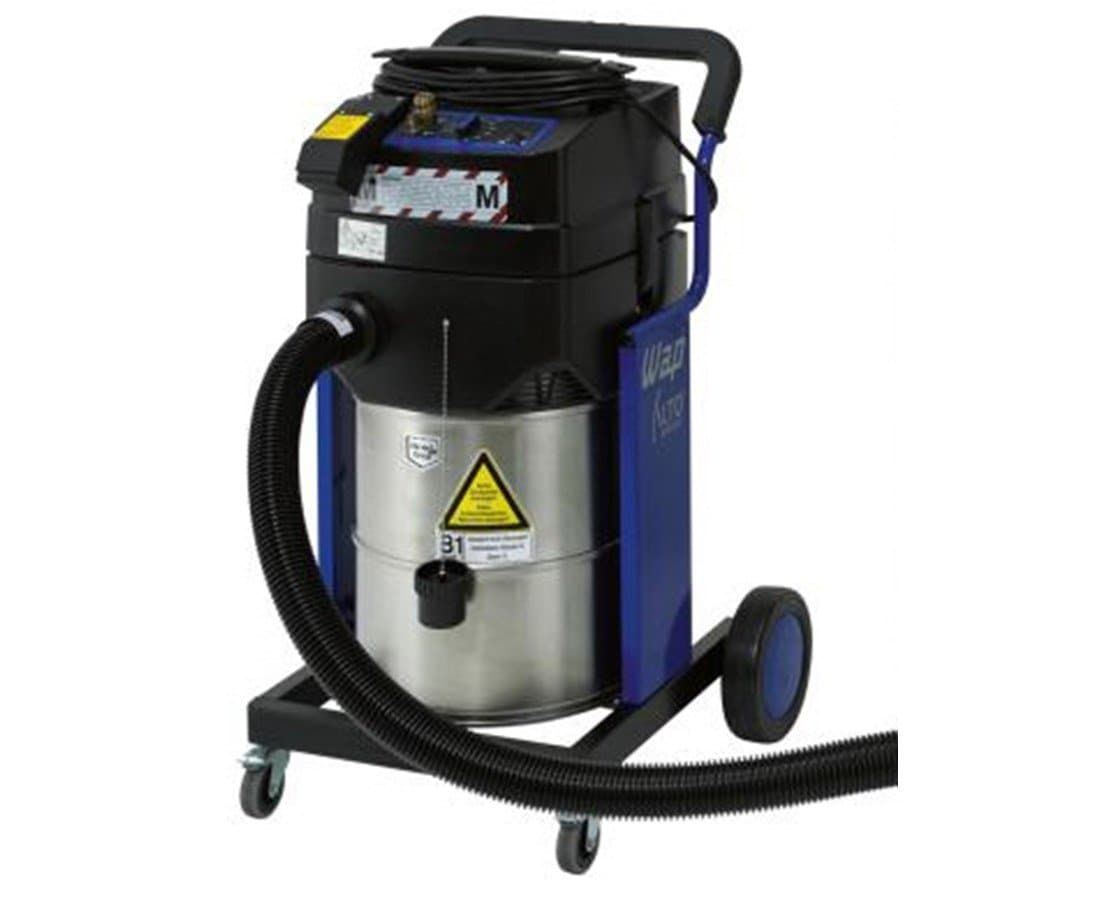
Open the shredder head or flip it downward, if design allows, to expose the cutting mechanism. Use a vacuum with a soft brush attachment to gently remove paper dust from the chamber and around the blades.
Avoid blowing with your mouth. Saliva introduces moisture that rusts metal parts. Compressed air works well but use short bursts to avoid forcing dust deeper.
Wipe Blades With a Dry Cloth
After vacuuming, gently wipe the blades with a dry, lint-free cloth to remove ink smudges and fine dust. Do not use wet cloths or sprays. Moisture causes corrosion and irreversible damage.
Inspect for dullness or nicks. If blades look worn or fail to cut cleanly, professional sharpening or replacement may be needed.
Clean the Waste Bin Weekly
Empty the bin completely after each use. Wipe the interior and exterior with a slightly damp cloth if stained. For sticky spills, use rubbing alcohol on a cloth. Never pour liquid into the bin.
Black casings hide dust accumulation. Gray or white models make it easier to spot when cleaning is due.
Follow Best Usage Practices
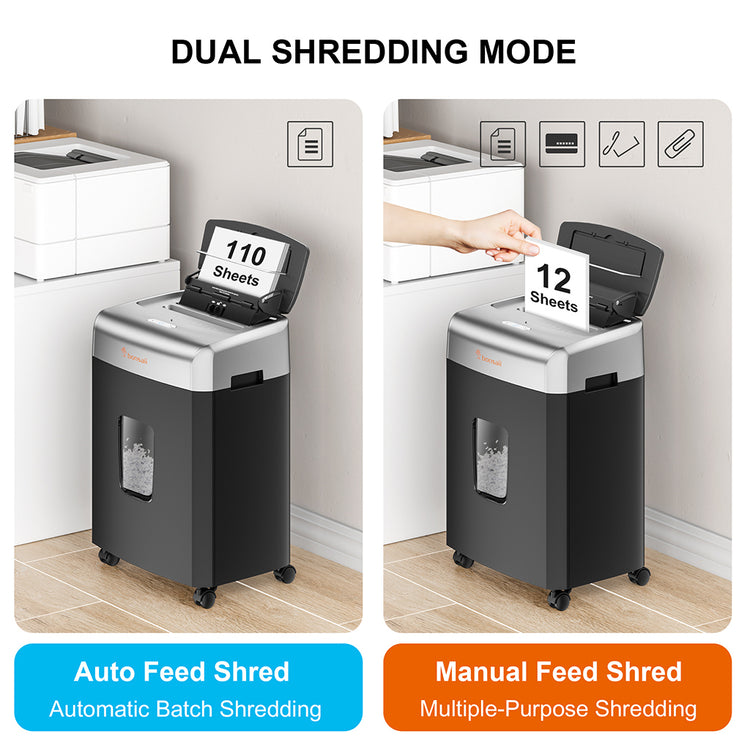
How you use your shredder matters as much as maintenance. Avoiding overloads, using the right materials, and managing run times prevent avoidable failures.
Feed Only 2 to 3 Sheets at a Time
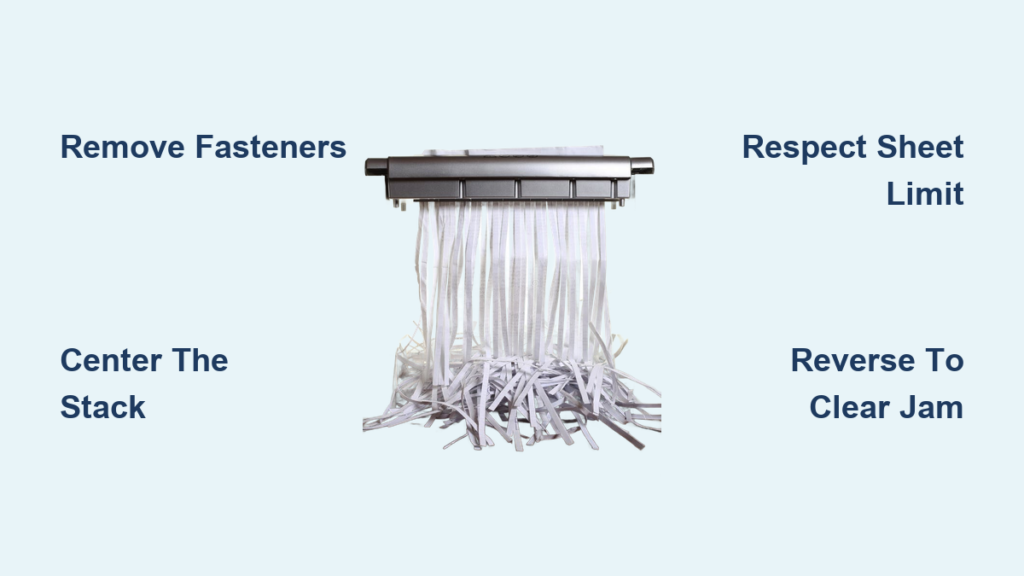
Even if your shredder claims a 12-sheet capacity, real-world performance drops significantly under max load. To prevent jams and extend motor life, limit each pass to 2 to 3 sheets. Folding them in half reduces resistance and improves feeding.
Treat maximum capacity as a peak rating, not a daily standard. Consistent overuse leads to overheating and burnout.
Avoid Staples, Plastic, and Adhesives
Never feed staples, paperclips, or metal. These create micro-burrs on blades that catch paper and cause jams. Most modern models can handle staples, but removing them first is safer and prolongs blade life.
Avoid plastic sheets, thick cardboard, wet paper, and coated stock. Credit cards and CDs should only be shredded if your model is explicitly rated for them.
Limit Continuous Run Time
Most shredders can run continuously for 5 to 15 minutes before needing a cooldown. Pushing beyond this risks thermal overload. If the machine slows or emits a burning smell, stop immediately.
Let it rest for at least 30 minutes before resuming. For large jobs, break them into smaller sessions with cooling breaks in between.
Leitz models feature LED indicators that signal when a cooldown is needed. Follow these prompts closely.
Prevent Future Problems
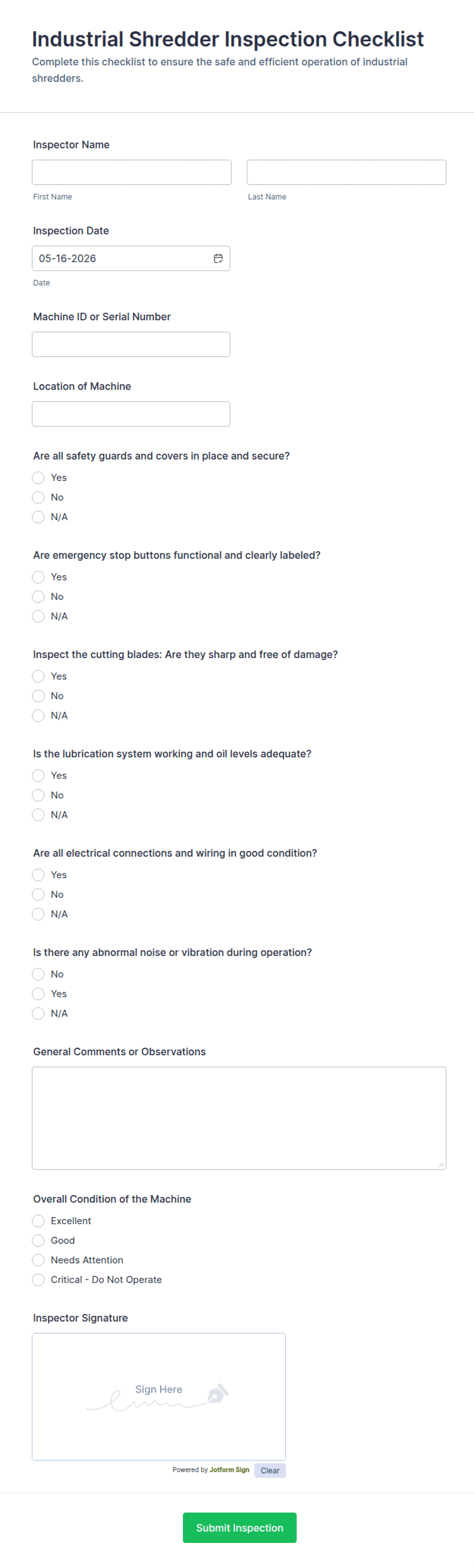
Smart habits today prevent breakdowns tomorrow. A little discipline goes a long way in keeping your shredder reliable and safe.
Stick to a Maintenance Schedule
Use this simple checklist to stay on track. After each use, empty the bin, unplug, and limit sheets. Every 10 to 15 hours, lubricate blades. Weekly, wipe exterior and vacuum chamber. When issues arise, address noise, heat, or slow cutting immediately.
Regular use, even occasional shredding of plain paper, keeps lubricant distributed and prevents blade dryness.
Unplug When Not in Use
Shredders draw vampire power even when idle. Unplugging saves energy and reduces gradual motor wear. It also eliminates fire risk from electrical faults.
Watch for Warning Signs
Unusual grinding noises, excessive heat, incomplete cuts, or frequent jams mean your shredder needs attention. Do not ignore these red flags. Address lubrication, cleaning, or jams promptly to avoid permanent damage.
Users who follow these practices report quieter operation, fewer jams, and shredders lasting over a decade, even with heavy use.
Frequently Asked Questions About Cleaning a Paper Shredder
What is the best oil to use on paper shredder blades?
Food-grade mineral oil is the best choice. It is affordable, non-gumming, and safe for internal rubber components. Shredder-specific lubricant sheets also work well. Avoid vegetable oil, WD-40, baby oil, and aerosol sprays, as these can damage components or create fire hazards.
How often should I oil my paper shredder?
Lubricate every 10 to 15 hours of use, or every time you empty the waste bin. For lighter use, oil every third bin emptying. High-security micro-cut models need more frequent oiling due to intricate blade patterns. If you hear grinding or notice slow feeding, oil immediately.
Why does my shredder keep jamming?
Jams typically occur from overloading, adhesive residue, or debris buildup. Feed only 2 to 3 sheets at a time instead of the maximum rated capacity. Avoid sticky notes, envelope flaps, and tape. Clean rollers regularly if adhesive jams persist. Regular lubrication also prevents many jams.
Can I use WD-40 to lubricate my shredder?
No, WD-40 is not recommended for routine lubrication. It is petroleum-based, can damage internal rubber parts, attracts debris, and lacks the heat tolerance needed for high-friction shredding environments. Stick to food-grade mineral oil or shredder-specific lubricants.
How do I clean sticky residue from shredder blades?
Apply a few drops of shredder oil to the affected area and wait 10 minutes to soften the residue. Use needle-nose pliers to gently pull out any paper. Then wipe the blades with a lint-free cloth dampened with rubbing alcohol. Let dry completely before use.
How long can a paper shredder run continuously?
Most shredders run continuously for 5 to 15 minutes before needing a cooldown. Pushing beyond this risks thermal overload and motor damage. For large jobs, break sessions into smaller chunks with 30-minute rest periods between them.
Key Takeaways for Cleaning Your Paper Shredder
Cleaning a paper shredder is not complicated, but doing it right makes all the difference. By lubricating with food-grade mineral oil, clearing jams safely, removing dust, and following smart usage rules, you protect your investment and ensure reliable performance. The most critical maintenance tasks are lubrication every 10 to 15 hours of use, limiting feed to 2 to 3 sheets per pass, and never ignoring warning signs like unusual noises or excessive heat. Stick to this routine, and your shredder will handle every document with ease. No frustration, no breakdowns, just smooth, quiet operation for years to come.