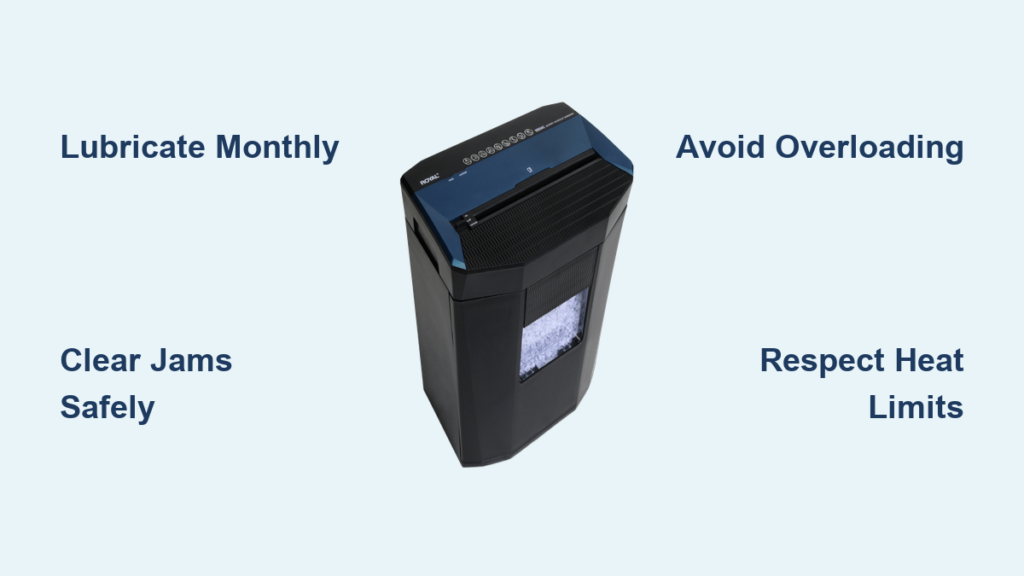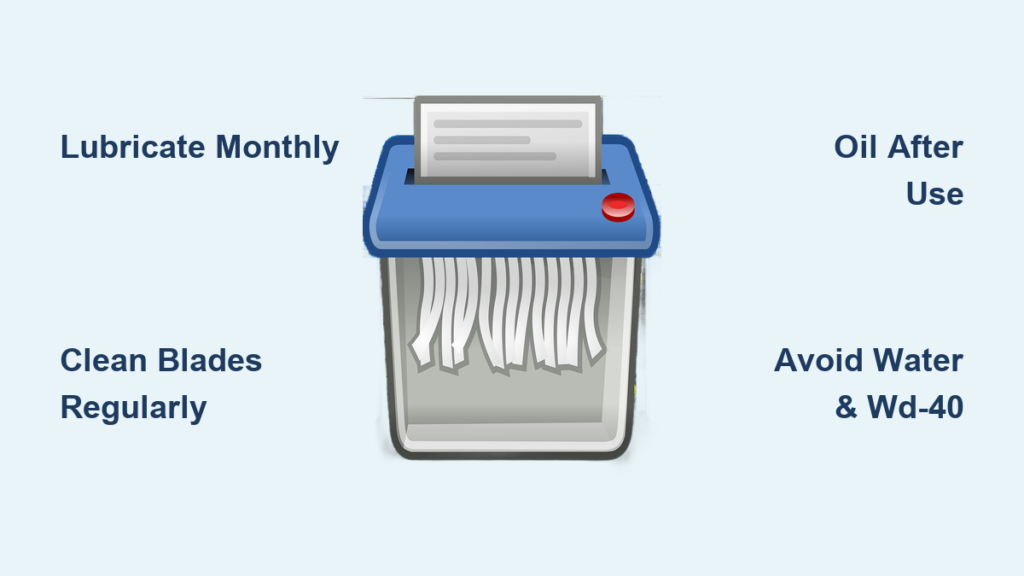
You just fed a stack of documents into your paper shredder—and suddenly, it grinds to a halt. The motor whirs, the blades struggle, and instead of confetti-like strips, you are left with half-chewed paper. If this sounds familiar, poor maintenance is likely the culprit. How to maintain a paper shredder is not just about cleaning—it is about preventing jams, extending motor life, and ensuring your machine keeps sensitive data secure for years.
A well-maintained shredder can last over a decade. But without routine care, even high-end models fail in months. Dust buildup, dried-out blades, and overheating turn a time-saving tool into a frustrating paperweight. The good news? With just a few minutes each month, you can avoid 90% of common issues. This guide breaks down exactly how to maintain a paper shredder—from oiling and cleaning to jam clearing and safe operation—using only expert-backed protocols.
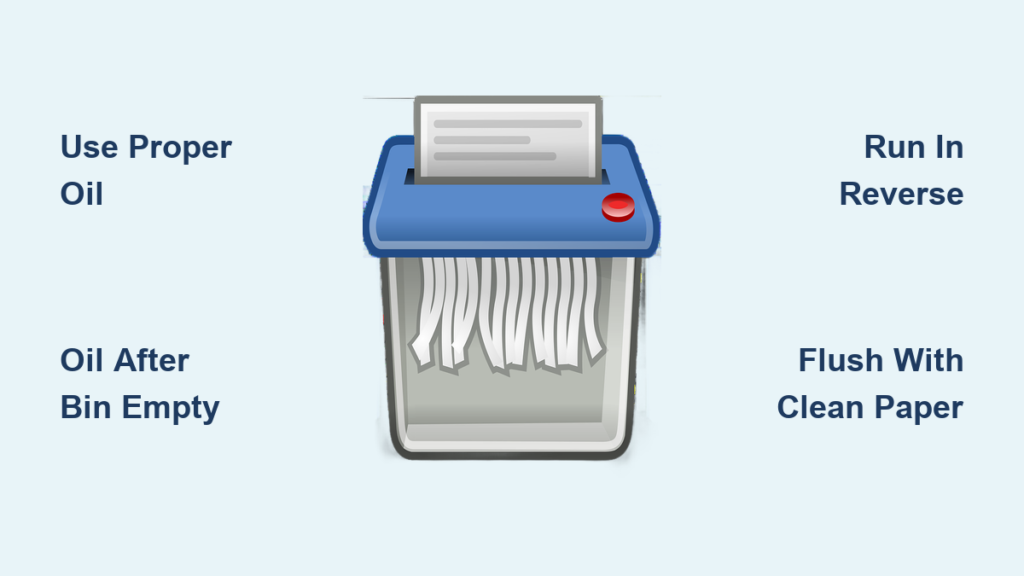
Lubricate Shredder Blades Properly
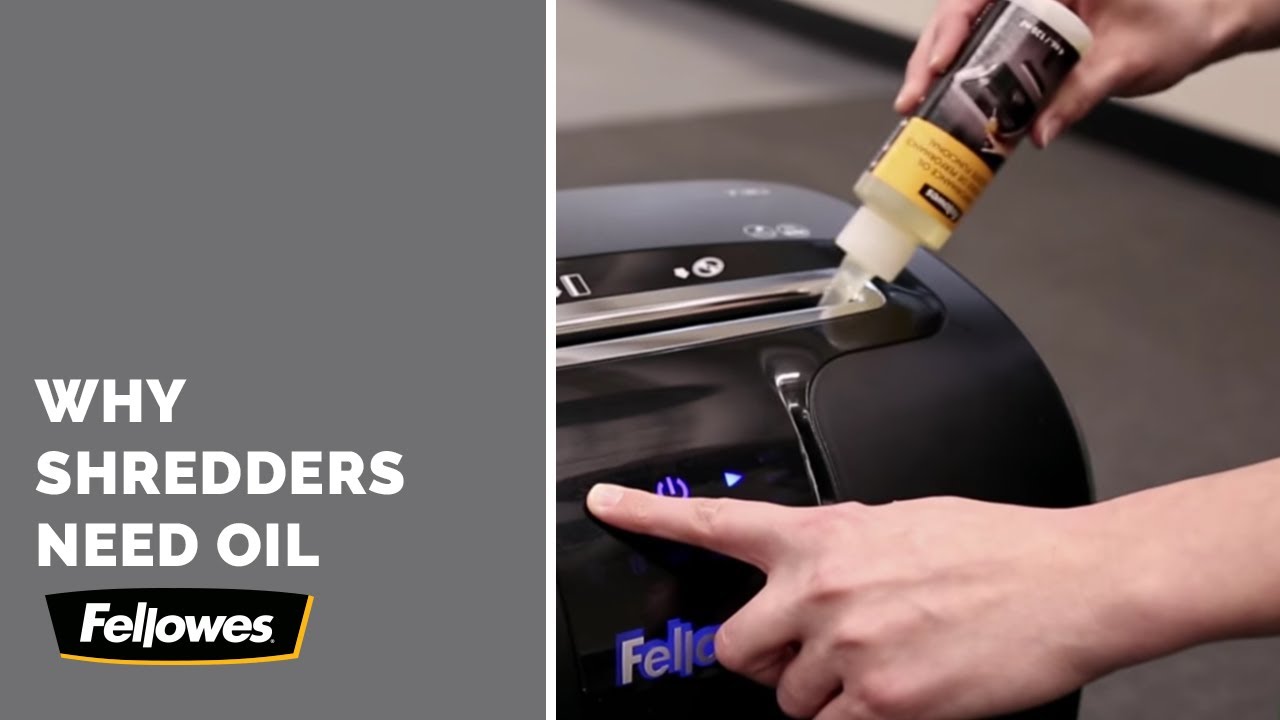
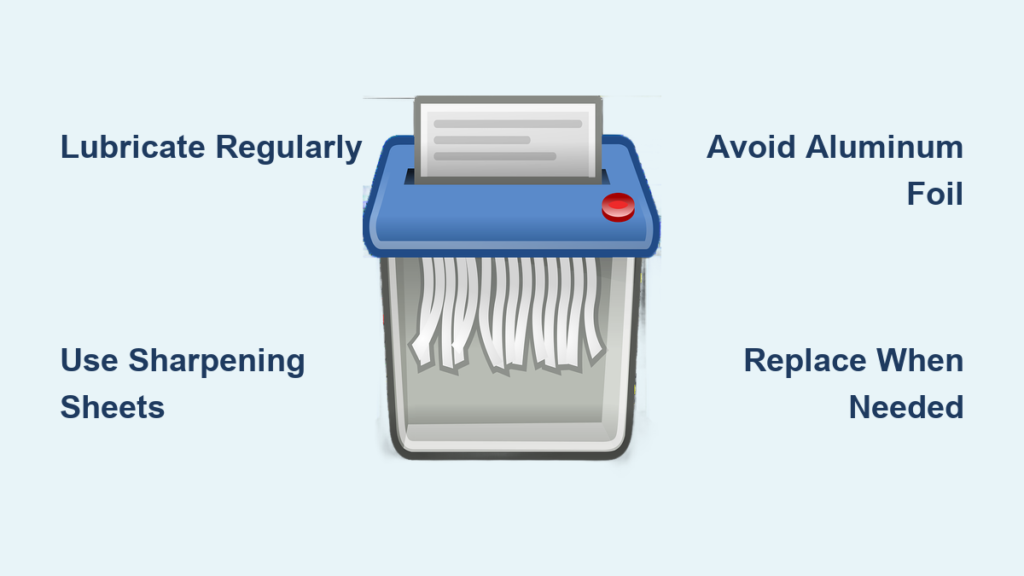
Blades need consistent lubrication to cut cleanly and avoid overheating. Without oil, paper dust acts like sandpaper, wearing down gears and dulling cutting wheels. But using the wrong oil can cause fires or gummy buildup. Follow these guidelines to oil your shredder safely and effectively.
Use Approved Shredder Lubricants
Only use oils designed for shredders or 100% pure food-grade mineral oil. These reduce friction without attracting debris or degrading internal parts.
• Dedicated shredder oil: Specially formulated for cutting mechanisms. Comes in bottles with precision nozzles for controlled application.
• Mineral oil: A safe, affordable alternative available at hardware or grocery stores. Must be additive-free to prevent residue.
• Lubricant sheets: Pre-oiled paper sheets. Ideal for quick, mess-free oiling, especially in shared offices.
Avoid these common household oils:
• WD-40 or aerosol sprays: Highly flammable and attract dust.
• Vegetable or cooking oils: Oxidize over time, turning sticky and gumming up gears.
• Petroleum-based greases: Too thick, trap paper fibers and increase motor strain.
Oil Based on Usage Frequency
How often you oil depends on how much you shred:
• Light home use: Once a month.
• Regular office use: Every time you empty the bin or every third emptying.
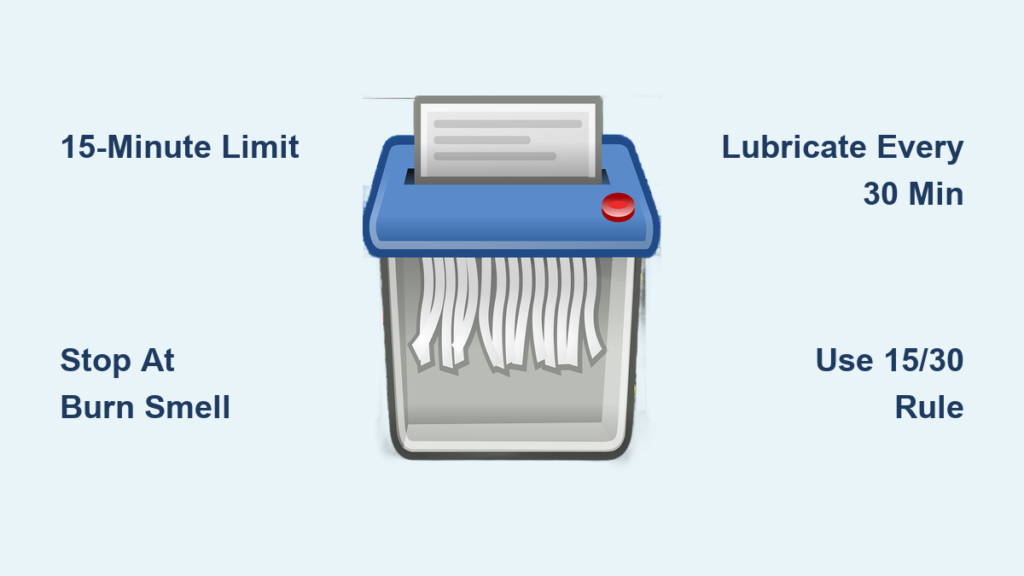
• Cross-cut models: After every 30 minutes of continuous use.
• Micro-cut/high-security models: After every 15 minutes due to finer blade complexity.
• Heavy-duty use: Oil immediately if the machine sounds louder or slower than usual.
Apply Oil Correctly
Indirect Oiling (Recommended for Most Users)
This method prevents excess oil and keeps hands away from blades.
- Place 1–2 sheets of scrap paper flat on a surface.
- Apply 3–5 drops of shredder oil across the top sheet. Do not soak it.
- Feed the oiled paper into the shredder.
- Switch to reverse mode for 5–10 seconds to spread oil through the blades.
- Run one plain sheet through to absorb excess and prevent dripping.
Direct Oiling (For Accessible Gears)
Only attempt if your model allows safe gear access.
- Unplug the shredder first.
- Locate the gear area (check manual).
- With the machine off, apply 2–3 drops directly to gear teeth.
- Plug in, run in reverse for 10–15 seconds.
- Wipe away any drips with a dry, lint-free cloth.
Mineral Oil Technique
Best for users relying on food-grade oil.
- Dab a small amount of mineral oil on a scrap paper.
- Tilt to spread into a thin film.
- Run the paper through 3–5 times, back and forth.
- If blades are visible, add 1–2 drops directly and run in reverse for 10–12 seconds.
- Check for a light sheen with no pooling.
Clean Interior and Blades Regularly
Dust and paper fibers clog the cutting mechanism, leading to jams and overheating. Cleaning removes this buildup and keeps sensors working. Do this every 1–2 months, or more often under heavy use.
Follow Safety Precautions First
Before cleaning:
• Unplug the shredder: Never clean while powered.
• Let it cool down if recently used.
• Only remove user-accessible covers. Forcing panels voids warranties.
Remove Debris and Dust
- Empty the waste bin completely.
- Check under the blades and inside the chassis for stuck paper clumps.
- Use tweezers or a soft brush to pull out tangled fibers.
- Use a vacuum with a brush attachment to suction loose dust from hard-to-reach areas.
Blow Out Paper Dust With Compressed Air
Compressed air dislodges compacted fibers between blades.
• Hold the can upright.
• Spray in short bursts across the cutting wheels.
• Angle the nozzle to push dust outward, not deeper.
• Repeat until no more debris blows out.
Wipe Blades and Sensors Gently
Use a dry microfiber cloth or cotton swab to:
• Wipe blades and feed slot.
• Remove ink smudges and fine dust.
• Clean optical sensors near the paper entry: Dust here can disable auto-start.
Never use water. If residue is sticky, dampen a cloth with isopropyl alcohol, never pour liquid. Let all parts dry completely before plugging in.
Clean the Exterior Weekly
In shared offices, germs spread via touchpoints.
• Wipe the housing, buttons, and feed slot with a damp cloth or sanitizing wipe.
• Avoid abrasive cleaners that scratch plastic or fade labels.
Clear Paper Jams Safely and Quickly

Jams happen, especially when overloading or shredding folded paper. But improper clearing can damage motors or blades. Follow these steps to fix jams without risk.
Prevent Jams Before They Start
• Respect sheet limits: Never exceed the manufacturers capacity.
• Align paper neatly: No crumpling or skewing.
• Avoid staples, clips, or adhesives unless your model is rated for them.
• Do not force paper: Let the machine pull it in naturally.
Reverse Mode to Release Jams
If your shredder has reverse:
- Turn off and unplug.
- Plug back in, press and hold Reverse for 2 seconds.
- Switch to Forward for 2 seconds.
- Repeat until paper clears.
Do not toggle rapidly: This strains the motor.
Manual Removal for Stubborn Jams
If reverse fails:
- Unplug the machine.
- Reach in from the bin side to pull tangled paper out.
- Use plastic tweezers or scissors to cut and extract stuck pieces.
- Never use metal tools: They can scratch blades or spark.
- Never insert fingers near the cutting wheels.
Use Oil to Loosen Stuck Paper
For paper that will not budge:
• Apply a few drops of shredder oil to the jam.
• Wait 10 minutes for oil to penetrate fibers.
• Try pulling again or use reverse mode.
• The oil reduces friction and helps release the blockage.
Follow Operational Best Practices

How you use your shredder affects its lifespan more than you think. Duty cycles, material types, and placement all impact performance.
Observe Duty Cycle Limits
Most shredders overheat after 5–15 minutes of continuous use.
• Run time: Follow your models max runtime (check manual).
• Cool down: After hitting the limit, unplug and wait 30–60 minutes.
• LED alerts: Some models (like Leitz) light up when cooling is needed. Heed the warning.
Listen for unusual noises or feel for excessive heat: These mean stop immediately.
Shred Only Approved Materials
Approved materials include:
• Paper (within sheet limit)
• Credit cards (if rated)
• CDs/DVDs (only if specified)
Never shred thick plastics, metal objects (unless designed for it), adhesive labels (glue ruins blades), or non-paper items in standard models. Staples and paper clips: Only shred if your model is rated, otherwise remove them.
Place Shredder in Optimal Location
• Keep in a dry, low-dust area.
• Avoid direct sunlight hitting the feed slot: Sunlight can confuse optical sensors.
• Do not stack items on top: Weight stresses internal parts.
• Empty bin early: Do not wait until full. Overfilled bins cause back-pressure and jams. Some models flash a full-bin alert.
Schedule Deep Maintenance
Routine care prevents most issues, but periodic deep maintenance ensures long-term reliability.
Perform Monthly Deep Cleaning
For frequent users:
• Combine compressed air, blade wiping, and full lubrication.
• Check for paper buildup under the rollers.
• Clean sensors and feed rollers with a dry swab.
Inspect Power Cord and Plug
Every 3 months:
• Examine the cord for fraying, cuts, or kinks.
• Ensure the plug fits snugly in the outlet.
• Replace the cord or unit if damage is found. Do not tape it.
Know When to Call a Professional
Seek expert help if:
• Jams persist despite cleaning and oiling.
• The motor makes grinding or burning smells.
• The shredder will not start, even when plugged in.
• You suspect internal electrical faults.
Never disassemble the motor or internal gears: This voids warranties and risks injury.
Avoid Critical Mistakes
Even small errors can shorten your shredders life. Memorize these do nots:
• Do not use WD-40, cooking oil, or aerosols: Fire hazard and gummy residue.
• Do not exceed sheet capacity: Causes jams and motor burnout.
• Do not ignore cool-down warnings: Overheating kills motors.
• Do not use water or harsh chemicals: Damages electronics and sensors.
• Do not insert fingers or metal tools: Risk of injury and blade damage.
• Do not shred adhesives or non-approved items: Ruins cutting wheels.
• Do not skip oiling: Leads to premature wear.
Frequently Asked Questions About Paper Shredder Maintenance
How often should I oil my paper shredder?
Oil frequency depends on usage. Light home use requires monthly oiling. Regular office use needs oiling every time you empty the bin or every third emptying. Cross-cut models need oiling after every 30 minutes of continuous use, while micro-cut models require it every 15 minutes.
Can I use cooking oil to lubricate my shredder?
No. Cooking oils oxidize over time, becoming sticky and gumming up internal gears. Use only dedicated shredder oil or 100% pure, additive-free mineral oil. WD-40, aerosol sprays, and petroleum-based greases are also prohibited due to fire hazards and residue buildup.
Why does my shredder keep jamming despite regular maintenance?
Jams persisting after cleaning and oiling usually indicate the shredder needs professional servicing. Other causes include exceeding sheet capacity, shredding folded or crumpled paper, or attempting to shred non-approved materials like staples, clips, or adhesive labels.
Can I clean my shredder with water?
No. Water damages electronics and sensors. Use a dry microfiber cloth or cotton swab for wiping. For sticky residues, use a cloth dampened with isopropyl alcohol, never pour liquid directly onto the machine. Ensure all parts are completely dry before plugging in.
How do I know if my shredder is overheating?
Most shredders overheat after 5–15 minutes of continuous use. Signs include unusual noises, excessive heat radiating from the unit, or LED indicators lighting up (on models like Leitz). Immediately stop use and allow 30–60 minutes for cooling.
Where should I place my shredder for optimal performance?
Place your shredder in a dry, low-dust area away from direct sunlight. Sunlight hitting the feed slot can confuse optical sensors. Do not place heavy objects on top, and empty the bin before it reaches full capacity to prevent back-pressure and jams.
Key Takeaways for Maintaining Your Paper Shredder
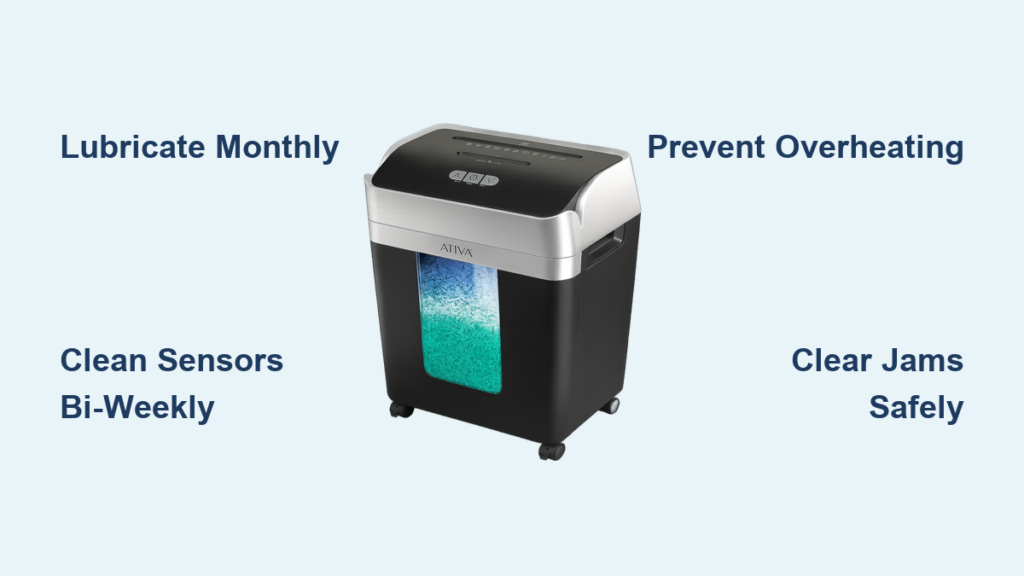
Maintaining a paper shredder is simple but essential. Lubricate monthly using only approved oils (dedicated shredder oil or 100% pure mineral oil), clean debris and dust every 1–2 months, and always observe duty cycle limits to prevent motor overheating. Never use WD-40, cooking oils, or aerosol sprays, as these create fire hazards and gummy residue that damages internal components.
Beyond lubrication, practice proper usage habits: respect sheet capacity limits, remove staples and paper clips unless your model is rated for them, and place the unit in a dry, shaded area away from direct sunlight. Regular inspection of the power cord and plug every three months catches electrical hazards before they cause damage.
By following these steps, your shredder will stay fast, quiet, and reliable, protecting your data and your investment for years to come.