
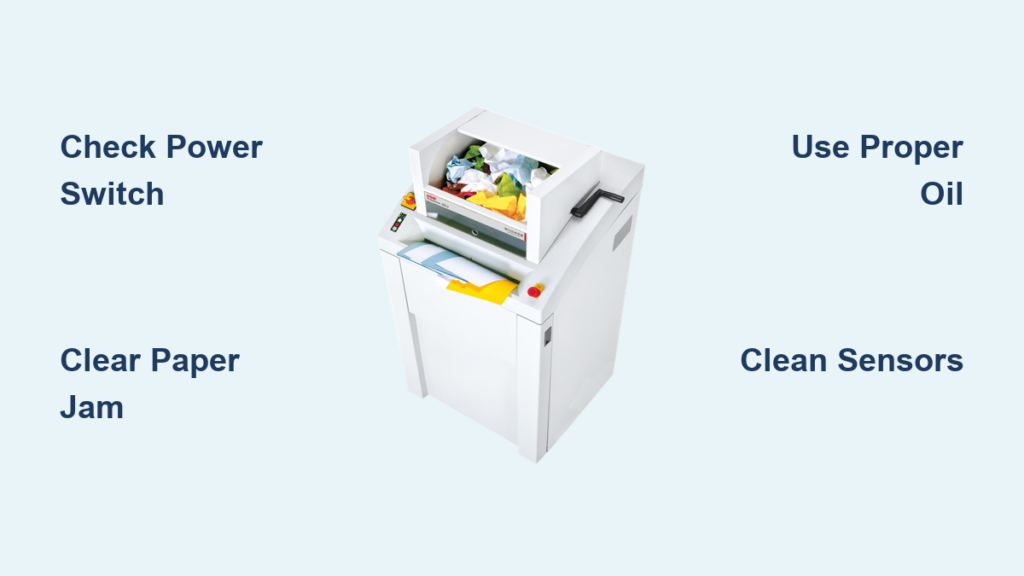
If your HSM shredder isn’t working properly, you’re not alone. From paper jams to power failures and strange noises, HSM shredder troubleshooting is a common need in offices and industrial settings. Whether you’re dealing with a silent machine, a humming motor, or error messages like “System not ready,” most issues can be diagnosed and resolved quickly, often without professional help. This guide delivers step-by-step solutions for the most frequent HSM shredder problems, covering power faults, jams, performance drops, and model-specific failures.
Power Failure Diagnosis for HSM Shredders
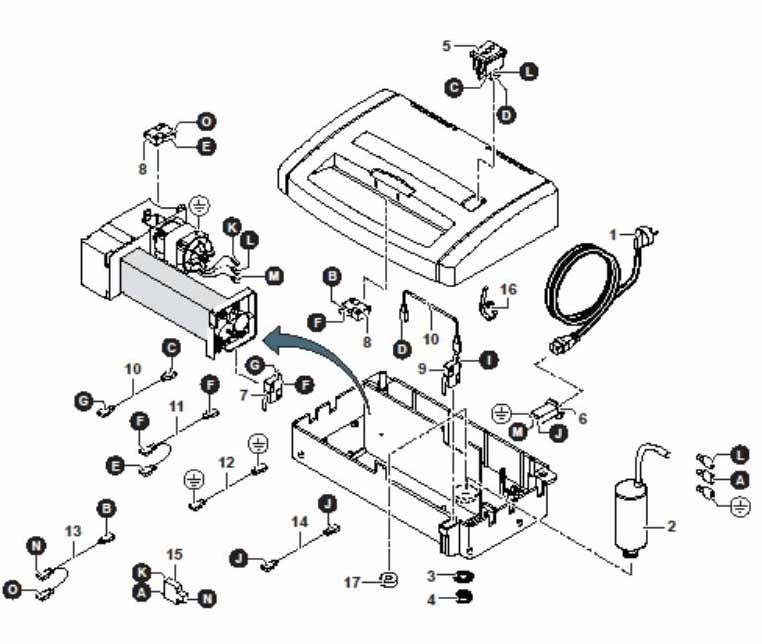
When your shredder shows no signs of life, check these three critical areas before assuming electrical failure.
No Power After Startup
- Container alignment: Ensure the upper unit is fully seated on the waste bin. A misaligned container triggers a safety switch that cuts power.
- Main switch position: Verify the rear power switch is set to “I” (On), not “O” (Off).
- Front door closure: If the red “Front door open” LED is lit, the machine won’t start. Check that the internal collecting frame is correctly positioned so both doors close and latch fully.
If all checks pass but the unit remains dead, press the green power button again after closing the door, especially if it was opened during operation.
What “System Not Ready” Means
After powering up, the display should show “System not ready” for about 10 seconds before switching to “Ready for operation.” If this message persists beyond 10 seconds and no other error appears, do not continue use. This indicates an internal fault such as a controller malfunction or sensor failure. Contact HSM customer service immediately.
Flashing “Ready for Operation” Meaning
A flashing “Ready for operation” display means the shredder is in automatic standby mode after 2 minutes of inactivity. This energy-saving feature is normal. The machine will restart instantly when paper is inserted. However, if the light stays solid or doesn’t respond during feeding, there’s likely a fault in the sensor or drive system. Try a full power cycle. If the problem continues, professional repair is required.
Clear Stubborn Paper Jams
Paper jams are the most common HSM shredder troubleshooting issue. Here’s how to fix them safely.
Reverse Function First Step
When a jam occurs, the shredder usually stops automatically. Start by pressing the “R” (Reverse) button to eject the stuck material. Most minor jams clear this way. If reverse fails, proceed to oiling.
Pro Tip: Never force paper through a jammed unit. This can damage gears or blades permanently.
Oil the Cutting Block
If reverse doesn’t work, apply special shredder oil generously across the feed slot to soften the jam:
- Let the oil soak for 60 minutes.
- With the machine powered on, gently press down on the jam with a thin piece of cardboard to help dislodge it.
- Press “R” again to reverse out the loosened paper.
This method works best for tightly packed jams caused by overfeeding or lack of lubrication.
WD-40 Emergency Fix for Securio B32
For severe jams in HSM Securio B32 models, use WD-40 as a temporary penetrant:
- Spray WD-40 directly into the feed opening.
- Wait 10 minutes, then repeat 2 to 3 times for deep penetration.
- Turn on the machine and engage reverse.
Critical Warning: WD-40 is not a shredder lubricant. After clearing the jam, immediately re-lubricate with proper shredder oil. Run the unit in reverse for 2 minutes to distribute the oil, then let it rest 15 to 20 minutes before normal use.
Manual Jam Removal by Disassembly
When all else fails, disassemble carefully:
- Unplug the shredder completely.
- Remove the five securing screws from the casing.
- Open the unit and locate the rollers.
- Use a narrow flathead screwdriver to gently pry out stuck paper fragments.
Safety Note: Avoid touching cutting blades directly. Even slight nicks reduce performance and create uneven cuts.
Fix Drive Faults and Overheating
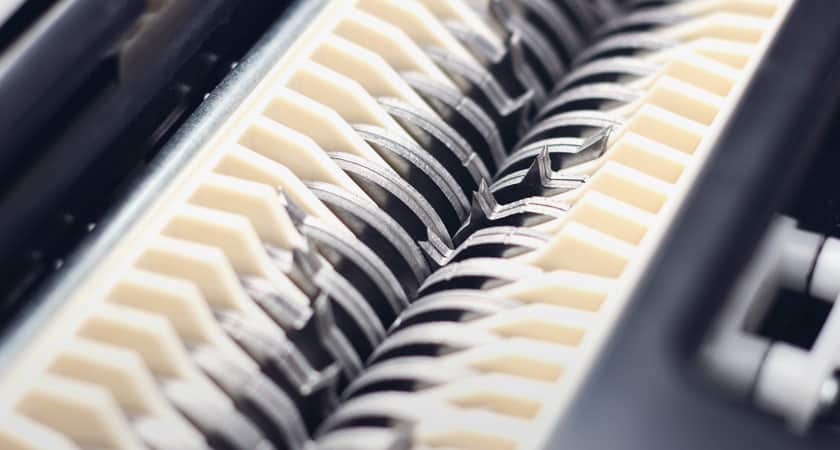
“Drive Fault” Error Appears
A “Drive fault” message without a visible paper jam typically means the motor or gearbox is overloaded. This triggers thermal protection. Follow this recovery process:
- Turn off the shredder.
- Let it cool down for 20 minutes.
- Restart and test with a single sheet.
If the error returns, the issue may be deeper, such as a failed light barrier, damaged gear train, or electronic controller defect. Contact technical support and do not attempt further fixes.
Humming But Not Shredding
The HSM 105.3 may hum but fail to feed or crosscut, even if strip-cutting still works. This specific failure often stems from:
- Hidden debris in crosscut blades
- Dirty light barrier sensor
- Dull or bent blades
To resolve this HSM shredder troubleshooting issue:
- Shine a flashlight into the cutting cylinder to inspect for trapped fragments.
- Clean the paper-entry sensor with a soft, dry cloth.
- Examine blades for damage. Replace if bent or dull.
- Allow a 30-minute cool-down if the motor is overheating.
If humming persists, the drive system or motor may be failing. Stop use and contact service.
Restore Cutting Performance
Squeaking Noise and Poor Cuts
Increased noise and ragged cuts signal insufficient lubrication or built-up paper residue. Friction wears down blades and strains the motor.
Fix it fast:
- Apply shredder-specific oil across the full width of the feed slot.
- Press “R” to reverse the unit and flush out old paper bits.
- Run without paper for 10 to 15 seconds to spread oil.
Result: Smoother cuts, quieter operation, and reduced jam risk, especially in strip-cut models.
Reverse-Only Operation
If your shredder runs only in reverse and refuses to go forward, this points to a serious electronic fault. Likely causes include:
- Failed control board
- Malfunctioning light barrier
- Sensor misalignment
This condition cannot be fixed at the user level. Cease operation and contact HSM service immediately.
Lubricate Like a Pro
Proper lubrication prevents 80% of common shredder issues. Here’s how to do it right.
How Often to Oil
Oil your HSM shredder:
- Every 15 to 20 minutes of continuous use
- After emptying the waste bin
- When you notice increased noise or resistance
Refer to your manual for model-specific intervals.
Use the Right Oil
Only use HSM-approved shredder oil. Never substitute:
- WD-40 (damages seals and lacks anti-static properties)
- Cooking oil, motor oil, or silicone sprays (gum up blades)
Exception: WD-40 is acceptable only for emergency jam removal, not routine maintenance.
Correct Oiling Technique
- Spray oil evenly across the entire feed opening.
- Run the shredder in reverse for 10 to 15 seconds (up to 2 minutes for deep clean).
- Ensure all paper residue is expelled during oiling.
This ensures full blade coverage and prevents residue buildup.
Model-Specific Fixes and Limits
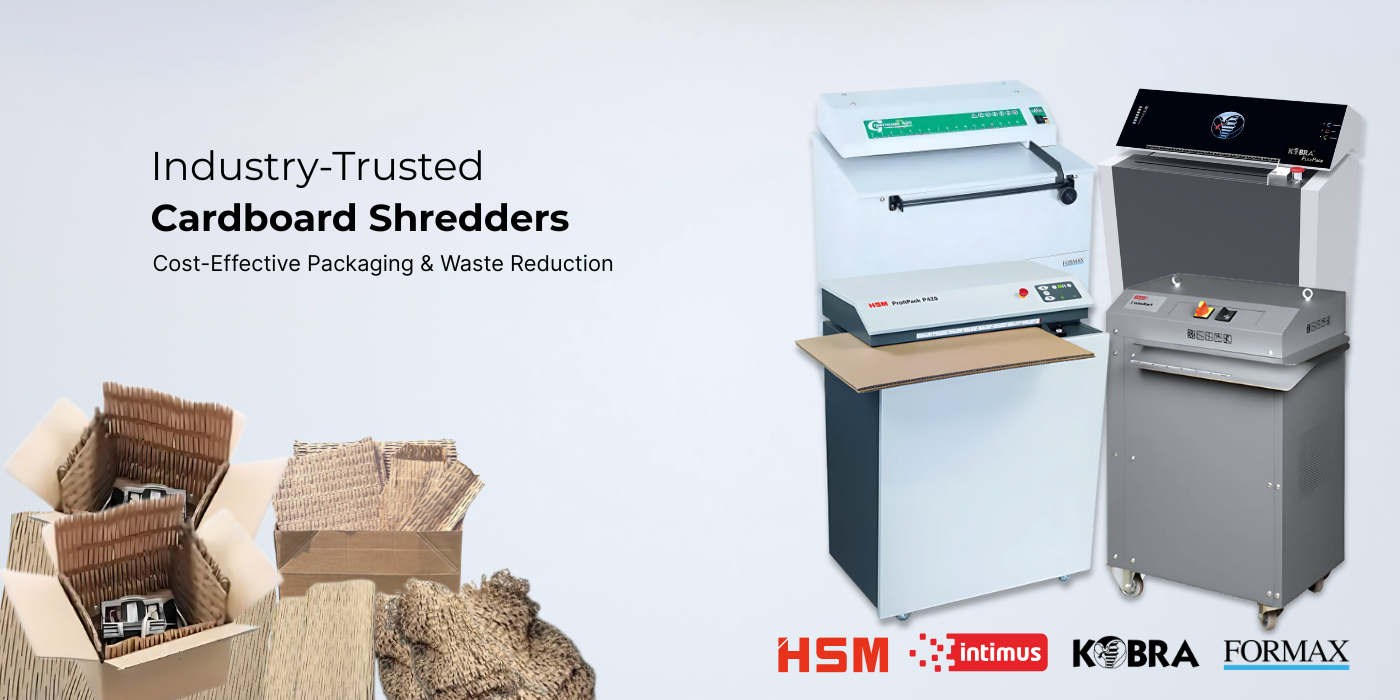
HSM ProfiPack: No Oil, Just Air
The HSM ProfiPack (cardboard shredder) operates differently:
- No lubrication required
- End-of-shift cleaning: Blow out dust and cardboard particles with compressed air
- Prevents clogs and maintains peak performance
Failure to clean leads to gradual slowdowns and jams.
Cardboard Shredding Rules
Standard paper shredders cannot handle cardboard. It damages blades and overloads motors. Only use HSM ProfiPack for:
- Single-wall (three-layer) corrugated cardboard
- Feed thickness 0.5 inches or less
Avoid:
- Double-wall (five-layer) cardboard
- Wet, greasy, or soiled material
- Items with plastic tape, labels, wood, or nails
Staples are allowed, but contaminants can void warranties.
Optical Media and Electronics
Specialized HSM models handle sensitive items:
- CD/DVD/Blu-ray/credit cards: Use optical media shredders like HSM Classic 411.2 OMDD
- Hard drives and USBs: Use HSM StoreEx HDS 230 for audit-ready destruction
- Smartphones/tablets: Not supported. Require industrial crushing systems
Prevent Future Problems
Avoid Overheating
Prevent thermal shutdowns with smart usage:
- Respect sheet limits (10 to 12 sheets for HSM 105.3)
- Allow cool-down breaks every 10 to 15 minutes of continuous use
- Use automatic sleep mode (activates after 2 minutes idle)
Clean Monthly
Dust and paper fibers reduce efficiency. Monthly maintenance:
- Run a shredder cleaning sheet or a few sheets of oil-soaked paper
- Wipe down the feed slot and sensor area
- Vacuum around air vents
Keep Sensors Clean
The light barrier detects paper entry. Dust blocks signals, causing:
- No start-up
- False jams
- Erratic behavior
Clean monthly with a dry microfiber cloth. No liquids.
Know When to Call Support
Critical Issues Requiring Service
Contact HSM technical support if you experience:
- “System not ready” persists more than 10 seconds
- Red “Front door open” light stays on despite closed doors
- “Drive fault” returns after 20-minute cool-down
- Shredder runs only in reverse
- Humming without feeding after cleaning and oiling
- Jams that resist all removal methods
These indicate internal hardware or electronic failures.
What Info to Provide
When requesting service, have ready:
- Model name and serial number
- Article number and delivery note
- Location (country, postcode, city)
- Contact details (phone, email)
- Photos of the issue (JPG/PNG)
- Invoices or proof of purchase
This speeds up diagnosis and parts replacement.
Global Service Coverage
HSM offers support in the United States, United Kingdom, Germany, France, Canada, Australia, and major European and Asian markets. Select your country during the service request to connect with local technicians.
Maximize Shredder Lifespan
Expected Service Life
Most HSM shredders last 5 to 10 years. Industrial models last longer with proper care. Key factors:
- Frequency of use
- Adherence to lubrication schedule
- Correct material handling
- Timely servicing
Industrial-Grade Options
For high-volume environments, choose the HSM Powerline 5000/7000/9000 series. These units handle:
- Mixed materials (paper, CDs, USBs)
- Crumpled documents
- Continuous operation
- Compact waste output
Built for durability and audit compliance.
Security and Compliance Standards
High-Security Shredding
HSM meets strict data protection requirements:
- P-6 and P-7 (DIN 66399) for classified documents
- NSA/CSS-listed and TAA-compliant models (Pro 7000/8000/9000)
- Particle size: 1/32 x 3/16 inch for maximum data protection
Ideal for government, military, and financial institutions.
Audit-Ready Destruction
For compliance tracking, the HSM StoreEx HDS 230 provides:
- Onboard camera recording full destruction process
- Barcode scanning of each device
- Full digital log for audits and reporting
Ensures 100% accountability and regulatory compliance.
Frequently Asked Questions About HSM Shredder Troubleshooting
Why does my HSM shredder show “System not ready” after startup?
The “System not ready” message should disappear within 10 seconds of powering on. If it persists beyond 10 seconds with no other error displayed, this indicates an internal fault such as a controller malfunction or sensor failure. Stop using the machine and contact HSM customer service immediately.
How do I clear a paper jam in my HSM shredder?
Start by pressing the “R” (Reverse) button to eject stuck material. If that fails, apply shredder oil to the jam and wait 60 minutes, then try reverse again. For severe jams, you can use WD-40 as a temporary penetrant (Securio B32 only), but you must re-lubricate with proper shredder oil afterward.
Why is my HSM 105.3 humming but not shredding?
This specific failure often stems from hidden debris in crosscut blades, a dirty light barrier sensor, or dull or bent blades. Clean the sensor with a soft dry cloth, inspect for trapped fragments, and check blade condition. Allow a 30-minute cool-down if the motor is overheating.
How often should I oil my HSM shredder?
Oil the cutting head every 15 to 20 minutes of continuous use, or as specified in your manual. Also oil after emptying the paper container or when you notice increased noise or resistance during operation.
Can I use WD-40 to lubricate my HSM shredder?
No. WD-40 is not a shredder lubricant. It damages seals and lacks anti-static properties. Use WD-40 only for emergency jam removal, then immediately re-lubricate with HSM-approved shredder oil. For routine maintenance, always use shredder-specific oil.
Key Takeaways for HSM Shredder Maintenance
Regular maintenance, correct lubrication, and prompt jam clearing are the keys to reliable HSM shredder performance. Most issues stem from overuse, lack of oil, or improper materials like cardboard in standard shredders. By following these HSM shredder troubleshooting steps, you’ll minimize downtime and extend your machine’s life.
Always use HSM-approved shredder oil and never substitute household oils. Respect sheet capacity limits and allow cool-down periods during heavy use. Clean the light barrier sensor monthly to prevent false jams and start-up failures.
When in doubt, stop use and contact HSM support, especially for electronic or drive faults. Keep your shredder sharp, clean, and compliant with security standards for maximum value and data protection.





