
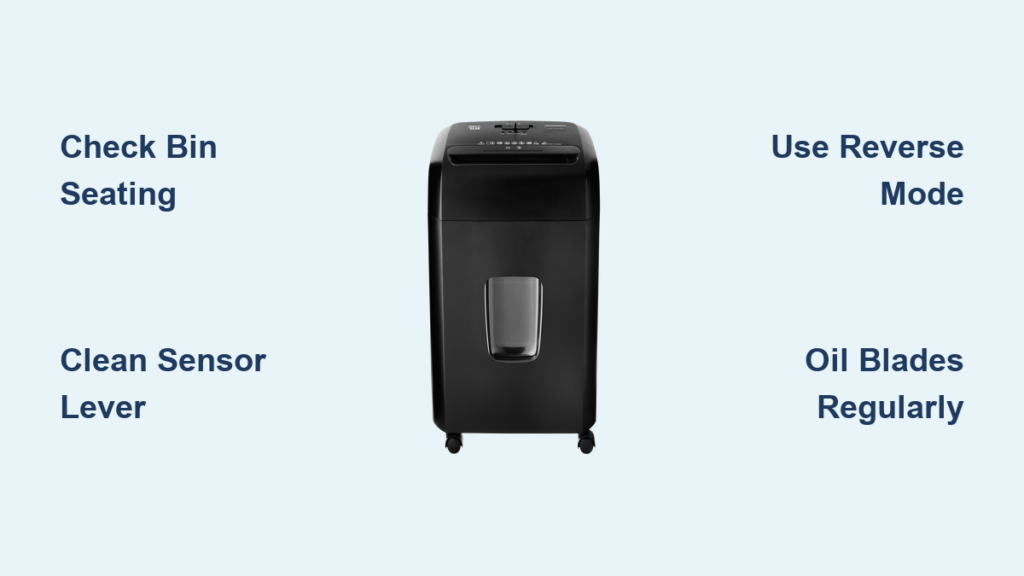
You’re ready to shred a stack of old documents, press the button, and nothing happens. No hum, no movement, not even a power light. Or worse, the motor runs but nothing gets cut. If your Pen+Gear shredder stopped working, you’re not alone. These affordable cross-cut shredders are popular for home and office use, but like all mechanical devices, they can fail, often due to simple, fixable issues.
The good news is that most problems with a non-working Pen+Gear shredder aren’t permanent. In fact, over 80% of failures fall into one of three categories: power issues, sensor jams, or mechanical blockages. With the right steps, you can diagnose and fix the problem in under 30 minutes, often without any tools. This guide walks you through every common failure mode, how to identify the root cause, and exactly what to do to get your shredder back up and running.
Power Not Turning On? Check These First

When your Pen+Gear shredder shows no lights and makes no sound, the issue isn’t always a dead motor. Start with these quick, non-invasive checks before opening the unit.
Verify Outlet and Plug Connection
First, confirm the outlet is live. Unplug the shredder and test the socket with a lamp or phone charger. If the device doesn’t power on, the issue is with the circuit, not the shredder. Also check that the power cord is fully inserted into both the wall and the shredder’s base. A loose connection can mimic a total failure.
Ensure Bin Is Fully Seated
Pen+Gear shredders use a safety interlock on the wastebasket. If the bin isn’t pushed in completely, the unit won’t power on. Remove the bin and reseat it firmly until you hear a click or feel it lock into place. Many users overlook this, especially if a plastic liner is bunched up underneath, preventing full contact. Remove any plastic bag to test.
Confirm Lid and Cover Are Closed
Some models feature a ShredSafe or tilt-activated safety switch. If the shredder head is even slightly tilted or the lid is open past its first position, the power cuts off. Close the lid completely and ensure it’s flush with the housing. Never operate with the cover raised.
Motor Runs But No Shredding? Fix the Sensor
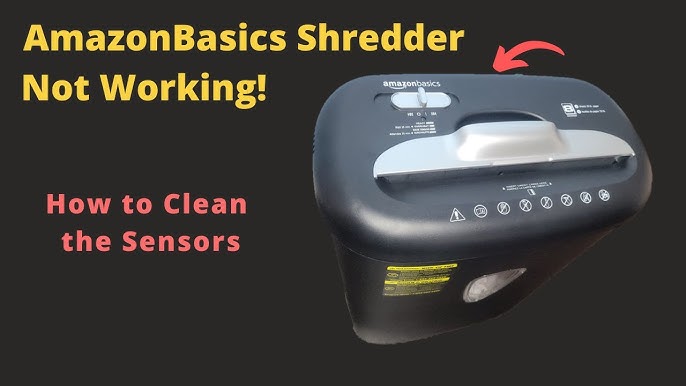
If the motor hums, especially in reverse, but paper isn’t pulled in or cut, the blades aren’t engaging. This usually means the feed sensor isn’t triggering.
Clear Debris from Feed Slot Sensor
A small metal lever in the center of the feed slot detects paper. Over time, paper dust and shreds pack around it, jamming the lever in the up position. Unplug the shredder. Use a dental pick or tweezers to gently scrape debris from around the lever. Avoid forcing it, as bending the sensor can break it. A quick burst of compressed air used sparingly can also dislodge buildup.
Test and Lubricate the Paper Sensor
Once cleaned, manually press the lever down. Plug in the shredder and switch to Auto or On mode. The motor should engage immediately when you release the lever. If it doesn’t, the sensor may be dislodged internally. In that case, open the casing and reposition the lever so it sits under the activation point. A single drop of WD-40 on the pivot, not the blades, helps it move freely.
Paper Jam? Clear It Step by Step
Jams are the most common reason a Pen+Gear shredder stops working. Don’t force paper through. Follow this sequence to avoid damaging gears.
Use Reverse Mode First
Switch the shredder to Reverse and run for 3 to 5 seconds. This often backs the paper out enough to pull it free. If it’s still stuck, alternate: 1 second forward, 5 seconds reverse. Repeat up to 5 times. Never run forward for more than 2 seconds at a time on a jammed unit.
Manually Remove Shreds with Tweezers
Unplug the unit. Turn it upside down. Use needle-nose tweezers or a dental pick to pull out paper bits from both sides of the blade stack. Work slowly, alternating sides to prevent blade binding. Never use your fingers, as blades stay sharp even when unpowered.
Push Through with Rigid Cardstock
If the jam is deep, insert a stiff index card or file folder into the center of the feed slot. Push firmly and evenly. The card can dislodge the blockage or trigger the sensor to restart cutting. This often clears sensor-obstructing jams that make the unit seem dead.
Soak Severe Jams with Oil
For paper fused into the blades, use the oil soak method. Unplug the shredder. Drizzle 2 to 3 tablespoons of shredder oil or cooking oil directly onto the jam site. Wait 30 minutes to let oil soften the fibers. Try reverse mode or insert cardstock to push through. Run an oiled sheet through afterward to re-lubricate the blades.
Overheating? Reset the Thermal Cutout
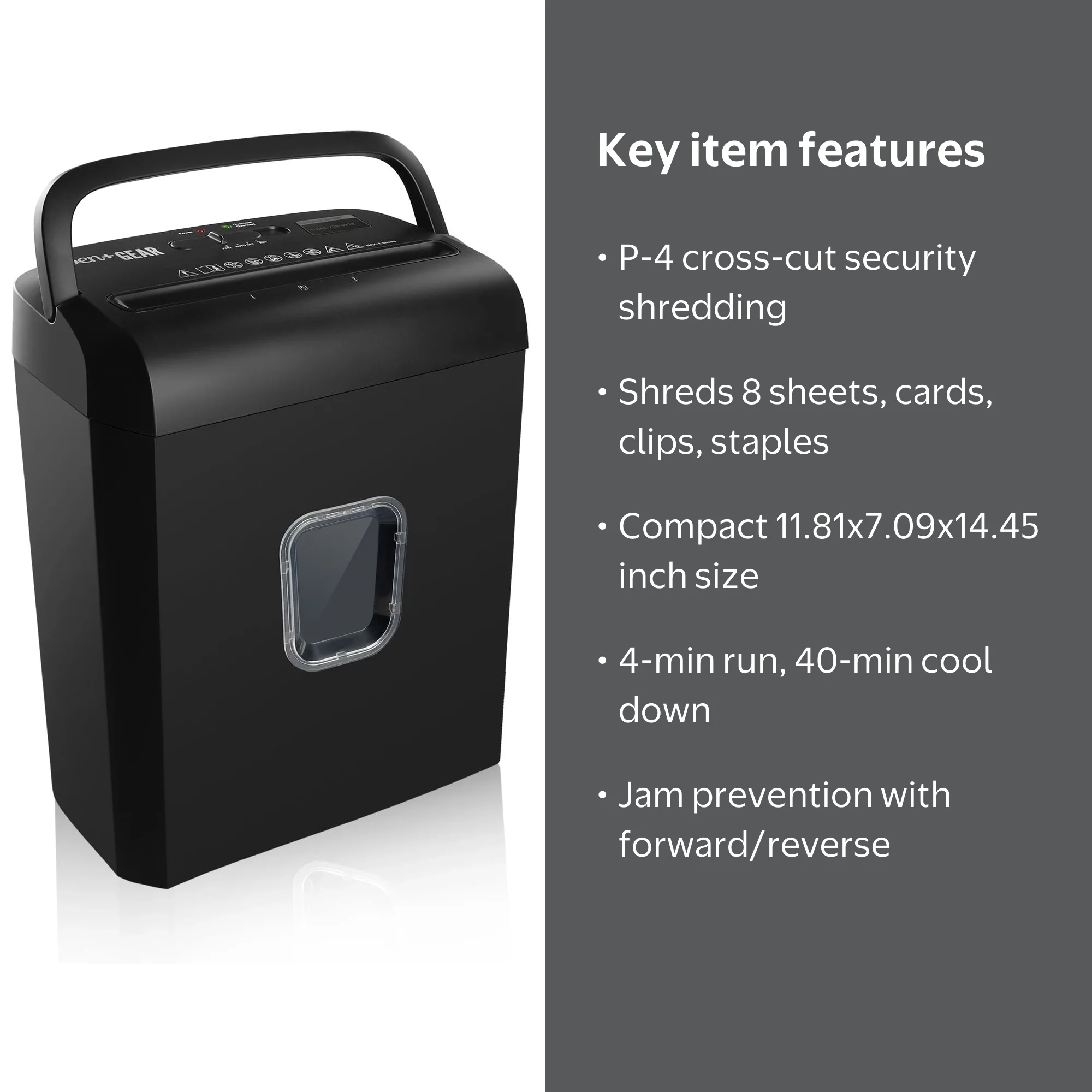
If the shredder stops mid-job with no jam, it may have overheated. The motor is protected by a thermal cutout that shuts it down to prevent burnout.
Let It Cool for 30 to 45 Minutes
Turn the unit off and leave it undisturbed. Do not unplug it, as many models keep the cooling fan running when powered On but idle. Letting it sit plugged in, switch On, speeds up reset. After 30 to 45 minutes, try shredding a single sheet.
Avoid Duty Cycle Overload
Pen+Gear shredders have a limited run time, typically 5 to 10 minutes continuous use. After that, allow a 20 to 30 minute cool-down. Exceeding this causes repeated thermal shutdowns and shortens motor life. Stick to small batches to prevent this issue.
Check Internal Electrical Components

If basic fixes fail, inspect inside the unit. This requires removing screws and opening the casing. Always unplug first for safety.
Inspect the Fuse for Damage
Locate the fuse near the power cord entry. A blown fuse appears blackened or has a broken filament. Replace only with an identical rating, usually 250V, 3A. Never use a higher-rated fuse. A blown fuse often indicates a power surge or internal short.
Look for Bulging Capacitors
On the circuit board, check for capacitors that are swollen, leaking, or discolored. These regulate motor voltage. A failed capacitor prevents startup. Replacement requires soldering skills. If you’re not experienced, consider replacing the unit instead.
Fix Misaligned Power Switch Contacts
In older units, the rocker switch can fail internally. Open the switch housing and look for two metal contacts. One should stand upright, the other lie flat against it. If the upright contact has flipped, gently bend it back with a screwdriver. This restores circuit continuity and often brings dead units back to life.
Prevent Future Failures: Maintenance Tips
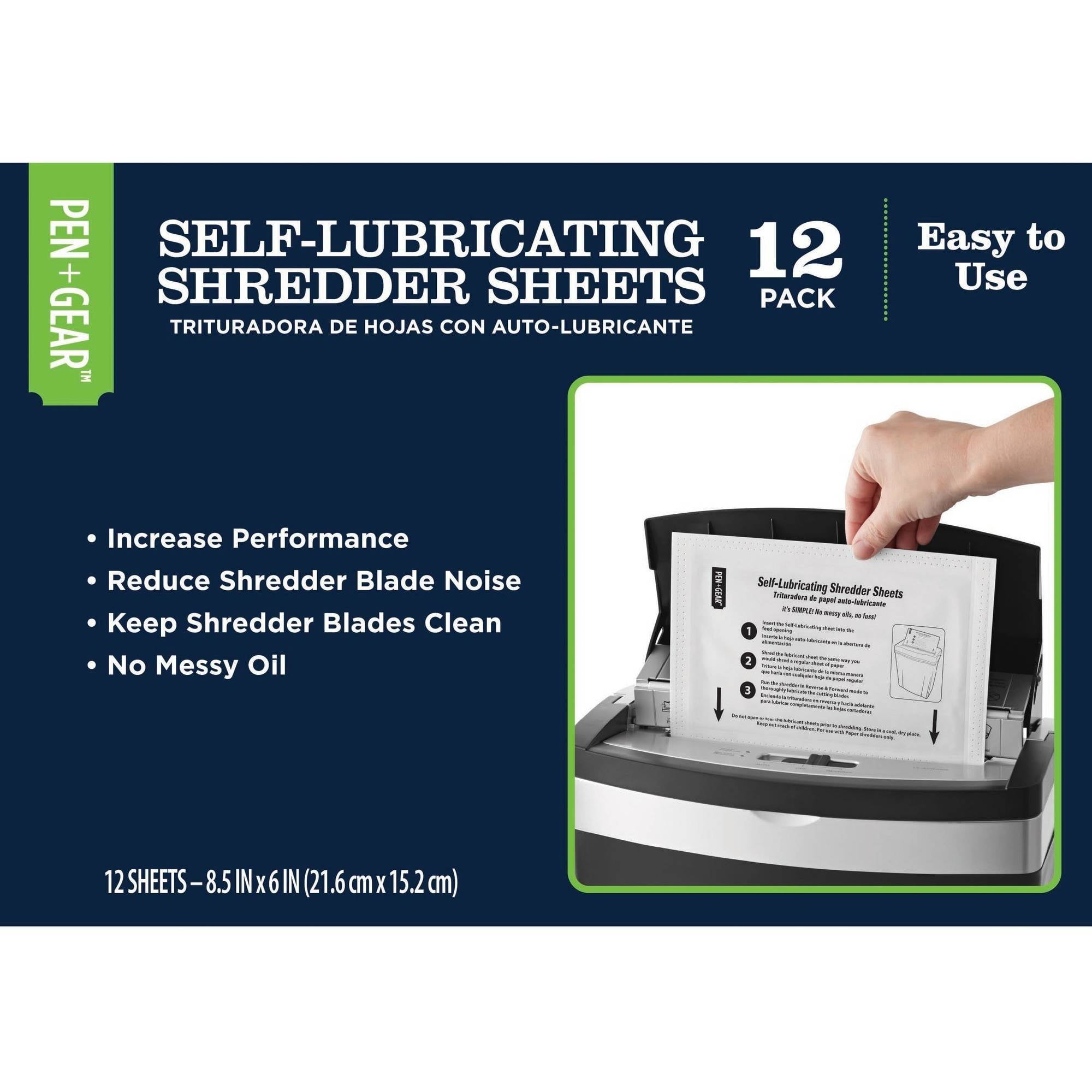
A well-maintained Pen+Gear shredder lasts years. Follow these habits to avoid repeat issues.
Oil Blades Every Few Uses
Lubrication reduces friction, heat, and jams. For cross-cut models, oil every 15 to 30 minutes of use or after half a bin. Use shredder oil or a few drops of cooking oil. Apply a thin line across the feed slot. Run in Reverse for 5 to 10 seconds to spread oil. Shred a clean sheet to absorb excess. Never use WD-40 on blades, as it’s not a lubricant and can damage components.
Clean Sensors and Rollers Monthly
Use a dry cotton swab to wipe the feed sensor and slot weekly. For auto-feed models, clean rollers with a slightly damp cloth to remove paper dust. Let dry fully before use. Clogged rollers reduce feeding power and cause jams.
Follow Sheet Limits and Avoid Prohibited Items
Stick to the rated capacity, usually 12 to 16 sheets for cross-cut models. Fan stacks before feeding to prevent overloading. Never shred staples or paper clips, adhesives like labels or tape, laminated paper or cards, envelopes with plastic windows, or cardboard or thick binders. These cause jams, dull blades, and strip gears.
Empty Bin Regularly
Keep shreds below the fill line. A full bin can interfere with the cutting head or safety switch. Also avoid plastic liners, as they often prevent proper bin seating and trigger power cutoffs.
When to Replace vs. Repair
Most Pen+Gear shredder issues are fixable. But some failures aren’t worth repairing.
Repair If
The unit won’t power due to bin switch or fuse issues. The motor runs but sensor is dirty or dislodged. A jam clears with oil or manual removal. Thermal cutout resets after cooling. These fixes cost nothing or under $5 in parts.
Replace If
Gears are visibly stripped or broken. Motor makes grinding noise and won’t turn blades. Circuit board is burnt or unrepairable. Unit is over 3 years old with recurring issues. Given most Pen+Gear shredders cost $20 to $30, replacement is often smarter than investing in parts or labor.
Frequently Asked Questions About Pen+Gear Shredder Problems
Why does my Pen+Gear shredder have no power at all?
The most common cause is the safety interlock not engaging. Check that the wastebasket is fully seated and any plastic liners are removed. Also verify the outlet works and the lid is completely closed. If these check out, the issue may be a blown fuse or internal electrical failure.
How do I fix a paper jam in my Pen+Gear shredder?
Start by switching to Reverse mode for 3 to 5 seconds. If that fails, unplug the unit and use tweezers to pull out shreds from both sides. For deep jams, insert rigid cardstock into the feed slot to push through. Severe jams may require applying oil and waiting 30 minutes before attempting again.
Why does the motor run but nothing gets shredded?
This indicates the feed sensor isn’t detecting paper. Clean debris from around the center lever in the feed slot. If the lever is dislodged, open the casing and reposition it. A drop of lubricant on the pivot point can help it move freely.
Can I use WD-40 to lubricate my shredder?
No. WD-40 is a water displacer, not a lubricant, and can damage internal components. Use only dedicated shredder oil or cooking oil for lubrication. WD-40 is acceptable only for the metal lever pivot mechanism, never for the blades.
How often should I oil my Pen+Gear shredder?
For cross-cut models, oil every 15 to 30 minutes of use or after every half bin of paper. Higher security cuts generate more friction and need more frequent lubrication. If the shredder sounds sluggish or cuts poorly, oil immediately.
When should I replace my Pen+Gear shredder instead of repairing it?
Replace if gears are stripped, the motor makes grinding noises, the circuit board is burnt, or the unit is over 3 years old with recurring problems. Given the low cost of these units, replacement is usually more practical than expensive repairs.
Key Takeaways for Fixing Your Pen+Gear Shredder
A Pen+Gear shredder stopped working is usually due to simple, reversible issues. Start with the easiest fixes first: check bin seating, remove plastic liners, and verify the lid is closed. Most power issues stem from safety interlock problems, not dead motors. For motor运行但不切割的情况,清理传感器杠杆上的碎屑通常可以解决问题。定期润滑切割刀片,每隔几页纸就加几滴油,可以显著延长机器寿命。避免超过纸张容量限制,不要尝试切割订书钉或胶带等禁忌物品。如果电机完好且齿轮正常,您的碎纸机可以继续使用多年。保持机器清洁,经常润滑,并尊重其使用限制,您的文件安全将得到长期保障。





