
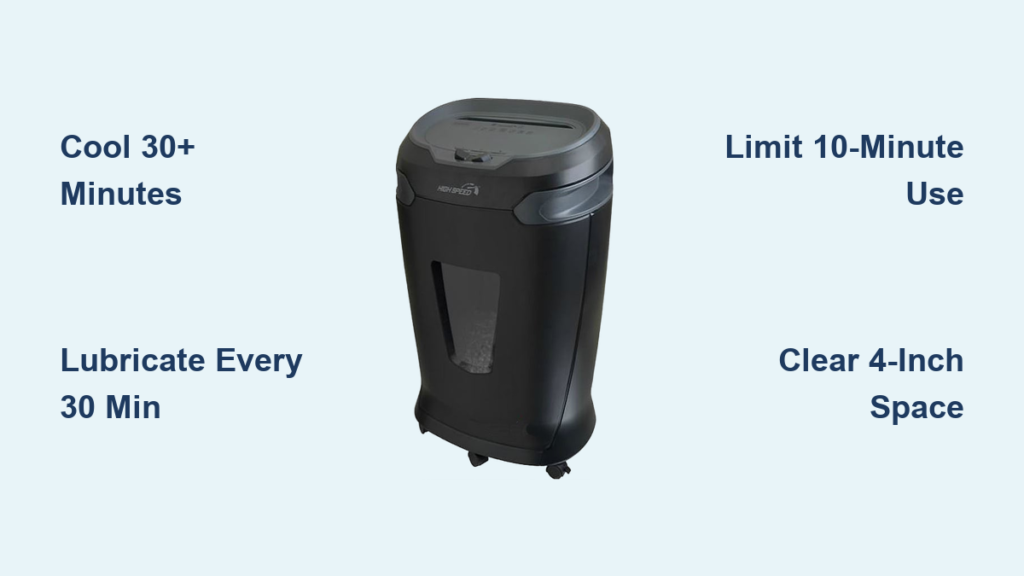
Is your Staples paper shredder suddenly shutting down mid-use? A hot motor, burning smell, or refusal to restart are all signs of overheating, a common but preventable issue. The staples paper shredder overheat problem typically strikes during heavy use, especially in models like the SPL-TXC18A with limited duty cycles. When the motor heats beyond safe levels, a thermal protection circuit cuts power to prevent damage.
This guide covers safe cooling procedures, prevention strategies, diagnostic steps, and even revival techniques for dead units. Whether you’re dealing with a momentary shutdown or trying to rescue old hardware, these actionable steps will help restore your shredder’s performance and extend its lifespan.
Decode Overheat Warning Signs

Recognizing overheating symptoms early helps you act fast and prevents permanent damage to your machine.
Recognize Thermal Shutdown Behavior
When a Staples paper shredder overheats, it doesn’t just stop. It activates a built-in thermal cutoff switch designed to protect the motor. Watch for these indicators:
- Sudden power loss during operation
- No response when pressing Auto or Forward
- No lights or sounds, as if unplugged
- Warm or hot housing, especially near the motor base
- Faint burning odor in severe cases
Unlike a jam (which often triggers reverse mode), an overheated shredder stays unresponsive until cooled. This is normal behavior, not a defect.
Avoid Common Misdiagnoses
Many users confuse overheating with other issues. Here’s how to tell the difference:
- Dead motor: If the unit restarts after cooling, the motor is likely fine
- Power supply issue: Test the outlet with another device first
- Control board failure: Only suspect this if the unit never powers on, even after 45 minutes of cooling
If your shredder works again after a rest period, overheating is the culprit, not hardware failure.
Follow Safe Cooling Procedures

Immediate cooling is critical after a thermal shutdown. Rushing this step risks repeated thermal cycling, which wears out the motor faster.
Power Down and Disconnect
- Turn off the shredder using the power switch
- Unplug it immediately from the wall outlet
- Empty the bin to reduce internal heat retention and allow airflow
Never try to force a restart or feed more paper. Let the system reset completely.
Allow Full Cool-Down Time
Wait at least 30 minutes before attempting to restart. For heavy-duty models or warm environments, extend to 45 minutes.
- Place the shredder in a well-ventilated area, away from walls or desks
- Do not use fans, ice, or compressed air to cool it rapidly
- Avoid touching internal parts, as heat lingers inside even when exterior feels cool
After cooling, test with a single sheet of paper. If it runs smoothly, resume use in short batches.
Prevent Future Overheating
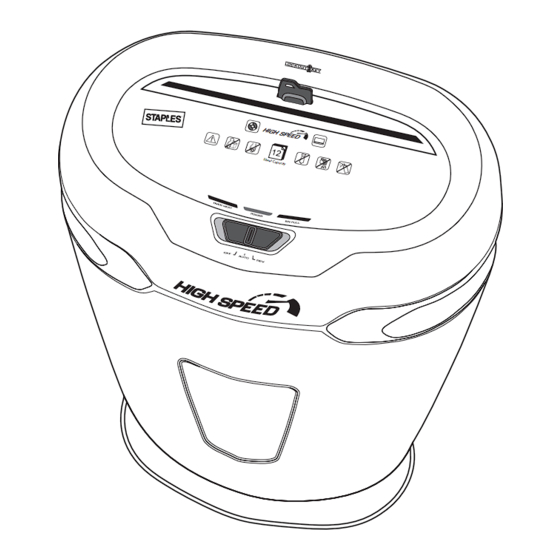
Prevention beats repair. Most overheating stems from usage habits and poor maintenance, both easily corrected.
Stick to Duty Cycle Limits
Every Staples shredder has a duty cycle, the maximum time it can run continuously before needing a break.
- Standard models like SPL-TXC18A: Max 10 minutes of continuous use
- Cool-down period: At least 20 to 30 minutes
Set a timer if needed. For large jobs, split them into multiple sessions. Running 15 minutes or more straight is the number one cause of thermal shutdowns.
Manage Load Size and Type
Even within sheet limits, some materials strain the motor more:
- Staples and paper clips: Remove them before shredding
- Thick paper or cardstock: Shred fewer sheets than rated capacity
- CDs and credit cards: Allow extra cooldown time after each
Feed paper slowly. Overloading the feed slot increases friction and heat, even without a visible jam.
Lubricate for Lower Friction
Lubrication is the most effective way to reduce heat. Clean, oiled blades cut smoothly, reducing motor strain.
Oil Every 30 Minutes of Use
Lubricate after every 30 minutes of cumulative shredding, not calendar time.
- Use shredder-specific oil only
- Never use WD-40, vegetable oil, or household oils
Apply Oil Correctly
Indirect Method (Routine Maintenance):
- Drizzle shredder oil in a zigzag pattern across 2 to 3 sheets of paper
- Feed into the shredder in forward mode
- Switch to reverse for 10 seconds to coat both blade directions
- Run 1 to 2 clean sheets to absorb excess oil
Direct Method (Deep Clean):
- Unplug the shredder
- Spray or drip oil directly into the cutting head
- Manually rotate blades if accessible, or run oiled paper through
- Use reverse mode to distribute oil fully
Perform deep cleaning monthly for high-use environments.
Optimize Ventilation and Placement
Poor airflow traps heat. Even slight obstructions raise internal temperatures significantly.
Ensure 4 Inches of Clearance
Keep at least 4 inches of space around all sides of the shredder:
- Not under desks
- Not inside cabinets
- Not next to heaters or direct sunlight
Place on an open surface with good air circulation.
Clean Vents and Dust Regularly
Paper dust acts as insulation, holding heat inside the casing.
- Unplug the shredder
- Use compressed air to blow out vents and cutting assembly
- Wipe exterior vents with a dry cloth
- Empty bin frequently, as a full bin restricts airflow
Do this weekly in busy offices.
Diagnose Persistent Overheating

If your shredder overheats despite proper use, deeper issues may be at play.
Check for Internal Debris
Dust buildup between blades increases friction and heat.
- Shine a flashlight into the feed slot
- Look for paper fluff, hair, or fibers stuck in the cutters
- Use compressed air to clear debris
- Lubricate afterward to restore smooth operation
A jammed particle can cause constant resistance, making the motor run hot even with light use.
Listen for Bearing or Gear Noise
Unusual sounds signal mechanical wear:
- Grinding: Worn bearings or misaligned gears
- Humming but not turning: Failing start capacitor
- Clicking: Faulty switch or broken gear tooth
If noise persists after cleaning and oiling, internal parts may need replacement.
Test and Replace the Start Capacitor
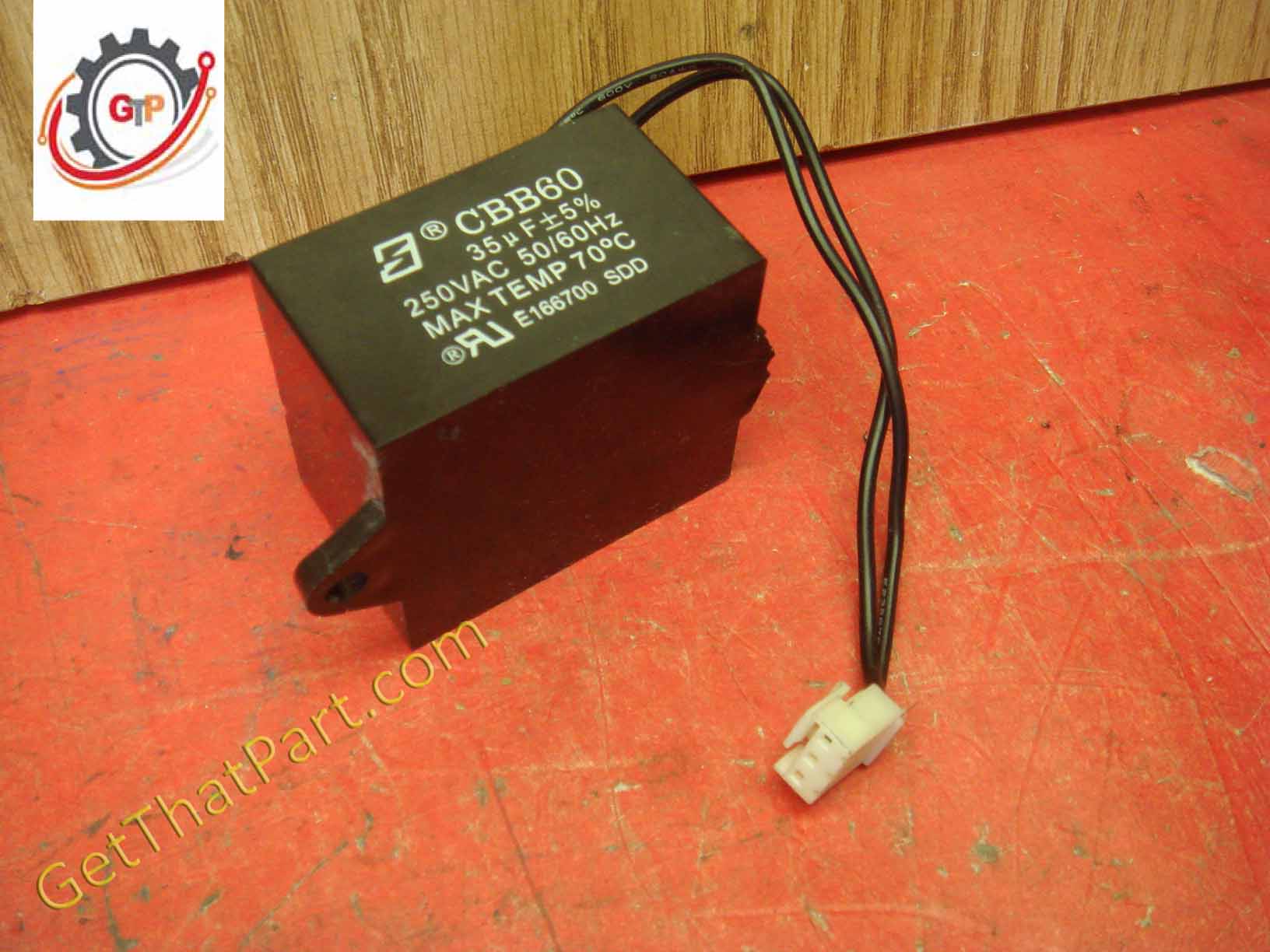
A failing capacitor forces the motor to work harder, generating excess heat.
Identify the Capacitor
On most Staples models like SPL-TXC18A, it’s a square black box near the motor, labeled with 40µF or similar.
Test Capacitor Function
- Unplug the shredder
- Discharge the capacitor by touching both terminals with an insulated screwdriver
- Use a multimeter on capacitance setting
- Connect probes to terminals
- Reading should match labeled value within 10 percent
If it reads OL, zero, or far off, replace it.
Install a New Capacitor
- Buy a 40µF 250V AC replacement
- Disconnect wires from old unit
- Attach to new capacitor
- Secure with tape or zip tie
This fix often restores full power and reduces startup strain.
Bypass a Failed Control Board
If the shredder shows no signs of life, no lights, no sound, the control board may be burned out.
Confirm Board Failure
Common indicators include:
- Burnt smell near resistors
- Brown discoloration on circuit board
- Motor tested good when wired directly
A failed board cuts all power, mimicking a dead motor.
Wire a Manual Bypass
You can bypass the board and run the motor directly.
Tools Needed:
- Screwdriver
- Wire cutters and strippers
- Electrical tape or heat shrink
- Manual switch
Steps:
- Unplug and open the casing
- Locate motor wires, usually white (common) and gray (start or run)
- Identify power input, black (hot) and white (neutral) from power cord
- Connect capacitor: Attach one lead to gray motor wire, other lead to black power line
- Connect motor: White motor wire to white power line
- Add switch (optional): Insert into black power line for manual on and off
This restores basic forward operation. Reverse function is lost unless rewired separately.
Safety Notes:
- No auto-sensing: You must manually control power
- No overload protection: Monitor usage closely
- Keep cover loose for quick access and ventilation
- Label the unit as modified to prevent misuse
Extend Shredder Lifespan
With proper care, even older models can last years.
Schedule Monthly Maintenance
Create a checklist:
- Clean vents and bin
- Oil blades using indirect method
- Inspect feed slot for obstructions
- Test startup and reverse
Know When to Replace
Consider replacement if:
- Motor won’t turn even when wired directly
- Smoke or strong burning smell returns after cooling
- Blades are dull or bent
- Repair costs exceed 50 to 60 dollars
But if it’s just a control board or capacitor, repair is often worth it.
Frequently Asked Questions About Staples Paper Shredder Overheat
How long should I wait after my Staples shredder overheats?
Wait at least 30 minutes before restarting. In warm environments or for heavy-duty models, extend this to 45 minutes. The thermal protection circuit needs time to reset completely.
Can I use WD-40 to lubricate my shredder?
No. WD-40 and household oils can gum up plastic parts and attract dust. Use only shredder-specific oil for proper lubrication and maintenance.
Why does my shredder overheat even when I’m within the sheet limit?
Cross-cut models generate more heat than strip-cut models due to dual-direction cutting. Thick paper, cardstock, or hidden staples can also strain the motor beyond rated capacity even at lower sheet counts.
How do I know if the control board is failed versus the motor?
Test the motor by wiring it directly to power. If it turns, the motor is fine and the control board is likely failed. A dead motor won’t turn even with direct power.
Is the bypass method safe to use permanently?
The bypass method is functional but removes built-in safety features. Use it as a last resort and monitor usage closely. Label the modified unit to prevent misuse.
How often should I oil my Staples shredder?
Apply oil after every 30 minutes of cumulative shredding. For high-volume environments, perform a deep clean lubrication monthly.
Key Takeaways for Preventing Staples Paper Shredder Overheat
Overheating is the top reason Staples paper shredders fail prematurely, but it’s also the most preventable. Respect duty cycles by limiting continuous use to 10 minutes or less and allowing 20 to 30 minute cool-down periods between sessions. Regular lubrication with shredder-specific oil reduces friction and heat buildup significantly. Ensure at least 4 inches of clearance around all sides for proper ventilation. For units that won’t restart, test the start capacitor or consider a control board bypass to restore functionality. With these steps, your shredder stays cool, quiet, and ready for daily use.





