

If your Pen Gear shredder starts jerking, pausing, or shredding inconsistently, you are not alone. These are the most common mechanical issues reported, especially with the Pen and Gear C227-C model. The problem often appears during Forward or Auto mode operation, disrupting workflow and raising concerns about long-term reliability. This guide delivers a step-by-step, no-nonsense troubleshooting process based on verified technical data and real-world performance patterns.
You will learn how to diagnose the root cause fast, fix it safely, and prevent future breakdowns without guessing or wasting time on ineffective solutions.
Clear Paper Jams Immediately
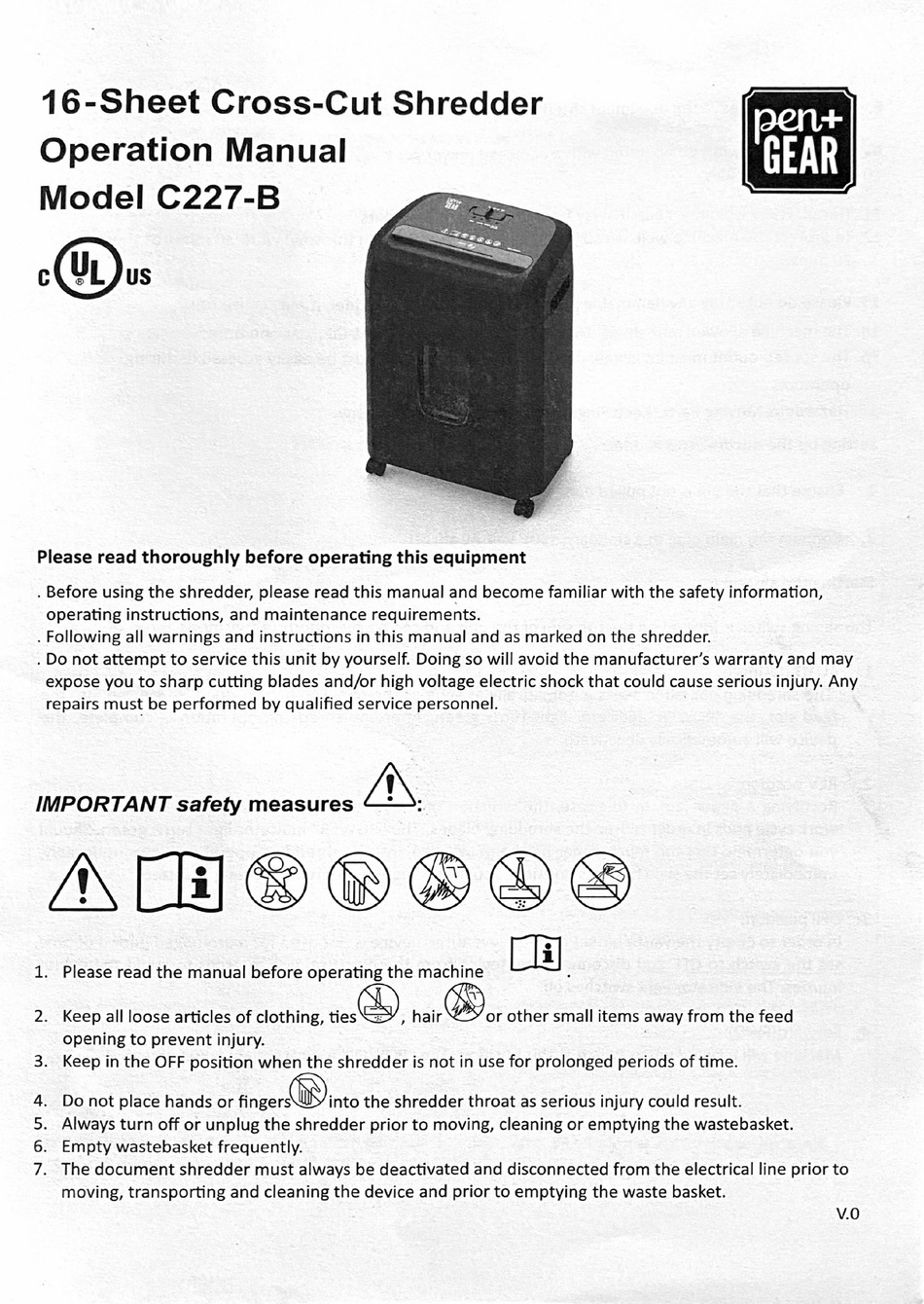
Paper jams are the top cause of jerking and sudden pausing. When paper gets stuck in the cutting blades, the motor strains, causing erratic motion or automatic shutdown.
Power Down Before Clearing
Always cut power before attempting any intervention. Turn off the shredder using the power switch and unplug it from the outlet. This prevents accidental restarts and protects you during clearance.
Remove Debris Safely
Once powered off, follow these steps:
- Shine a flashlight into the feed slot to locate stuck paper.
- Use tweezers or a shredder clearing tool. Never use fingers or metal objects.
- Gently pull out paper fragments. Avoid forcing, as this can damage blade edges.
- Clear both visible and hidden debris near the blade housing.
Verify Clearance Before Restart
After removal, manually inspect the blades for smooth rotation if accessible. Ensure no small scraps remain. Plug in the unit and test in Reverse mode first to eject any residual particles, then switch to Forward.
Pro Tip: If the jam persists, run a lubrication sheet through in Reverse to help free stubborn fragments.
Manage Overheating with Cooling Breaks
Continuous use heats the motor and gears. When temperatures rise too high, the shredder may pause automatically or jerk unevenly as a protective measure.
Recognize Overheating Signs
Watch for these indicators:
- Sudden stoppage after several minutes of use.
- A warm casing, especially near the motor housing.
- No error lights, which is common in basic models like the C227-C.
Apply 30-Minute Cooling Rule
If overheating is suspected, stop shredding immediately. Leave the unit unplugged and undisturbed. Wait at least 30 minutes for internal components to cool. Do not force restart before the cooldown ends.
Prevent Heat Buildup
To avoid recurring overheating, limit continuous runtime to 10 to 15 minutes. Use Auto mode only for small batches. Allow short breaks between stacks of paper.
Expert Note: Unlike high-end models, the C227-C lacks advanced thermal sensors, so cooling is user-managed rather than automatic.
Check Waste Bin Sensor Alignment
A full waste bin can trigger a safety lockout, causing the shredder to pause mid-cycle or refuse to start, mimicking mechanical failure.
Empty the Bin Fully
Pull the bin out carefully. Empty all shredded paper. Do not just top it off. Wipe debris from the bin sensor port, which is usually a small slot or button on the interior.
Reinstall Securely
Slide the bin back in until it clicks into place. Ensure it is fully seated, as misalignment prevents sensor contact. Test operation. If jerking stops, the bin was the culprit.
Warning: Never operate the shredder without the bin properly installed, as this can bypass safety systems and cause damage.
Lubricate Every 15 to 20 Minutes of Use
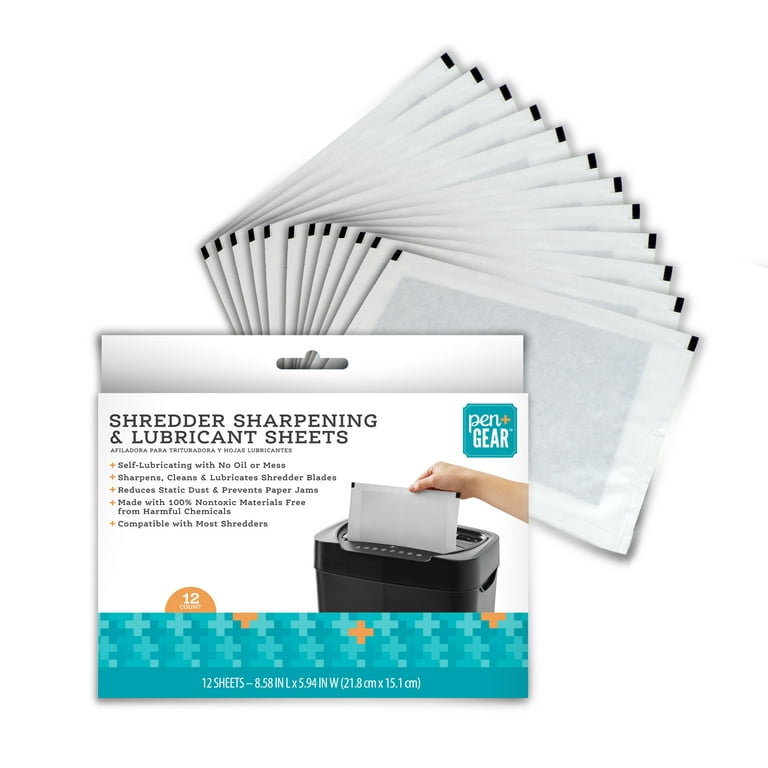
Insufficient lubrication increases friction in the gear train, leading to jerking, grinding noises, and inconsistent feeding.
Use Only Shredder-Specific Oil
Approved lubricants include shredder oil that is silicone or mineral-based and designed for paper shredders. Never use vegetable oil, which gums up gears. Never use motor oil, which is too thick and damages plastic. Never use WD-40 or household lubricants, which cause residue buildup.
Apply Oil Correctly
Turn on the shredder in Forward mode. Spray or drip oil evenly across the feed opening. Let it run for 10 to 15 seconds to distribute through the blades. Repeat every 15 to 20 minutes of cumulative use, not calendar time.
Pro Tip: Run an oiled sheet of paper through monthly for deep lubrication, especially after heavy use.
Avoid Prohibited Materials
Feeding the wrong materials stresses the motor and gears, accelerating wear and triggering jerking behavior.
Stick to Standard Office Paper
This is the only material guaranteed safe for the C227-C. Use printer paper, copy paper, and envelopes without windows or heavy glue.
Never Shred These Items
The following materials should never be fed into your shredder:
- Glossy or coated paper, because coating sticks to blades and causes slippage.
- Thick cardstock, because it overloads the motor and leads to jams.
- Plastic, because it melts on blades and jams gears permanently.
- Staples, because they chip blades and damage gear teeth.
- Paper clips, because they pose the same risk as staples.
Rule of Thumb: If the manual does not explicitly approve it, do not shred it.
Inspect Internal Gears for Damage
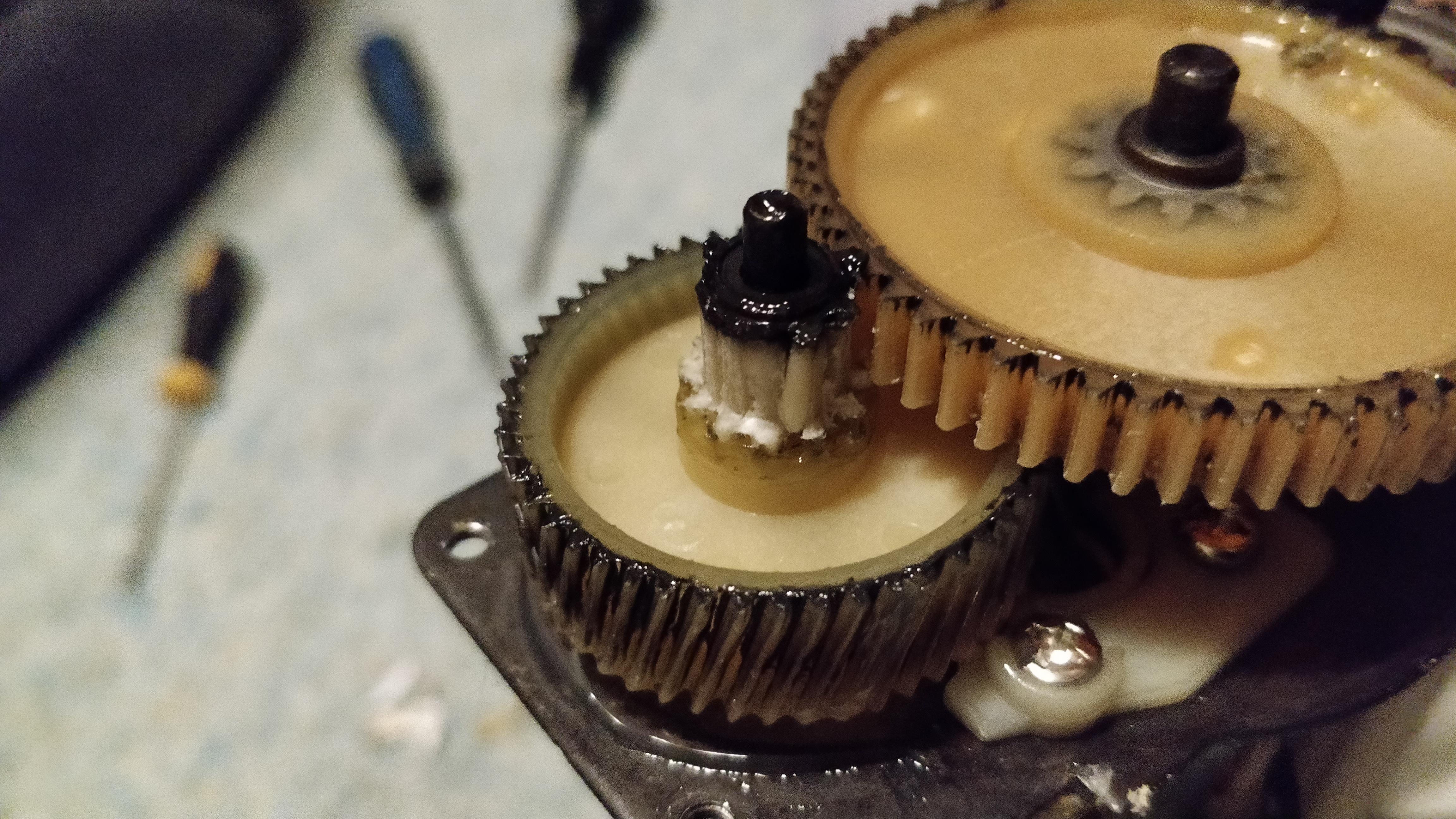
If the shredder still jerks after clearing jams, cooling, lubricating, and checking the bin, the issue is likely internal mechanical failure.
Identify Gear Problems
Signs of gear damage include jerking that continues even with clean blades and proper oiling. Listen for grinding or clicking sounds during operation. Note if the motor runs but blades do not turn smoothly.
Check for These Failures
Stripped gear teeth occur when plastic gears wear or crack over time. Inspect for missing or flattened teeth, which is common in older units.
Gear misalignment happens if the shredder was dropped or disassembled. Gears may not mesh properly. Look for uneven spacing or binding during manual rotation.
Debris in the gear train includes fine paper dust or metal fragments from staples. These can jam internal gears. Clean with compressed air or a soft brush during inspection.
Caution: Disassembly voids the warranty on many models. Only proceed if repair is cost-effective.
Test Motor and Coupling

A failing motor or broken coupling causes intermittent power delivery, leading to jerking and inconsistent shredding.
Diagnose Motor Issues
Listen for these sounds. A hum with no blade movement means the motor runs but power is not transferring, which likely indicates a broken coupling. A weak or stuttering spin suggests partial motor burnout.
Inspect the Coupling
This small plastic or rubber connector links the motor shaft to the gear assembly. If cracked, slipped, or disintegrated, it must be replacement. Replacement couplings are often available from third-party suppliers. If unavailable, the unit may need replacement.
Know When to Replace the Unit
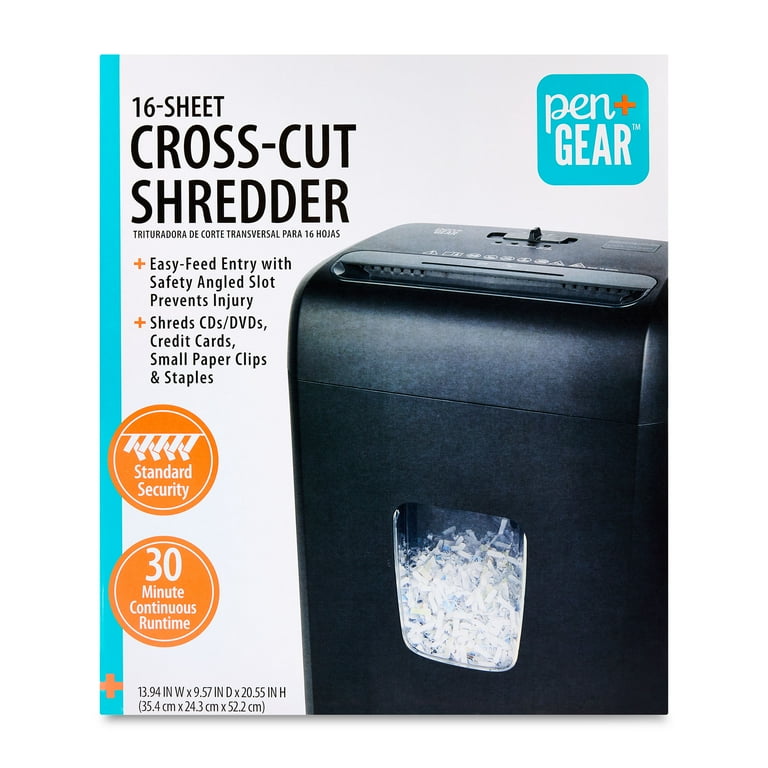
After exhausting all troubleshooting steps, persistent jerking means core components are failing.
Replace If
Replace the unit if gears are stripped beyond repair. Replace if the motor shows signs of burnout, including smell, smoke, or no power. Replace if coupling or internal parts are unavailable. Replace if repair cost exceeds 50 percent of a new unit.
Upgrade Considerations
The C227-C is a budget model with limited durability under heavy use. For frequent shredding, choose models with metal gears. Look for overheat protection with auto-reset. Prefer longer warranties and easier maintenance.
Final Tip: Keep your receipt and warranty info. Some failures within the first year may be covered.
Prevent Future Issues with Routine Care
Avoid recurring problems with a simple maintenance plan.
Follow the 4-Point Prevention Checklist
Clear jams fast. Do not force paper through. Oil every 15 to 20 minutes. Make it a habit during use. Cool for 30 minutes after every 10 to 15 minutes of continuous shredding. Empty bin regularly to prevent sensor lockouts.
Monthly Maintenance Routine
Unplug and wipe down the exterior. Clean the feed slot with a dry brush. Run a lubricated sheet through all modes. Inspect for wear or unusual noise.
Frequently Asked Questions About Pen Gear Shredder Troubleshooting
Why does my Pen Gear shredder jerk during Forward mode?
Jerking in Forward mode usually indicates paper jams, insufficient lubrication, or overheating. Start by clearing any obstructions in the feed slot, then check if the unit needs cooling or oiling.
How long should I wait if my shredder overheats?
Wait at least 30 minutes before restarting an overheated Pen Gear shredder. The C227-C lacks automatic thermal sensors, so cooling is user-managed.
Can I use vegetable oil to lubricate my shredder?
No. Vegetable oil gums up gears and attracts debris. Only use shredder-specific oil designed for paper shredders.
Why does my shredder pause when the bin is not full?
The waste bin sensor may be misaligned or dirty. Empty the bin completely, wipe the sensor port, and ensure the bin clicks securely into place.
What materials should I never put in my Pen Gear shredder?
Never shred glossy paper, coated paper, thick cardstock, plastic, staples, or paper clips. These materials damage blades and gears.
How often should I lubricate my shredder during use?
Apply shredder oil every 15 to 20 minutes of cumulative use. This prevents friction that causes jerking and extends gear life.
Key Takeaways for Pen Gear Shredder Troubleshooting
Most Pen Gear shredder jerking and pausing issues are user-correctable with proper technique. Start with jams, heat, and lubrication, as they solve approximately 80 percent of cases. Always use only standard office paper and avoid prohibited materials like glossy paper, staples, and plastic.
When internal mechanics fail, inspect gears, motors, and couplings for damage. Weigh repair costs against replacement, especially if the unit is older or a budget model like the C227-C.
By sticking to approved materials and preventive care, you will extend your shredder is life and keep it running smoothly. Perform monthly maintenance, lubricate regularly, and never force paper through the feed slot.





