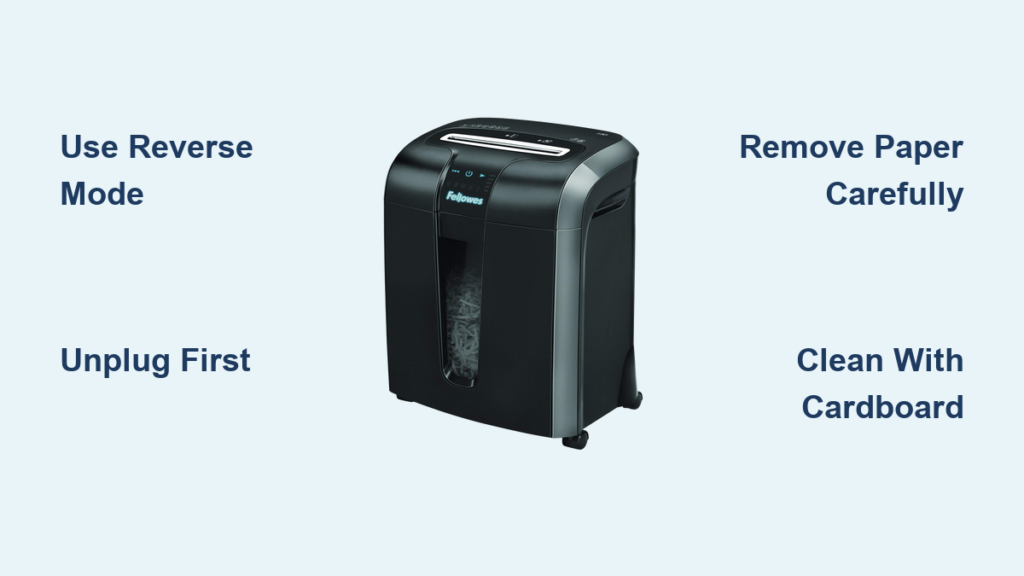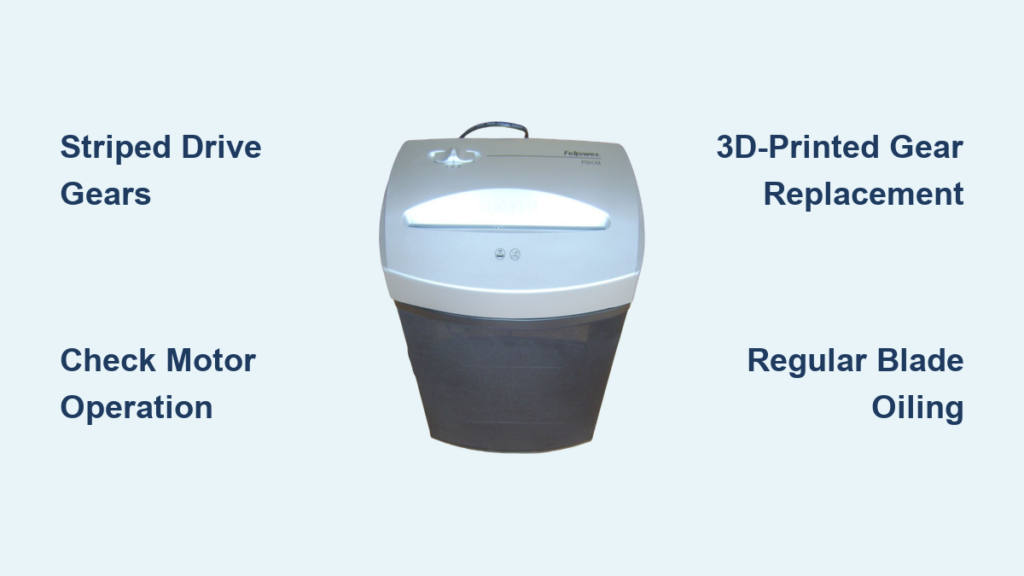

Is your Fellowes PS-79Ci shredder refusing to start or acting up mid-use? You’re not alone. This cross-cut shredder, designed for home offices and small businesses, is known for its security and durability, but like any mechanical device, it can develop issues over time. The most common problems include failure to power on, unresponsive controls, sensor errors, and paper jams. Often, these stem from simple causes like misaligned components, dust buildup, or thermal overload, not permanent damage. In this guide, you’ll learn how to diagnose and fix the most frequent Fellowes PS-79Ci troubleshooting issues using proven, step-by-step methods.
Check Bin Alignment and Safety Interlock

One of the top reasons the Fellowes PS-79Ci won’t power on is a misaligned safety interlock. This system prevents operation when the bin isn’t properly seated. Even if the unit looks assembled, a small internal tab on the bin must engage with the shredder head.
To inspect and fix the alignment:
• Remove the shredder head from the bin
• Look inside the bin’s top rim for a small plastic tab near the center
• Reattach the head, ensuring this tab clicks securely into place
• Check that the green power light responds when pressed
If the tab is damaged or missing, the safety switch won’t close, and the motor won’t activate. Never bypass this mechanism. It is critical for user safety.
Test Power Source and Outlet
Before assuming internal failure, confirm the power supply is functional.
• Unplug the shredder and plug in another device like a lamp or phone charger
• If the outlet doesn’t power the test device, the issue is electrical, not the shredder
• Ensure the power cord is fully inserted into both the wall and the shredder’s rear jack
• Avoid using extension cords or power strips with high-resistance connections
Some users report the bin’s internal light turns on even with a weak or faulty connection. This can be misleading, so always test the outlet independently.
Fix Unresponsive Power Button
A well-documented flaw in the PS-79Ci is paper dust and debris accumulating under the round front power button, causing contact failure. The unit may appear powered, with the rear switch on and bin light working, but pressing the button does nothing.
Try the Jiggle Method
• Press and gently wiggle the central power button in small circular motions
• Do this for 10 to 15 seconds while listening for a faint click or watching for the green light
This often reseats internal contacts. It is a temporary fix but effective for older units. Repeat monthly as preventive maintenance.
Deep Clean Button Contacts
For persistent unresponsiveness, clean the button mechanism thoroughly.
You will need:
• Soft cloth
• Cotton swabs
• Vacuum with narrow nozzle
Steps:
- Turn off and unplug the shredder
- Press and hold the power button down
- Roll your finger across the button’s edge to loosen trapped particles
- Use the vacuum to suction debris from around the button
- Repeat 3 to 4 times over 2 to 3 minutes
Avoid using liquids or compressed air. Propellants in canned air can ignite if sparks occur inside the motor housing.
Clear Sensor Blockages

The PS-79Ci uses optical sensors in the paper throat to detect jams and paper presence. Dust, paper fibers, or oil residue can block these, triggering false errors.
Locate and Clean Entry Sensors
Sensors are located in the center of the paper entry slot near the feed rollers.
To clean:
• Unplug the unit
• Dip a cotton swab in isopropyl alcohol
• Gently wipe each sensor lens until clear
• Let dry completely, 3 to 5 minutes, before powering on
Never use compressed air. Flammable propellants can create fire hazards if they contact electrical components. Alcohol swabs are safe and effective.
Remove Hidden Paper Fragments
Even tiny paper scraps can confuse the sensor system.
Use a flashlight to inspect:
• The feed chute
• Roller surfaces
• Corners near the blade housing
Carefully pull out debris with tweezers or needle-nose pliers. Never insert metal tools while powered. If fragments are jammed deep, run the unit in reverse mode if functional to back them out.
Reset After Thermal Overload
After prolonged shredding, the 200-watt motor may overheat. The PS-79Ci has built-in thermal protection that cuts power automatically.
Symptoms include:
• Unit stops mid-operation
• No response when pressing buttons
• No lights or sounds
To reset:
• Turn off and unplug immediately
• Wait at least 30 minutes for internal cooling
• Plug back in and test
Avoid overloading. Limit to 10 to 12 sheets per pass. Let the motor rest every 5 to 10 minutes during heavy use to prevent repeated shutdowns.
Recalibrate Sheet Detection
The PS-79Ci uses Intellisense technology to detect paper thickness and prevent jams. If it miscounts sheets or refuses to start, calibration may be needed, especially after repairs or long inactivity.
Enter Calibration Mode
• Ensure unit is off and unplugged
• Confirm rear power switch is in OFF position
• Hold down Manual Forward and Auto buttons simultaneously
• While holding, flip the rear switch to ON
Success sign: The blue Auto light flashes.
Complete Calibration Sequence
Now insert a stack of exactly 21 sheets of standard 20 lb. paper, 8.5″ x 11″.
Steps:
- Feed the entire stack at once
- Let the machine pull it through automatically
- Once fully shredded, press and release both the rear power switch and front Auto button at the same time
The unit will beep or flash to confirm calibration is complete. Return to normal operation.
Use only plain paper. No staples, cards, or mixed weights. Incorrect materials can skew calibration.
Diagnose Internal Hardware Failure
If all external fixes fail, internal failure is likely, especially in units over 8 to 10 years old.
Common failures:
• Burned-out circuit board
• Worn motor brushes
• Failed safety relay
• Degraded wiring
Diagnostic signs:
• Red light activates when bin is opened, but no green power light appears
• No response from any buttons, even after cleaning and reset
• Burning smell or visible scorch marks
At this stage, repair is rarely cost-effective. Replacement parts are scarce, and labor often exceeds the price of a new shredder.
Consider Replacement Over Repair
Fellowes offers newer models with improved dust sealing, quieter motors, and enhanced sensors. For a 10-year-old PS-79Ci, replacement is usually the smarter choice.
However, if sentimental or environmental concerns apply:
• Contact Fellowes support at 1-800-945-4545
• Ask about legacy part availability
• Inquire if your model qualifies for a trade-in or upgrade program
Avoid third-party repair shops unless they specialize in small office electronics. Improper handling can create safety risks.
Prevent Future Issues
Lubricate Blades Monthly
Blade wear accelerates without proper lubrication.
Recommended:
• Use the included lubricant cartridge or Fellowes-approved oil
• Shred a lubrication sheet every 30 minutes of continuous use or once per month for light use
Never use vegetable or household oils. They gum up rollers and attract more dust.
Maintain Power Button Regularly
Due to the known dust ingress issue:
• Perform the jiggle-and-vacuum routine every 4 to 6 weeks
• Keep the shredder covered when not in use
• Store in a low-dust environment
This simple habit can extend the life of the control panel by years.
Avoid Overloading and Mixed Media
Stick to recommended materials:
• Paper, up to 12 sheets
• Credit cards, one at a time
• Staples, small quantities
• DVDs and CDs, occasionally
Avoid:
• Sticky notes
• Cardboard
• Laminated paper
• Paper clips in large batches
Overloading strains the motor and increases jam frequency.
Frequently Asked Questions About Fellowes PS-79Ci Troubleshooting
Why does my Fellowes PS-79Ci refuse to power on even when plugged in?
The most common cause is a misaligned safety interlock between the shredder head and bin. Check that the small plastic tab inside the bin’s top rim clicks securely into place when reassembling. Also verify the outlet is working by testing with another device.
How do I fix an unresponsive power button on my PS-79Ci?
Try the jiggle method first. Press and gently wiggle the central power button in small circular motions for 10 to 15 seconds. For persistent issues, deep clean by pressing the button down while rolling your finger across its edge and vacuuming debris. Repeat for 2 to 3 minutes.
Can I use compressed air to clean my shredder sensors?
No. Never use compressed air. Many compressed air products contain flammable propellants that can ignite if a spark occurs within the shredder’s electrical components. Use cotton swabs dipped in isopropyl alcohol instead.
How often should I lubricate my PS-79Ci shredder blades?
Lubricate monthly for moderate use. Use the included lubricant cartridge or Fellowes-approved oil. For continuous heavy use, lubricate every 30 minutes of operation.
When should I replace my Fellowes PS-79Ci instead of repairing it?
Consider replacement if your unit is over 8 to 10 years old and shows multiple failures like unresponsive buttons, burning smells, or visible scorch marks. Internal component failure becomes more likely with age, and repair costs often exceed the price of a new shredder.
Key Takeaways for Fixing Your Fellowes PS-79Ci
Most Fellowes PS-79Ci troubleshooting issues are fixable with basic maintenance. Start by checking bin alignment and the safety interlock, as these are the most common reasons for power failure. The power button contact issue is a known design quirk that responds well to regular cleaning using the jiggle-and-vacuum method.
For sensor problems, always use isopropyl alcohol on cotton swabs, never compressed air. If your shredder overheats, allow a 30-minute cool-down period before restarting. Calibration with exactly 21 sheets of standard paper can restore accurate sheet counting.
For units over 10 years old showing multiple internal failures, replacement is typically more cost-effective than repair. Contact Fellowes at 1-800-945-4545 for support or upgrade options. With proper monthly maintenance, your PS-79Ci can continue protecting sensitive information for years to come.