

Your Bonsaii shredder suddenly stops. The overheat light flashes. You wait a few minutes, plug it back in—nothing. Frustration builds as your document pile grows. This is a common scenario for home and office users who rely on Bonsaii shredders for secure disposal—only to be halted by thermal shutdowns. The bonsaii shredder overheat issue isn’t random. It’s triggered by design limits, misuse, or preventable blockages. Most models shut down after just 4 minutes of continuous use to protect the motor. Ignoring this leads to repeated overheating, jams, and even permanent damage. The good news? In over 90% of cases, the fix is simple: cool it down, clear debris, and lubricate. This guide delivers a complete, step-by-step action plan to diagnose, resolve, and prevent overheating—so you get back to shredding fast and keep your machine running longer.
Decode Overheat Indicator Lights
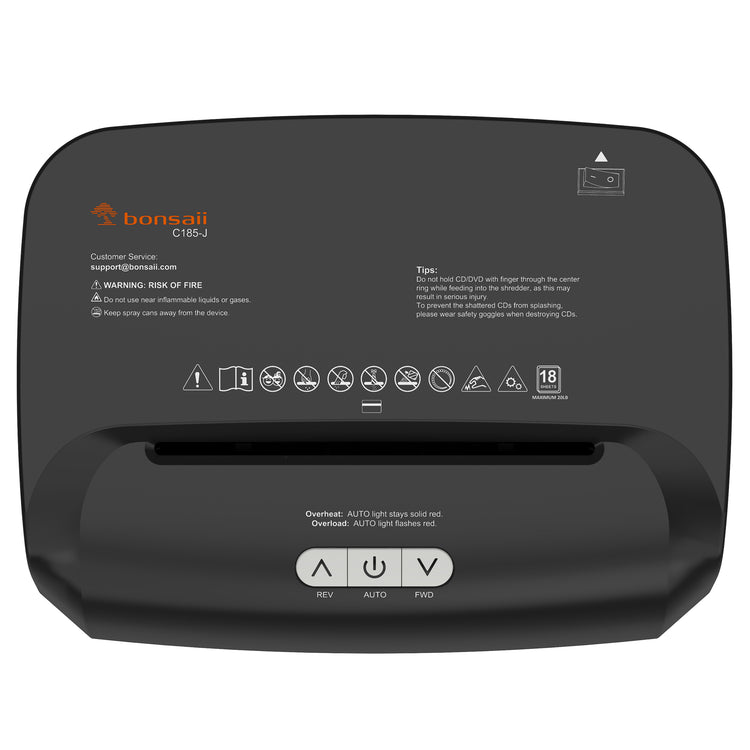
The first clue to your Bonsaii’s condition is the LED panel. Lights tell you whether it’s a temporary shutdown or a serious fault.
Flashing Overheat Light
A blinking red overheat light means the motor reached its thermal limit. This is normal after 4 minutes of use. The machine protects itself by cutting power. Do not force restart. Unplug immediately. Wait at least 30 minutes before testing again. If the light stops flashing and power returns, the issue was simple overheating. Resume use in short bursts.
Solid Red Overheat Light
A constantly lit red indicator confirms the unit is still too hot. The thermal fuse has engaged. Even if the motor seems cool to touch, internal sensors detect residual heat. Wait 45 to 60 minutes with the unit unplugged. Avoid using external fans—airflow can push dust deeper. After cooling, plug in and test. If the light stays on, inspect for jams or blocked sensors.
No Lights at All
When all LEDs including power and full bin are dark, the thermal fuse may be fully tripped or hardware failed. This often follows a jam or forced operation. Unplug and wait 3 to 4 hours. This extended cooldown resets the thermal fuse. If lights still don’t return, move to diagnostics.
Immediate Cooling and Reset Steps
Thermal protection is built in—but only works if you follow the reset protocol.
Power Down and Unplug
Always disconnect the shredder before any action. Never attempt cleaning or inspection while plugged in. Switch to Off, then remove from the outlet. This prevents accidental activation and protects internal circuits during cooling.
Allow Full Cool-Down Period
Resist the urge to rush. The motor needs time to dissipate heat. Place the unit in a well-ventilated area. Do not cover or stack items on it. Let heat escape naturally.
Standard cool-down is 30 to 60 minutes after normal shutdown. Extended cool-down is 3 to 4 hours if no lights respond or after a jam.
Test After Cooling
After waiting, plug the unit back in. If lights return and shredding works: success. If still unresponsive: proceed to jam check. If motor hums but blades don’t turn: coupling or gear failure likely.
Clear Jams to Prevent Overheating
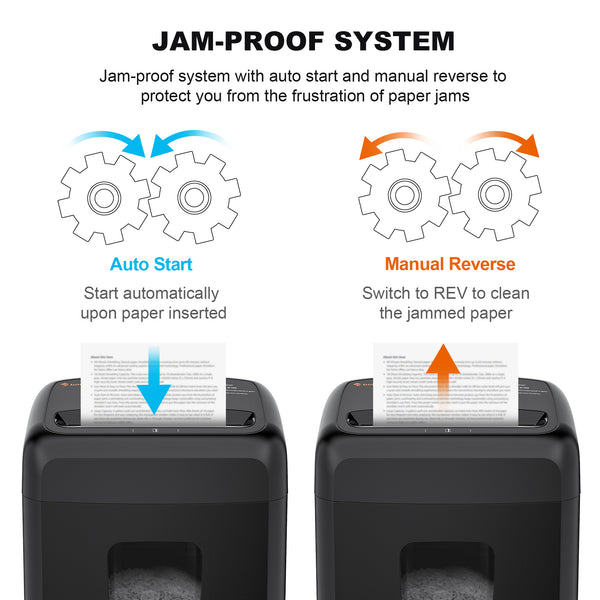
Jams force the motor to work harder, generating excess heat fast. Clear them quickly to avoid repeated shutdowns.
Use Reverse Mode First
At the first sign of resistance, flip the switch to REV which stands for Reverse. This ejects stuck paper before it binds. Most jams resolve in reverse—no disassembly needed. Run in reverse for 5 to 10 seconds. If paper backs out, stop and remove it.
Remove Paper with Tools
If reverse fails, follow these steps. Unplug the unit. Use tweezers or needle-nose pliers to pull out visible paper. For deep jams, open the front cover if your model allows. Gently extract paper fragments near the blades. Never use fingers. Blades are sharp and can shift unexpectedly.
Vacuum Debris from Blades
Paper dust builds up over time, insulating heat and increasing friction. Use a vacuum with a narrow nozzle to clean the blade entry point, the sensor area, and the interior housing. This simple step prevents future overheating and improves performance.
Clean Sensors to Restore Auto Mode

Dirty sensors cause erratic behavior like continuous running or failure to start, leading to overheating.
Locate the Sensor Eyes
Sensors sit in the paper throat, usually as small glass beads or dots. They detect paper presence and trigger auto-shred. Dust, oil, or paper fibers can block them.
Wipe with Alcohol Swab
Unplug the shredder. Dampen a cotton swab with isopropyl alcohol. Gently clean each sensor eye. Use a dry swab to remove residue. Repeat until sensors are clear. Test with a small paper strip—auto mode should engage.
Lubricate Blades to Reduce Friction
Friction equals heat. Regular lubrication keeps blades moving smoothly and prevents thermal shutdowns.
When to Apply Oil
Lubricate after every 3 to 5 shredding sessions. Lubricate after clearing a jam. Lubricate if the motor sounds louder or slower than usual. Use shredder-specific oil or pre-oiled lubrication sheets. Never use household oils—they attract dust.
Apply Oil Correctly
Turn shredder on. Spray oil directly onto blades or insert an oil sheet. Run in reverse for 10 seconds to distribute oil evenly. Turn off and unplug. This reverse method ensures full coverage without over-lubricating.
Diagnose Hardware Failures
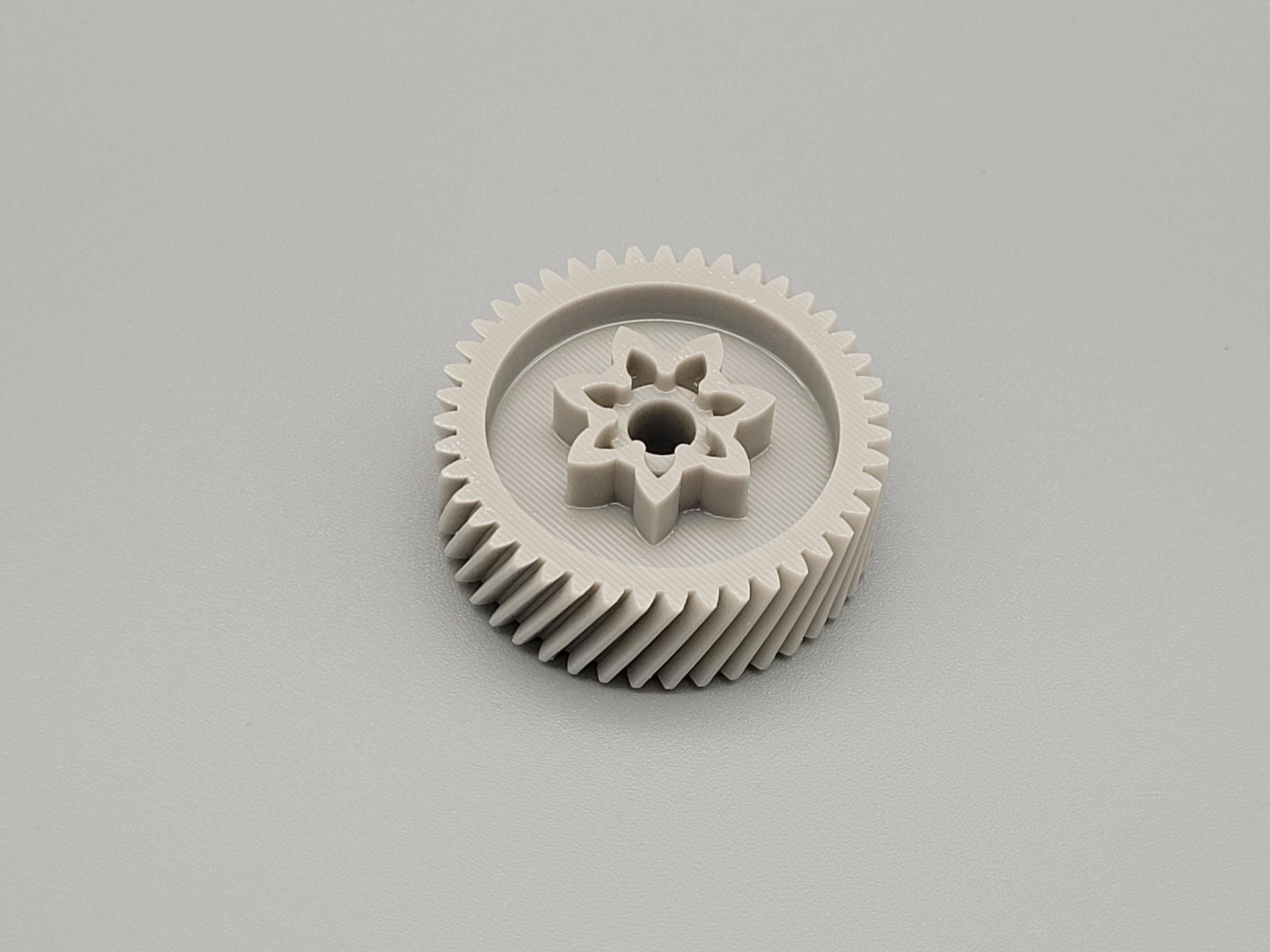
If cooling, cleaning, and lubrication do not work, internal damage may be the cause.
Check Motor Coupling
A humming motor with no blade movement points to a broken coupling. This plastic piece connects the motor to the blades. Open the housing when unplugged. Inspect the coupling on the motor shaft. If cracked, stripped, or loose, replace it. Replacement couplings are often available from Bonsaii support or third-party parts sellers.
Inspect Blade Alignment
Severe jams can misalign the blade stack. Remove the blade assembly and check if blades are straight and evenly spaced. Check if there is visible warping or bending. Misaligned blades create friction and trigger overheating. If damaged, replace the entire blade unit.
Test Control Board Function
No lights, no sound, or erratic flashing suggest a failed control board. Confirm outlet power with another device. Wait 4 hours unplugged. Plug in and test. If still dead, the board or motor is likely burnt out. Contact support—repair cost may exceed replacement value.
Prevent Future Overheating Issues
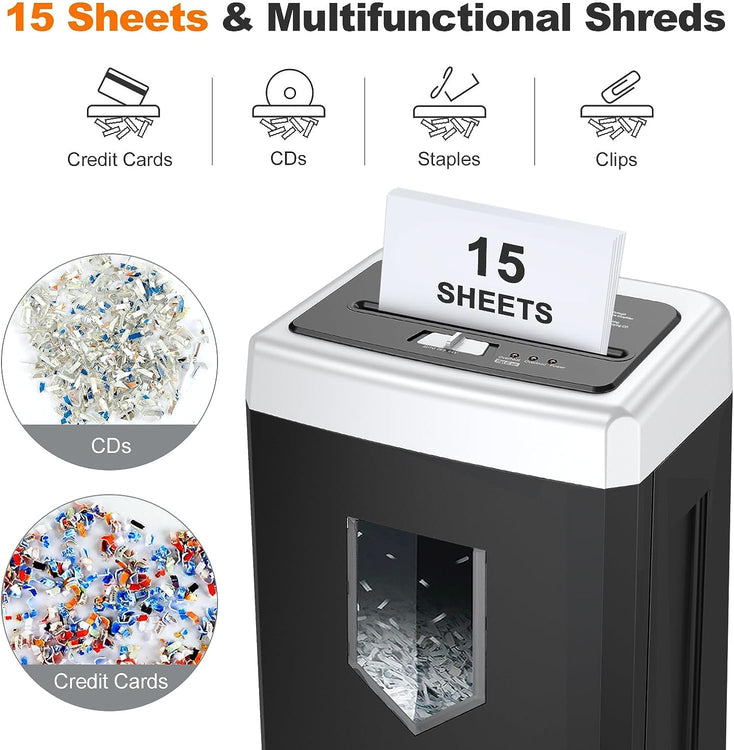
Avoid repeat shutdowns with smart usage and routine care.
Follow Duty Cycle Limits
Bonsaii shredders are not for continuous use. Max run time is 4 minutes. Required cool-down is 40 minutes, which falls in the 30 to 60 minute range. Shred in short batches. Use a timer if needed. For large jobs, consider a commercial-duty model.
Avoid Overloading
Stick to 8 sheets per pass. Exceeding this strains the motor. Shred thick items like cards and clips one at a time. Mix paper types—do not feed only cardstock or glossy. Overloading causes jams and rapid heat buildup.
Maintain Regular Cleaning Schedule
Set a maintenance routine. Weekly, vacuum blade area and sensors. Monthly, lubricate blades. After heavy use, check for jams and debris. Prevention takes less time than troubleshooting.
Know When to Replace the Unit
Even with care, Bonsaii shredders have a lifespan. Know when repair is not worth it.
Signs of Permanent Damage
Replace if you notice smoke or burning smell during operation. Replace if you notice persistent motor hum with no blade movement. Replace if you notice no power after 4-hour cool-down and confirmed outlet function. These indicate burnt motor windings or failed circuitry.
Warranty and Support Options
Standard warranty is 1 year on hardware defects. Extended support up to 3 years is available via select retailers. Contact support at support@bonsaii.com. For out-of-warranty units with major failures, replacement is often the most cost-effective solution.
Frequently Asked Questions About Bonsaii Shredder Overheat
Why does my Bonsaii shredder overheat after only a few minutes?
Bonsaii shredders have a 4-minute maximum continuous run time. Once exceeded, the thermal protection system shuts down the motor to prevent damage. This is by design and applies to most standard cross-cut models.
How long should I wait for my overheated Bonsaii shredder to cool down?
For standard thermal protection activation, wait 30 to 60 minutes. If no lights are responding or the unit experienced a severe jam, wait 3 to 4 hours to ensure the thermal fuse fully resets.
Can I use my shredder while the overheat light is flashing?
No. Do not attempt to use the shredder while the overheat light is flashing or solid. This indicates the thermal protection system has engaged. Forcing operation can cause permanent motor damage.
Does cleaning sensors help prevent overheating?
Yes. Dirty sensors can cause the shredder to run continuously or fail to detect paper, leading to unnecessary motor strain and heat buildup. Clean sensors monthly with isopropyl alcohol.
What is the maximum sheet capacity to prevent overheating?
Do not exceed 8 sheets per pass. Overloading forces the motor to work harder, generating excess heat and increasing the likelihood of jams and thermal shutdowns.
When should I replace my Bonsaii shredder instead of repairing it?
Replace the unit if you notice smoke or burning smell, persistent motor hum with no blade movement, or no power after a 4-hour cool-down with confirmed outlet function. These indicate burnt motor windings or failed circuitry where repair costs exceed replacement value.
Key Takeaways for Fixing Your Bonsaii Shredder
The bonsaii shredder overheat issue is preventable and usually fixable. Most shutdowns result from exceeding the 4-minute duty cycle, jams, or lack of lubrication. By following cooling protocols, clearing blockages, cleaning sensors, and oiling regularly, you extend your shredder’s life and avoid downtime. If hardware fails, assess repair cost versus replacement, especially if out of warranty. With proper care, your Bonsaii can deliver reliable, safe shredding for years.





