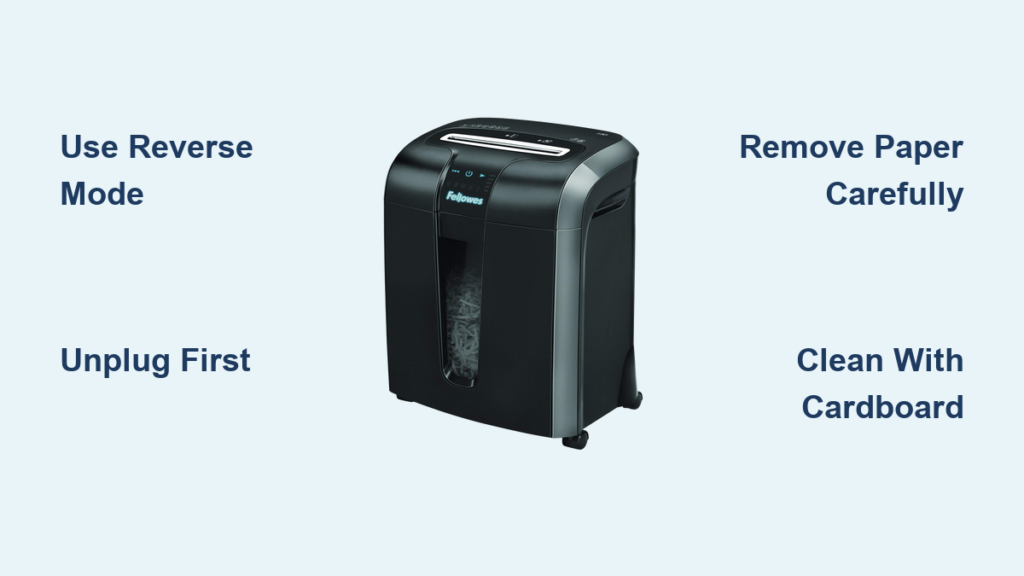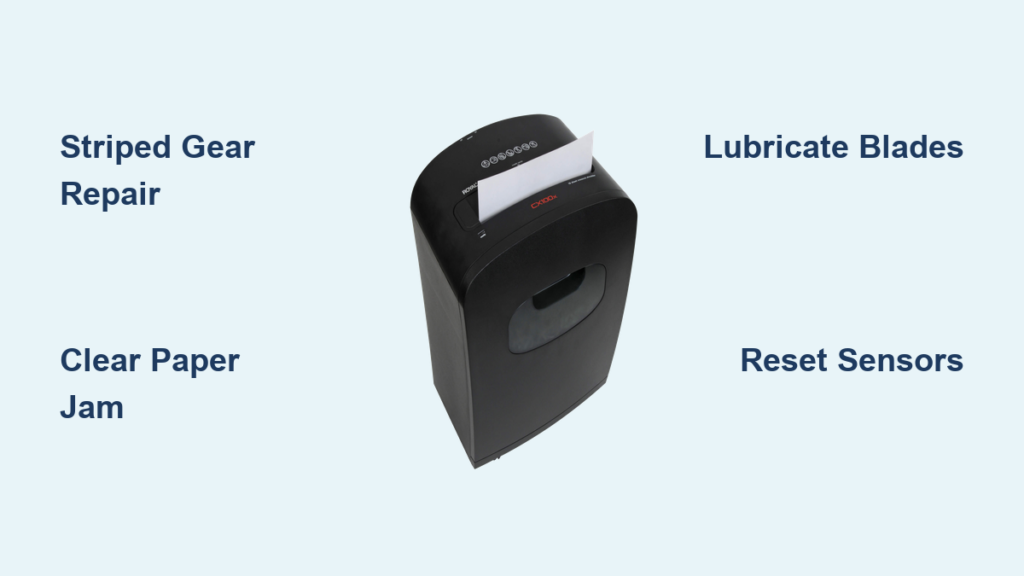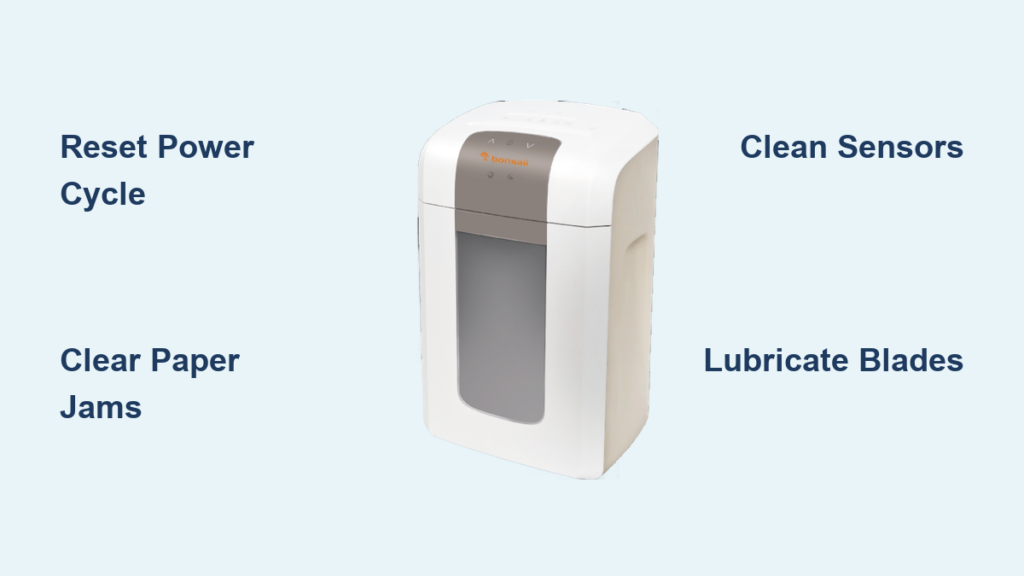

If your Royal 1600MX shredder stops working properly, you’re not alone. This mid-range cross-cut shredder is built for office or heavy-duty home use, but like any mechanical device, it can develop issues from paper jams to motor failure or a stuck door. The good news? Most problems are fixable with basic troubleshooting. Whether the motor runs but won’t pull paper, the bin won’t open, or the unit overheats, this guide gives you clear solutions based on the shredder’s design and real-world user experiences.
Fix Royal 1600MX Paper Feed Failure

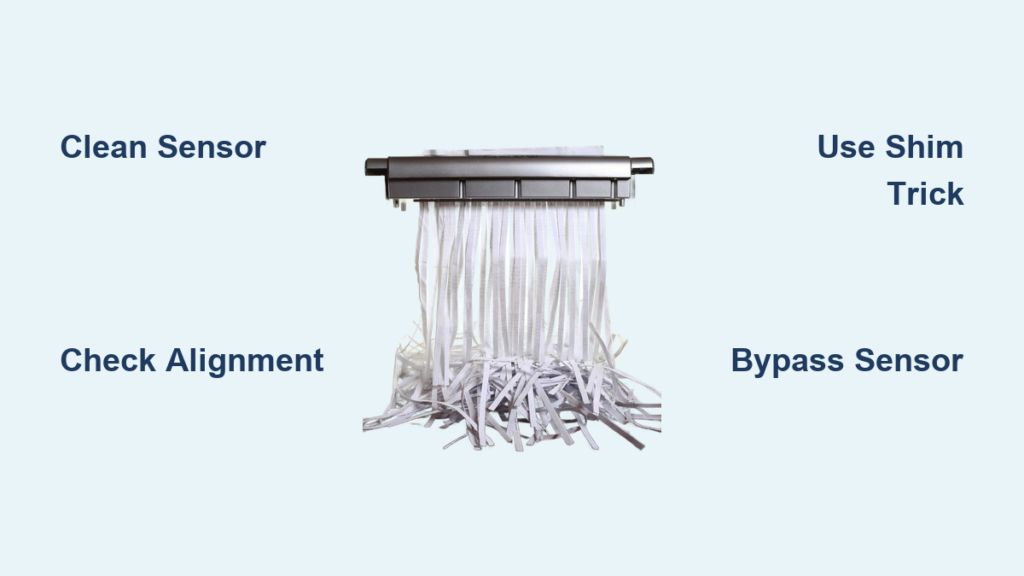
When the motor runs but paper won’t move, the issue likely lies in sensor detection, alignment, or internal blockages. This is one of the most frequent complaints with the Royal 1600MX and is usually fixable in under 10 minutes.
Check for Paper Jams First
A partial jam can stop feeding even if the motor spins. Look for small paper fragments stuck near the cutting blades or feed rollers.
• Unplug the shredder immediately for safety.
• Use tweezers or needle-nose pliers to remove visible scraps.
• Shine a flashlight into the slot to spot hidden obstructions.
• Never use metal tools inside the cutting head.
Empty and Reinsert the Bin Securely
The Royal 1600MX has a full-bin sensor that halts operation when capacity is reached. Even if the bin looks empty, misalignment can trigger a false signal.
• Pull out the 11.5-gallon bin completely.
• Empty all contents including stray shreds near the base.
• Reinsert the bin with firm pressure until it clicks into place.
• A loose bin prevents the safety lock from engaging.
Clean the Auto-Start Sensor
Dust and paper dust on the sensor prevent paper detection, so the rollers won’t activate.
• Locate the sensor near the feed slot.
• Wipe gently with a dry microfiber cloth.
• Test by feeding a single sheet after cleaning.
Align Paper Properly Before Feeding
Misaligned paper won’t trigger the rollers. The 1600MX requires centered, straight insertion.
• Hold sheets flush and flat.
• Center them over the feed slot.
• Feed no more than 8 to 10 sheets of 20 lb paper at once.
Let the Motor Cool Down
The 300W motor has thermal protection. Continuous use beyond 5 to 7 minutes can trigger overheating.
• Turn the shredder off and unplug it.
• Wait at least 15 minutes before restarting.
• Avoid back-to-back shredding sessions.
Unlock a Stuck Royal 1600MX Shredder Door
A jammed door is a known issue with the Royal 1600MX. Over time, shredded paper compacts around the bin or a plastic tab breaks, locking the front door. Do not force it open. Follow these steps to avoid permanent damage.
Unplug the Shredder Immediately
Safety first. The auto-reverse and motor functions can activate unexpectedly.
• Disconnect from power before touching internal parts.
• Wait 30 seconds for residual power to discharge.
Gently Wiggle the Bin to Loosen Debris
Compacted paper in the bin tracks causes most door jams.
• Grip the bin handle firmly.
• Rock it side to side and in and out slightly.
• Do not yank this can snap internal tabs.
• Repeat for 30 seconds to break up clumps.
Inspect for Internal Paper Buildup
If the bin still won’t release, check for blockages near the latch.
• Look along the edges where the bin slides in.
• Use a flashlight to spot dense paper nests.
• Remove debris with fingers or a soft brush.
Apply Controlled Force (Last Resort)
If the bin is jammed due to a broken plastic tab, gentle wiggling won’t help.
• Brace the shredder body with one hand.
• Pull the bin straight out with steady, increasing pressure.
• Expect a snap or pop when the broken latch releases.
File a Warranty Claim for Mechanical Failure
The door mechanism’s plastic tab is a known weak point. If it breaks within a year:
• Contact Royal Consumer Information Products at 1-800-272-6229.
• Provide proof of purchase.
• Request a replacement unit.
Clear Jams and Prevent Future Blockages
Jams are not just annoying. They wear down the motor and blades. Prevent them with proper feeding habits and regular maintenance.
Never Exceed 10-Sheet Capacity
Despite the rating, pushing more than 10 sheets of 20 lb paper risks jams.
• For best results, limit to 6 to 8 sheets per pass.
• Thicker paper should be fed one sheet at a time.
• Watch for the auto-reverse to activate.
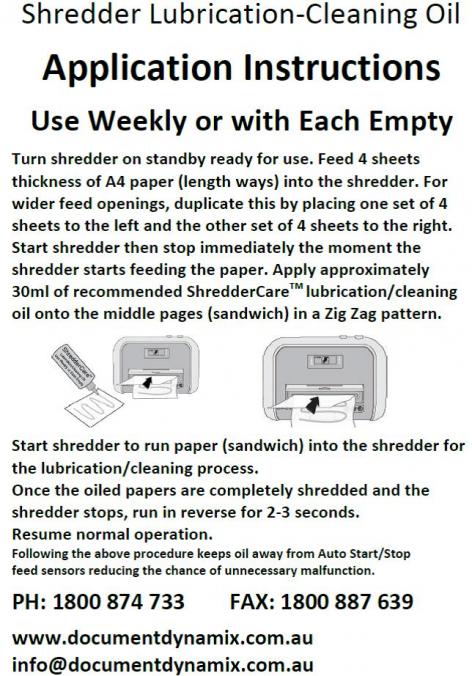
Oil Blades Regularly to Reduce Friction
Dry blades increase resistance, leading to jams and overheating.
• Use shredder-specific oil only.
• Apply 2 to 3 sprays across a sheet of paper.
• Feed the oiled sheet through in forward mode.
• Repeat every 15 to 20 shredding sessions.
Clean Rollers and Blades Monthly
Dust and paper residue reduce grip and cutting efficiency.
• Wipe rollers with a dry cloth to remove fluff.
• Run an oiled sheet monthly.
• Blow out dust with compressed air.
Avoid Prohibited Materials
Shredding non-paper items destroys the cross-cut blades.
• Staples
• Paper clips
• Plastic envelopes or credit cards
• Carbon paper
• CDs or USBs
These can void your warranty and cause irreversible damage.
Diagnose Motor and Power Issues
If the shredder won’t turn on or behaves erratically, check power delivery and internal safeguards.
Test the Outlet and Power Cord
Start with the basics. A faulty outlet can mimic motor failure.
• Plug in another device to confirm power.
• Inspect the cord for kinks, frays, or burns.
• Ensure the plug is fully seated in both the wall and shredder.
Verify Safety Interlocks Are Engaged
The Royal 1600MX won’t run unless safety conditions are met.
• Bin must be fully inserted and locked.
• Top cover must be closed and flush.
• Door must be fully shut.
• Any misalignment disables the motor.
Use Reverse Mode Correctly
The reverse function only works when the motor is on.
• Set the switch to Reverse while the unit is powered.
• Insert a thin strip of paper to trigger sensors.
• Do not expect reverse to work in Off mode.
Maintain Peak Performance
Preventive care extends the life of your Royal 1600MX and keeps it running smoothly.
Empty Bin Before It Is Full
A packed bin increases pressure on the door mechanism.
• Empty at three-quarters capacity.
• Reduces risk of door jams and sensor errors.
• Improves airflow to prevent overheating.
Store Properly When Not in Use
Environmental factors degrade performance.
• Keep in a dry, cool place.
• Cover when not used for days.
• Unplug during storage.
Replace Worn Parts Promptly
Signs of wear mean it is time for a new unit.
• Persistent jams after cleaning
• Motor hums but no shredding
• Door no longer latches securely
• Burning smell during operation
When to Replace or Upgrade
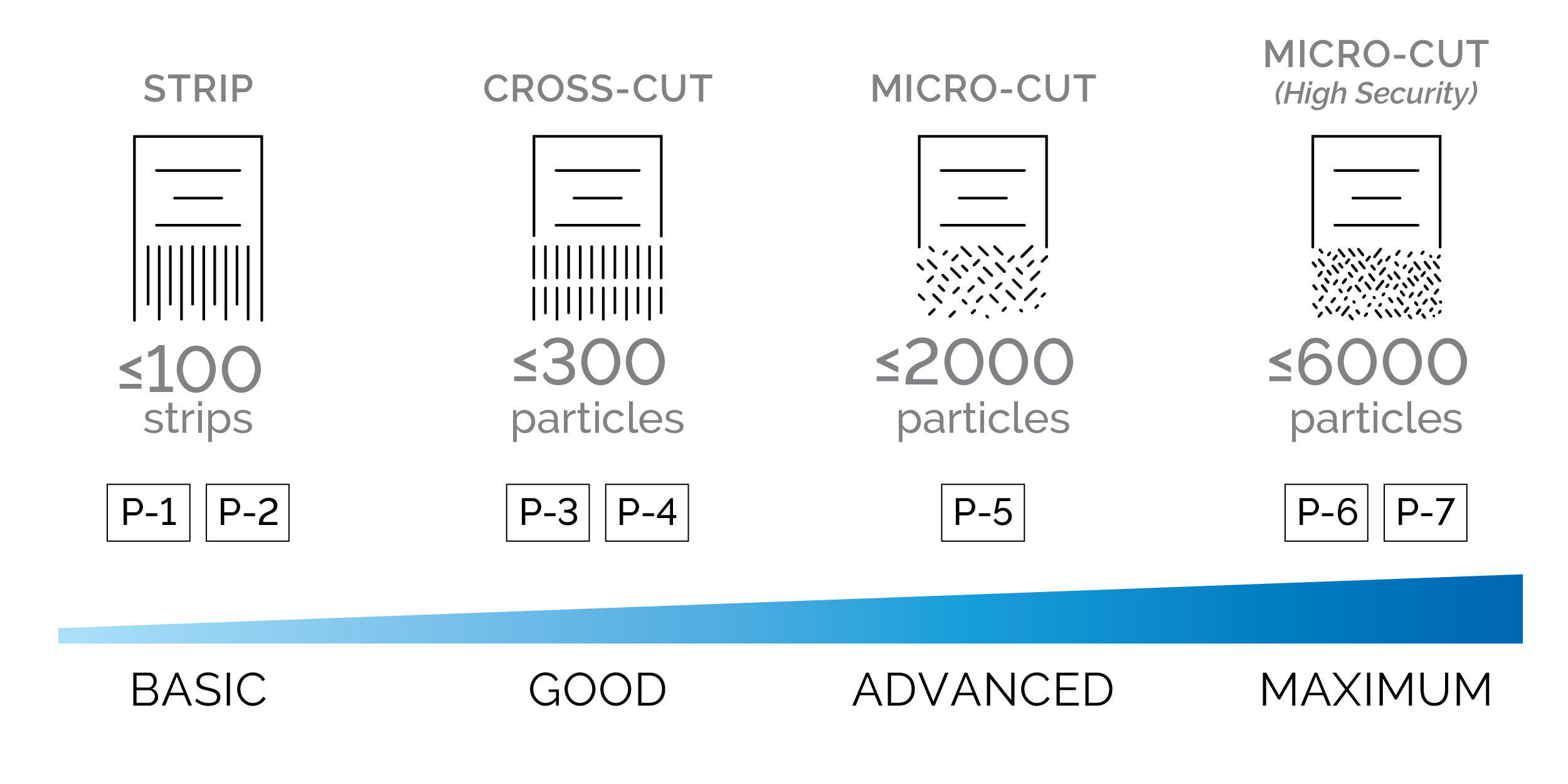
The Royal 1600MX is a solid mid-tier shredder, but its plastic door mechanism and 15-minute cool-down limit make it less ideal for high-volume offices.
Consider an Upgrade If You
• Shred daily or in large batches
• Need micro-cut security (P-4 or higher)
• Want longer continuous run times
• Prefer metal-reinforced bins and doors
Stick With 1600MX If
• Usage is occasional (1 to 2 times per week)
• You follow oiling and cleaning routines
• You are under warranty and get a replacement
Frequently Asked Questions About Royal 1600MX Shredder Troubleshooting
Why does my Royal 1600MX run but not shred paper?
This usually indicates a paper jam, misaligned bin, or contaminated auto-start sensor. Check for jams first, then verify the bin is fully inserted. Clean the sensor with a dry cloth if needed.
How do I open a stuck door on my Royal 1600MX?
Unplug the shredder first. Gently wiggle the bin side to side to loosen compacted debris. If that fails, apply controlled force. If the plastic tab is broken, file a warranty claim.
How often should I oil my Royal 1600MX shredder?
Apply shredder oil every 15 to 20 shredding sessions or when performance slows. Use only shredder-specific oil, not WD-40 or household lubricants.
Can I shred staples in my Royal 1600MX?
No. Staples, paper clips, plastic, carbon paper, and CDs will damage the cross-cut blades and void your warranty.
What causes the Royal 1600MX to overheat?
Continuous use beyond 5 to 7 minutes triggers thermal protection. The 300W motor needs a 15-minute cool-down period. Limit batch sizes and allow rest intervals.
Is the Royal 1600MX worth repairing?
If the door latch breaks within the one-year warranty, contact Royal for a free replacement. For out-of-warrantry issues like persistent jams or motor failure, upgrading to a higher-capacity model may be more cost-effective.
Key Takeaways for Royal 1600MX Maintenance
The Royal 1600MX shredder is reliable when used correctly, but its door latch weakness and overheat sensitivity require proactive care. By feeding paper properly, oiling blades monthly, and emptying the bin early, you can avoid most issues. If the door jams and won’t open, try wiggling first, use force only as a last resort, and file a warranty claim if under one year old. For ongoing problems, contact Royal Support directly. With proper maintenance, your 1600MX can last years.